Everything we know about FiveM,
written down.
Minimaps are what we build, but running a FiveM server is the rest of the job — so these cover both. No fluff and no filler: they are the answers we give server owners in Discord, written down.
- 99guides
- 982 mintotal reading
- 5topics
- QBCore · ESXframework agnostic
Minimaps
Installing, branding and understanding the GTA V minimap on a FiveM server.
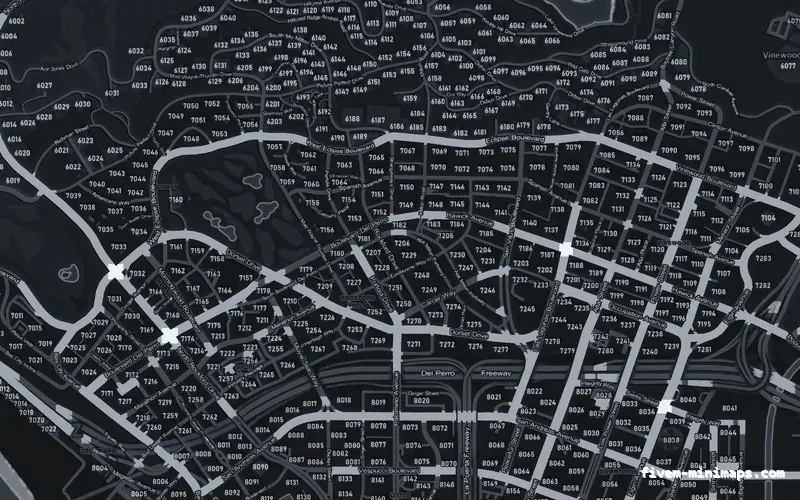
FiveM-compatible minimap not showing? Work through these nine causes
Minimap black, blurry, half-loaded or still showing the old map on your FiveM server? Nine causes in the order they actually happen, each with its own fix.
Clear the FiveM client cache, confirm the resource actually started with a stream file count above zero, and make sure no other resource streams minimap_*.ytd. Those three cover almost every case.
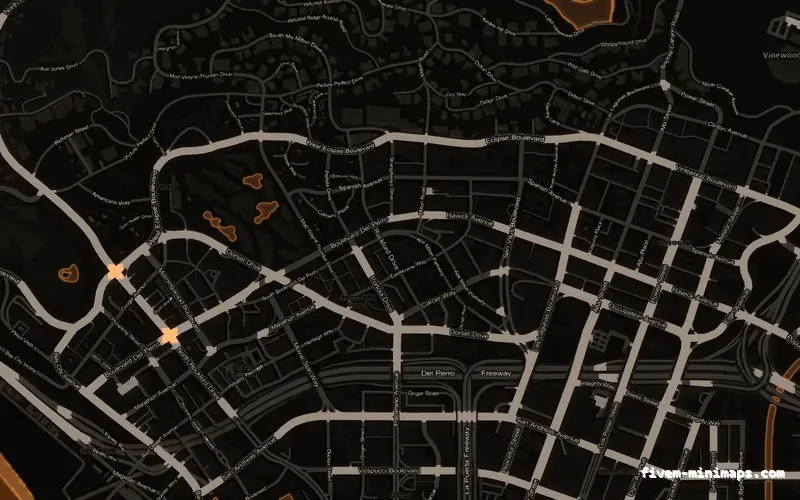
Install a custom FiveM-compatible minimap in under five minutes
Install a custom GTA V minimap retexture on a FiveM server: where the resource goes, what to put in server.cfg and how to clear the client cache.
Copy the resource folder into resources/, add one ensure line to server.cfg, stop any other minimap resource, then clear the FiveM client cache and reconnect.
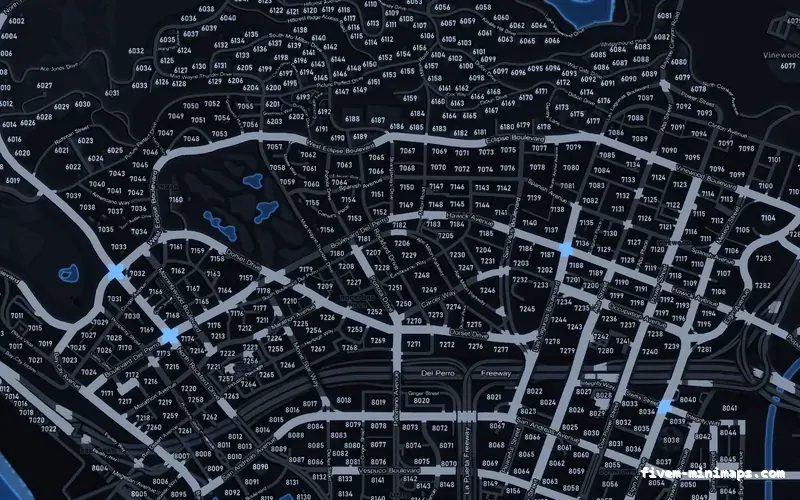
Postal codes on a FiveM server: baked into the map, or drawn by a script?
How FiveM postal codes actually work, the difference between a postal grid baked into the minimap texture and one drawn by a resource, which one to run, and how to avoid ending up with two sets of numbers on screen.
Either the numbers are part of the minimap image, or a resource draws the nearest one on the HUD. Pick one. Baked costs nothing and cannot desync; a script can show one big number and can be renumbered without a re-render.
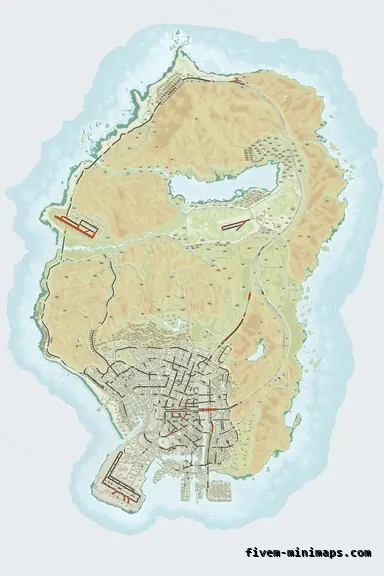
The technical specification of a FiveM-compatible minimap
Exact dimensions, file formats, texture layout, VRAM cost and radar zoom data for a GTA V minimap replacement, and what the game expects of each.
The map is 6144 × 9216 across a 2 × 3 grid of land textures and a matching sea layer, DXT5 compressed, plus a LOD texture and 65 .ydd geometry files. Radar zoom levels must be set in a client script or the art will not line up.
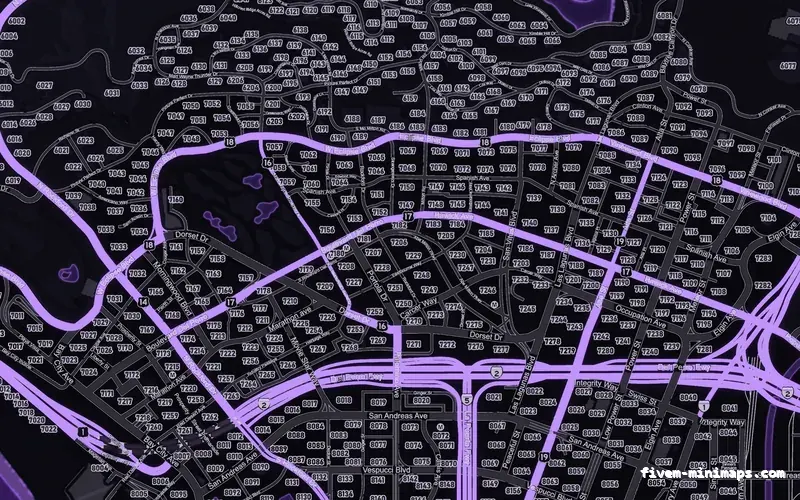
Brand the minimap with your own logo and text
How to add a server name, a logo or a Discord tag to a FiveM-compatible minimap so it looks deliberate rather than pasted on: placement, size, contrast, what reads at radar scale and what does not.
Put branding in the ocean, not over the city. Keep it under about 8% of the map width, match the palette rather than fighting it, and check it at radar scale before committing.
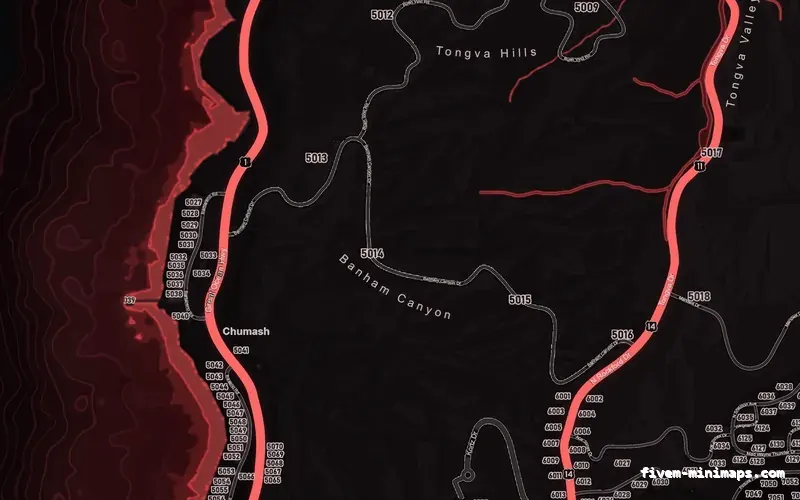
What makes a good minimap for a redzone server
Combat and redzone servers read the map differently from roleplay servers: at speed, under pressure, and for boundaries rather than addresses. Which palettes work, which do not, and why.
Combat servers need high contrast, a clearly separated freeway tier and an obvious coastline. Dark ground with one bright road colour beats a detailed, low-contrast map every time.
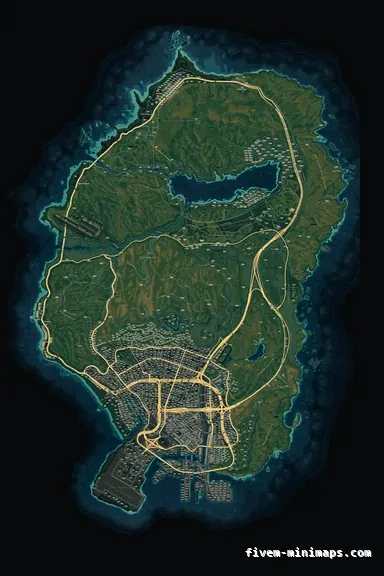
GTA 6 arrives 19 November 2026 — what it means for your FiveM map
GTA 6 ships 19 November 2026 on PS5 and Xbox Series X and S, with no PC date announced. What that means for FiveM, your map assets and when to buy.
GTA 6 ships 19 November 2026 on console only. FiveM is a Windows client, so nothing about your server changes on that date, and GTA V servers will run for years after it.
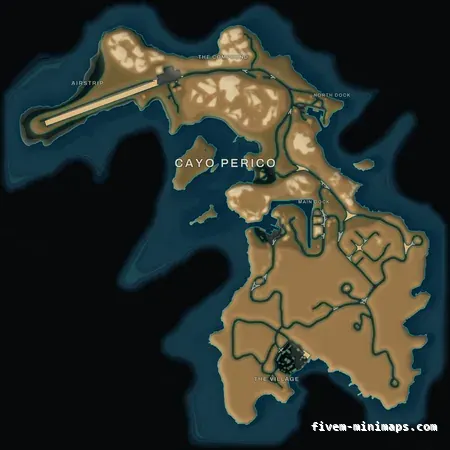
Cayo Perico and the minimap for FiveM: how the island map actually works
Cayo Perico is drawn from its own Scaleform file, not from the Los Santos tiles, so a custom minimap for FiveM never touches it. How to replace the island.
Cayo Perico is a single Scaleform file (int3232302352.gfx) holding three bitmaps, streamed separately from the six Los Santos texture dictionaries. Replacing the mainland minimap never touches it; replacing the island means rewriting that .gfx and streaming it as its own resource.
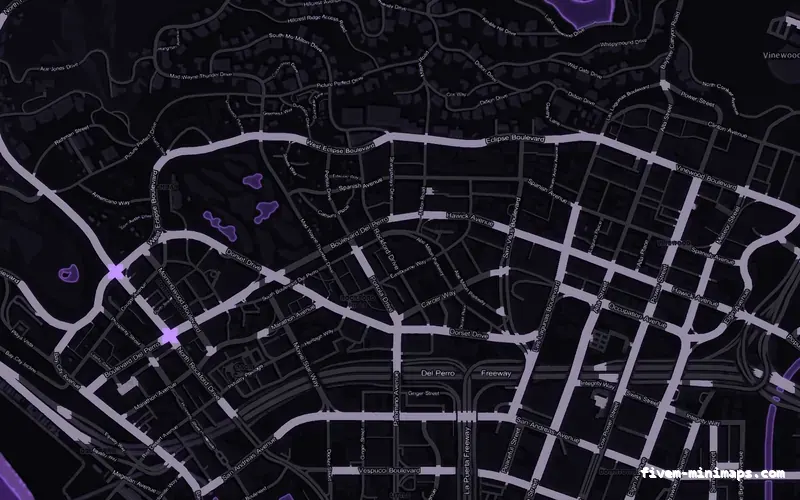
How to use the FiveM-compatible minimap editor
A walkthrough of the browser minimap maker: the three-step wizard, every tool in the editor, layers, text and logo options, and the free preview.
Open the studio, choose a base map style and a palette, add text and logo layers with the toolbar, check the free watermarked preview, then pay and download the built resource. Drawing tools and the postal layer are free; each text or image element is $1 on top of the $8 map.
GTA V map coordinates explained for FiveM scripting
How GTA 5 world coordinates work in FiveM: the X/Y/Z axes, heading, vector3 and vector4, copying your position, ground Z, distance checks and known locations.
GTA V uses a right-handed world where X runs west–east, Y runs south–north and Z is height, all in metres. A position is stored as vector3(x, y, z) and a position plus facing as vector4(x, y, z, heading), where heading is 0–360 degrees with 0 facing north. Get your own position with GetEntityCoords(PlayerPedId()) and your facing with GetEntityHeading.
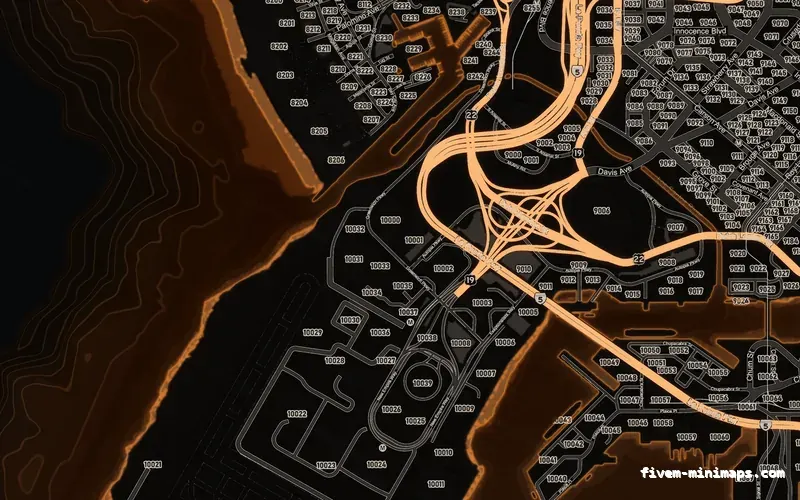
Adding blips to the FiveM map and minimap
Create, style and remove blips in FiveM: AddBlipForCoord and AddBlipForEntity, sprites and colours, custom names, short-range blips and a config table.
Create a blip with AddBlipForCoord(x, y, z), then style it with SetBlipSprite, SetBlipColour and SetBlipScale, make it appear only nearby with SetBlipAsShortRange(blip, true), and name it with BeginTextCommandSetBlipName('STRING'), AddTextComponentSubstringPlayerName(name) and EndTextCommandSetBlipName(blip). Blips are client-side, so create them in a client script.
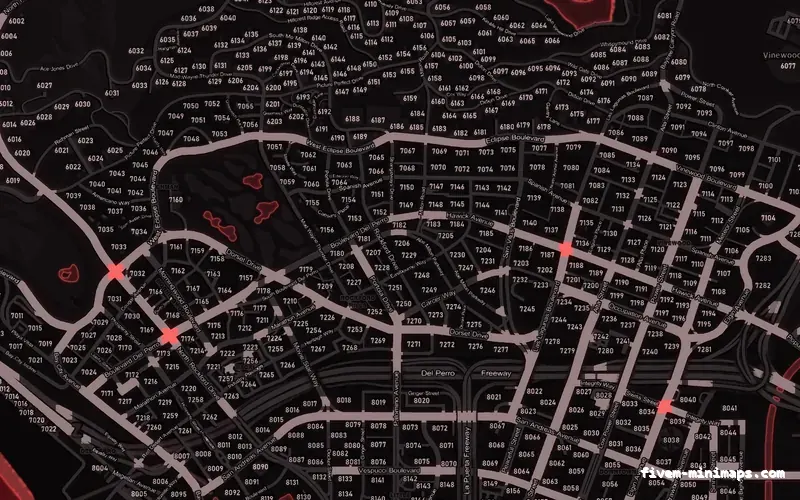
FiveM blip colour IDs and sprite numbers: the full reference
Every FiveM blip color and sprite ID with its radar name: police 60, hospital 61, garage 357, gun shop 110, bank 108, plus the color IDs in one table.
Pass the sprite number to SetBlipSprite and the colour number to SetBlipColour. Common sprites: 60 police station, 61 hospital, 357 garage, 73 clothes store, 110 gun shop, 108 the dollar sign used for banks, 71 barber, 72 mod shop, 52 convenience stores, 361 fuel. Colours: 0 white, 1 red, 2 green, 3 blue, 5 yellow, 17 orange, 27 purple.
Controlling the minimap zoom in FiveM
Change how far the minimap for FiveM sees: SetRadarZoom, the big map with SetBigmapActive, speed-based zoom and why a new minimap changes the right level.
Call SetRadarZoom(level) every frame while you want to force a zoom; stop calling it and the game returns to its automatic, speed-based zoom. The native documentation lists a range of 0–200, while many community scripts pass values around 1000–1100, so pick your value by testing in game. Toggle the expanded minimap with SetBigmapActive(true, false).
Moving and resizing the minimap for FiveM
Move, resize and square the minimap for FiveM with SetMinimapComponentPosition, read its exact screen position for a HUD, and handle aspect ratios and safe zones.
The minimap is made of scaleform components (minimap, minimap_mask, minimap_blur) that can be moved and resized with SetMinimapComponentPosition(name, alignX, alignY, posX, posY, sizeX, sizeY) followed by a reload of the minimap. To place HUD elements beside it, compute its rectangle from the safe-zone size and aspect ratio — the widely used “GetMinimapAnchor” function does exactly that.
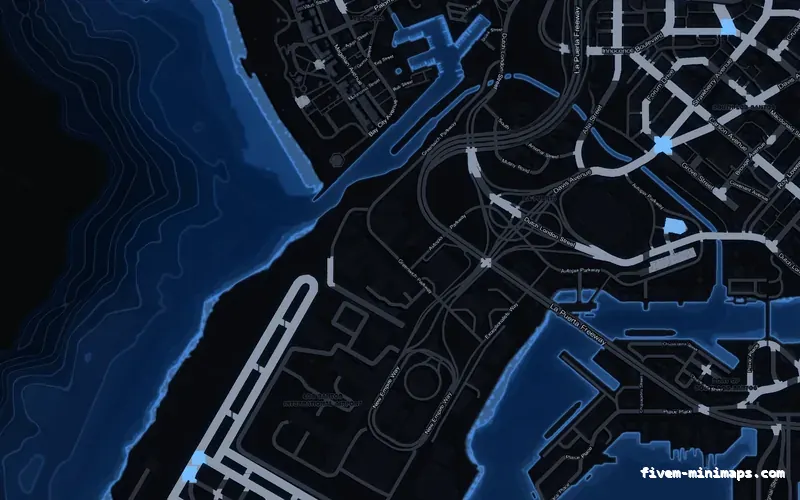
Hiding the minimap for FiveM (and showing it only when it makes sense)
Hide the FiveM radar with DisplayRadar, show the minimap only in vehicles, hide the health and armour bars, and keep it hidden in menus and cutscenes.
Call DisplayRadar(false) to hide the minimap and DisplayRadar(true) to show it. To show it only in vehicles, check IsPedInAnyVehicle(PlayerPedId(), false) in a slow loop and toggle only when the state changes. The health and armour bars under the radar are part of the minimap scaleform and can be hidden with its SETUP_HEALTH_ARMOUR method.
The FiveM pause menu map: how it works and what you can change
How the FiveM pause-menu map works: the same 6144 × 9216 tiles as the radar, the zoom levels, the blips drawn on top, and what a replacement actually changes.
The pause map and the radar use the same minimap texture dictionaries, drawn at different zoom levels, plus a low-detail LOD texture when fully zoomed out. Set a waypoint with SetNewWaypoint(x, y), read the current one with GetFirstBlipInfoId(8) and GetBlipInfoIdCoord, and detect the open pause menu with IsPauseMenuActive().
Nearest-postal scripts: how they work and how to match your map
Set up a FiveM nearest-postal script: how the postal JSON works, showing the nearest postal on the HUD, the /postal command, and matching it to your minimap.
A nearest-postal script loads a JSON list of postal points (a code and an X/Y each), finds the closest one to the player every second or so, and shows it on the HUD; a /postal 7042 command sets a waypoint to that point. Use the postal file that matches the numbers printed on your minimap, keep the lookup on a slow timer, and let dispatch scripts read the same data.
GTA V zone names: every GetNameOfZone code and district
The full list of GTA 5 zone codes returned by GetNameOfZone with their district names, plus how to show the player's area and street name on a FiveM HUD.
Call GetNameOfZone(x, y, z) to get a zone code such as LEGSQU, then map it to a readable name with the table below (LEGSQU → Legion Square). For street names use GetStreetNameAtCoord, which returns hashes you convert with GetStreetNameFromHashKey. Update the display on a timer, not every frame.
Adding Cayo Perico to a FiveM server
Load Cayo Perico in FiveM: the game build it needs, the natives that load the island and show it on the minimap, fixing water and paths, and roleplay uses.
Enforce game build 2189 or newer (sv_enforceGameBuild 2189). Then, in a client script, enable the island with SetIslandHopperEnabled('HeistIsland', true), show it on the minimap with SetToggleMinimapHeistIsland(true), and set the island’s paths and water with SetAiGlobalPathNodesType(1) and LoadGlobalWaterType(1) — ideally only while the player is near the island.
The files behind the minimap for FiveM and pause map
What a FiveM-compatible minimap replacement contains: the minimap_X_Y.ytd tile grid, sea and LOD textures, .ydd geometry and minimap.ymt zoom data.
The map texture is 6144 × 9216 split into a 2 × 3 grid of land dictionaries (minimap_0_0.ytd … minimap_2_1.ytd), a matching set of minimap_sea_*.ytd files, a LOD texture for the fully zoomed-out view and .ydd geometry files the textures are drawn onto, plus zoom data. A client script calls SetMapZoomDataLevel so the radar zoom levels match the new art. Two resources streaming the same minimap_* names conflict — only one can win.
The best FiveM-compatible minimaps in 2026, compared honestly
Free and paid FiveM-compatible minimaps compared: MIT-licensed packs, Tebex presets, browser and in-game editors, commissions and themed maps, and the trade-offs each hides.
For a server that has not launched yet, a free MIT-licensed pack is the correct answer: oulsen_satmap for a satellite look with postals already baked in, neen-atlasmap for a coloured atlas with a street-name or postal variant. Once you have players and want the map to look like your server rather than like everyone else’s, you are choosing between a paid preset (roughly $8 to $15 on Tebex), a generator or editor, a commission, or a themed map you brand yourself. The deciding factors are baked labels, licence, and whether you can change the map again in six months without starting over.
How to make a custom FiveM-compatible minimap
Three honest routes to a custom FiveM-compatible minimap: by hand in CodeWalker, with an editor, or from a ready-made pack. Tiles, DXT5 and mipmaps.
A FiveM-compatible minimap is a 6144 × 9216 image cut into six 3072 × 3072 land tiles in a 2 × 3 grid, plus a matching set of sea tiles, a LOD texture and the geometry they are drawn onto. Each tile is compressed as DXT5 with a full mipmap chain and packed into a .ytd texture dictionary, which is an RSC7 container whose header describes the memory the game will allocate. You can build that by hand with CodeWalker, OpenIV and an image editor; you can generate it with a browser or in-game editor; or you can take a finished pack and change only the branding. The manual route is the only one that gives you complete control and the only one that can silently produce a file the streamer refuses.
Baked postal numbers or a nearest-postal script?
Postal numbers baked into the minimap for FiveM versus a nearest-postal HUD script: when each one wins, how to run both and what the San Andreas grids contain.
A baked grid answers "where is everything", a script answers "where am I". Baked numbers cost nothing at runtime, cannot desync and work before any resource has loaded, but they are small at radar zoom and cannot be renumbered without a re-render. A script gives one large, always-legible number and can be reconfigured in a text file, but it is another resource, it only knows where the player is, and it will silently disagree with your map if the two use different data. Running both is correct and common, provided the script is pointed at the same grid the map prints.
Every file format in a FiveM-compatible minimap, explained
What .ytd, .ydd, .dds, minimap.ymt and mapzoomdata.meta do in a FiveM-compatible minimap, and the symptom each wrong format produces in game.
A complete minimap resource ships 13 .ytd texture dictionaries (six land tiles, six sea tiles and one LOD texture) and 65 .ydd drawable dictionaries holding the geometry the textures are drawn onto, for 78 stream files in total. .dds is the pixel format the artwork is authored in; it is packed into the .ytd and never shipped on its own. minimap.ymt is the game’s own minimap tuning metadata and does not belong in a server resource. mapzoomdata.meta is the single-player home of the radar zoom levels, which on FiveM are set at runtime with SetMapZoomDataLevel instead.
Free vs premium FiveM-compatible minimap — what you actually get for $0 and for $8
Free FiveM-compatible minimaps versus paid ones, compared honestly: resolution, mip chains, licence, baked postals, branding, conflicts and support. When a free pack is the right choice, and the day it stops being one.
Use a free MIT-licensed pack — oulsen_satmap or neen-atlasmap — if your server is new, you do not take money yet, and you do not mind running the same map as several hundred other servers. Move to a paid map ($8.00 here) the day you want the map to look like your server: your palette, your postal decision, your logo, a stated licence, and a resource that ships every dictionary the game asks for with full mip chains. Free is the right answer until the map needs to be yours; on that day, $8 is the cheapest way to get there.
How much does a FiveM-compatible minimap cost? Free packs, presets, editors and commissions, priced
FiveM-compatible minimap prices in 2026: free packs, Tebex presets ($8–$30), browser editors, commissions ($40–$150+) and what each price actually includes. What $8 buys here, what a logo adds, and the hidden costs of the cheap options.
Free packs cost $0 and are shared with every other server that downloaded them. Tebex presets run about $8 to $30 for a fixed look, often the same free map with a colour filter. Browser and in-game editors sit around $8 to $20 and let you brand the map yourself. Commissions start near $40 and go past $150, with quality that depends entirely on the artist. Here, a finished map is $8.00 on any of three bases in twelve palettes, a logo or text element is $1.00, the licence is lifetime and re-downloads are free. Under $10 buys the same resolution a commission would charge $60 for; the difference is how much of the look is yours.
The FiveM-compatible minimap scaleform: SETUP_HEALTH_ARMOUR and the bars under the radar
What the minimap scaleform controls, what SETUP_HEALTH_ARMOUR and ScaleformMovieMethodAddParamInt(3) do, and how to hide the health bars without side effects.
The health and armour bars under the GTA V radar are drawn by the minimap Scaleform movie (minimap.gfx), not by the radar engine. Calling its SETUP_HEALTH_ARMOUR method with ScaleformMovieMethodAddParamInt(3) switches the movie into the golf layout, which has no health or armour bars. The game re-runs the setup when the minimap restarts, so the call has to be repeated, either on a slow timer or after events that reload the minimap. Streaming an edited minimap.gfx removes the bars permanently but ties the file to one game build.
How to make a circle minimap in FiveM: the round radar mask and SetMinimapClipType
Make a FiveM circle minimap: the radarmasksm mask texture, SetMinimapClipType, the aspect-ratio maths that stops the circle becoming an oval, and the big-map mask.
The minimap's visible shape comes from a mask texture called radarmasksm (and radarmasklg for the expanded big map) in platform:/textures/graphics. Replace it at runtime with AddReplaceTexture from a streamed .ytd holding your own mask, then call SetMinimapClipType(1) so blips clip to a rounded shape instead of a rectangle. Because the mask is stretched over a non-square rectangle, a circle has to be drawn as an ellipse in the texture.
The interior radar in FiveM: blank minimaps in MLOs and SetRadarAsInteriorThisFrame
Why the minimap for FiveM goes blank inside MLOs, how interior radar layouts work, and how to use SetRadarAsInteriorThisFrame and SetRadarAsExteriorThisFrame.
When the player is inside an interior, GTA V switches the radar to interior mode and looks for a floor-plan movie for that interior. Vanilla interiors ship one; most MLOs do not, so the radar shows an empty background. Calling SetRadarAsExteriorThisFrame() every frame while the player is inside such an MLO keeps the street map visible. SetRadarAsInteriorThisFrame(hash, x, y, heading, zoom) does the opposite and forces a specific interior layout, which is how the Cayo Perico island map is displayed.
GPS routes and waypoints in FiveM: every way to draw a route on the map
Draw GPS routes in FiveM: waypoints with SetNewWaypoint, SetBlipRoute, multi-point routes with StartGpsMultiRoute, custom lines and route distance.
GTA V has four route systems: the player waypoint (SetNewWaypoint), routes to blips (SetBlipRoute), GPS multi-routes that follow roads through several points (StartGpsMultiRoute, AddPointToGpsMultiRoute, SetGpsMultiRouteRender) and custom routes drawn as straight lines between points (StartGpsCustomRoute). Job scripts should use blip routes or multi-routes so the player's own waypoint stays untouched. GetGpsBlipRouteLength() gives the road distance of the active route in metres.
Blip categories, display modes and indicators in FiveM
Organise FiveM blips: SetBlipCategory and custom BLIP_CAT labels, SetBlipDisplay values, priority, friendly and heading indicators, flashing and fading.
SetBlipCategory(blip, index) groups blips in the pause-map legend: 1 and 2 are ordinary blips without and with distance, 7 is Other Players, 10 and 11 are Property and Owned Property, and 12 to 133 are custom named categories whose headings you set with AddTextEntry('BLIP_CAT_' .. index, 'Name'). SetBlipDisplay decides where a blip is visible (2 for both maps, 3 for the pause map only, 5 for the minimap only, 8 for both but not selectable). Indicators such as ShowHeadingIndicatorOnBlip and SetBlipAsFriendly add GTA Online styling.
Radius and area blips in FiveM: drawing zones, territories and danger areas
Draw zones on the FiveM map with AddBlipForRadius and AddBlipForArea: colours, alpha, outlines, rotation, gang territory grids and matching zone checks.
AddBlipForRadius(x, y, z, radius) draws a filled circle and AddBlipForArea(x, y, z, width, height) draws a filled rectangle, both scaled in world units. Colour them with SetBlipColour, soften them with SetBlipAlpha (around 80–128), turn a circle into an outline with SetRadiusBlipEdge(blip, true) and rotate a rectangle with SetBlipRotation. Area blips carry no name in a useful way, so pair each zone with an ordinary centre blip for the legend, and make your server-side zone check use the same numbers as the blip.
Customising the FiveM pause menu: title, tab names and colours
Change the FiveM pause menu title with FE_THDR_GTAO, rename tabs, recolour the header with ReplaceHudColourWithRgba, and open or block the pause menu in Lua.
The pause menu title is the text label FE_THDR_GTAO; override it with AddTextEntry('FE_THDR_GTAO', 'Your Server'). Tab labels such as PM_SCR_MAP, PM_SCR_GAM and PM_SCR_SET can be renamed the same way. The blue accent is HUD colour 116 (HUD_COLOUR_FREEMODE), changed with ReplaceHudColourWithRgba(116, r, g, b, a). ActivateFrontendMenu opens the menu from a script, and disabling control 200 lets Escape open your own menu instead.
Server setup
server.cfg, artifacts, txAdmin, hosting and the things that break on day one.
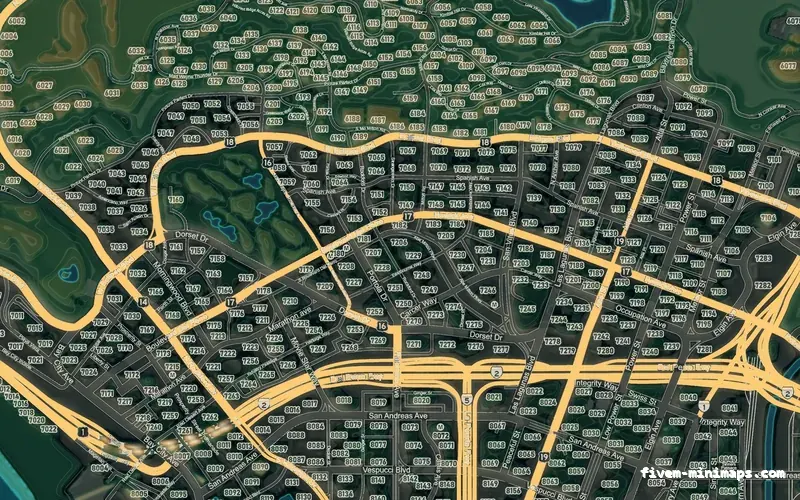
What a player decides about your FiveM server in the first minute
A player forms an opinion of your FiveM server before they have spoken to anyone: the loading screen, the minimap and the weapon in their hands. What each one signals, and how to fix all three without hiring a designer.
Three surfaces decide whether a new player stays: the loading screen, the minimap and the weapon models. All three can be branded in a browser, without a designer.
The FiveM server.cfg, line by line
A complete, annotated FiveM server.cfg reference: endpoints, sv_licenseKey, OneSync, ACE permissions, resource start order and a working template.
server.cfg is executed in order at startup. Put endpoints and convars first, ACE permissions second, resources third, and sv_licenseKey last so the server never starts half-configured.
Choosing and updating FiveM server artifacts
What FXServer artifacts are, the difference between latest and recommended, how to pin a build, how to update a live server without losing a night to it, and how to roll back when a new build breaks a resource.
Run the current recommended artifact, pin it by keeping the exact folder, and test any new build on a copy before touching the live server. Rolling back is just pointing the start command at the previous folder.
Setting up door locks on a FiveM server
Lock doors in FiveM with ox_doorlock or qb-doorlock: creating doors in game, job and grade access, items and passcodes, gates, auto-lock and lockpicking.
ox_doorlock lets staff create doors in game with the /doorlock command and stores them in the database, with access by groups (job and minimum grade), items, a passcode or lockpicking, plus auto-lock, double doors and gates. qb-doorlock defines doors in config files. In both, the door’s state is synced by the server, so everyone sees the same lock.
Synchronising weather and time on a FiveM server
How weather and time sync work in FiveM: why every player needs the same weather, the GTA 5 weather types, SetWeatherTypeOverTime and blackouts.
A sync script keeps the current weather and time on the server and sends them to clients, which apply them with natives such as SetWeatherTypeOverTime / SetOverrideWeather and NetworkOverrideClockTime. GTA V weather types include CLEAR, EXTRASUNNY, CLOUDS, OVERCAST, RAIN, CLEARING, THUNDER, SMOG, FOGGY, XMAS, SNOW, SNOWLIGHT, BLIZZARD, HALLOWEEN and NEUTRAL. Use one sync resource only.
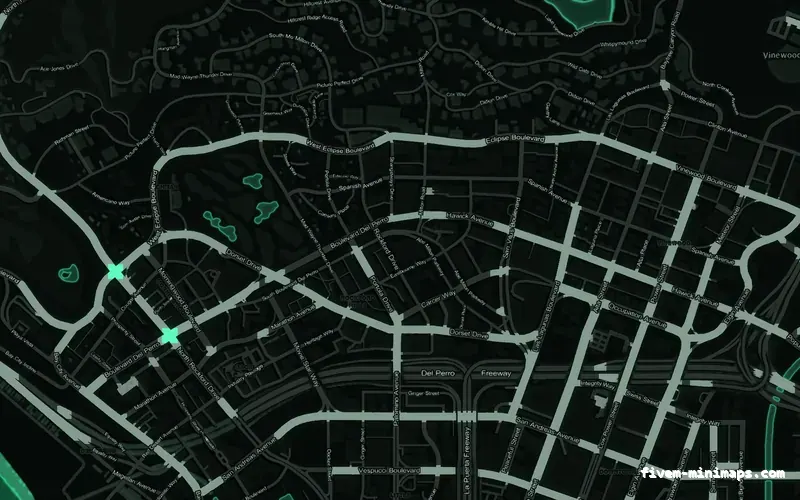
Turning off wanted levels and AI dispatch on a FiveM server
Stop the GTA 5 wanted system and AI emergency services on a FiveM roleplay server: SetMaxWantedLevel(0), dispatch services, random cops and the scanner.
In a client script, call SetMaxWantedLevel(0), disable every dispatch service with EnableDispatchService(i, false) for services 1 to 15, stop random police with SetCreateRandomCops(false), and silence the scanner with SetAudioFlag('PoliceScannerDisabled', true). Clear any existing wanted level on spawn with ClearPlayerWantedLevel(PlayerId()).
Game builds and DLC in FiveM: every sv_enforceGameBuild value
Every FiveM game build number with its alias and GTA Online update, from 1604 Arena War to 3889, what enforcing a build does and how to choose the right one.
Add sv_enforceGameBuild <number> to server.cfg to make all players use that game build. Each build corresponds to a GTA Online update: 2189 is Cayo Perico, 2802 is Los Santos Drug Wars, 3095 The Chop Shop, 3570 Money Fronts and 3889 The Kortz Center Heist. It can only be set at server start, and newer builds unlock newer content.
Setting up txAdmin for a FiveM server
Set up txAdmin, the panel built into FiveM artifacts: first run and the PIN, linking Cfx.re, deploying a recipe, the live console, restarts, players and bans.
Run the server artifacts without a server.cfg and txAdmin starts on port 40120. Open it in a browser, enter the PIN printed in the console, log in with your Cfx.re account to create the master admin, then either deploy a recipe (a ready-made server) or point txAdmin at your existing server data folder. From then on you manage the server — console, restarts, players, bans — from the web panel.
txAdmin staff accounts and permissions
Manage FiveM staff in txAdmin: creating admin accounts, linking Cfx.re and Discord, every permission explained, recommended sets per rank and how ACE relates.
In txAdmin’s Admin Manager, create an account per staff member, link their Cfx.re and Discord identifiers so in-game actions map to them, and tick only the permissions their role needs. all_permissions grants everything; manage.admins lets someone manage other staff. Permissions are stored in txData/admins.json. Script-side permissions (commands, jobs) are separate and use ACE.
Where to host a FiveM server
Compare FiveM hosting options — home PC, game-server hosts, VPS and dedicated — on performance, price, control, DDoS protection and when to upgrade.
A home PC is fine for development and a few friends. Game-server hosts are the easiest start with panels and support. A VPS gives full control at a low price but needs Linux or Windows admin skills and good CPU single-thread performance. A dedicated server is the choice for large, busy servers. Whatever you choose, prioritise high single-core CPU speed, DDoS protection and a location near your players.
FiveM server hardware requirements
What hardware a FiveM server needs by size: CPU single-thread speed, RAM for server and database, NVMe storage, bandwidth per player and OneSync overhead.
Prioritise a CPU with high single-thread performance, then enough RAM for the server, the database and caches, then fast NVMe storage and a good network. As a rough guide, small servers run well on a modern 4-core CPU with 8–16 GB RAM; busy roleplay servers with 100+ players want the fastest cores available and 32 GB or more, often with the database tuned or separated.
Setting up a FiveM server on Linux
Install a FiveM server on Ubuntu or Debian: packages, Linux artifacts, first run with txAdmin, a non-root user, systemd, firewall ports and artifact updates.
Install xz-utils and curl, create a fivem user, download the latest recommended Linux artifacts (fx.tar.xz) from the Cfx runtime server, extract them, and run ./run.sh to start txAdmin on port 40120. Open ports 30120 TCP/UDP (and 40120 for txAdmin, ideally restricted) in the firewall, then create a systemd service so the server restarts on boot and crash.
Setting up a FiveM server on Windows
Install a FiveM server on Windows: folder layout, extracting server.7z, first start with txAdmin, firewall rules for 30120 and auto-start on boot.
Create C:\FXServer\server, download the recommended Windows build (server.7z) from the Server Download page, extract it with 7-Zip, and run FXServer.exe. txAdmin opens in the browser: link your Cfx.re account, deploy a recipe or point it at your server data, and enter your licence key. Open port 30120 TCP and UDP in Windows Firewall and use Task Scheduler to start the server at boot.
Getting and using a FiveM server licence key
Everything about the FiveM licence key: creating one on portal.cfx.re, putting it in server.cfg, one key per server, slot limits and fixing key errors.
Log in to portal.cfx.re (the Cfx.re Portal replaced the old Keymaster), create a server key, and put it in server.cfg as sv_licenseKey "your_key" — or enter it in txAdmin. Use one key per server and never share it. Servers without a subscription can have up to 48 slots; more than 48 requires an Element Club Argentum subscription or higher on the account that owns the key.
FiveM ports and firewall configuration
Which ports a FiveM server needs: 30120 TCP and UDP, 40120 for txAdmin, what never to expose, changing ports, ufw and Windows Firewall, and testing them.
Players connect on 30120 TCP and UDP (set by endpoint_add_tcp and endpoint_add_udp). txAdmin’s panel listens on 40120 TCP — restrict it to your own IP. Keep the database (3306) closed to the internet. To run several servers on one machine, give each its own game port and txAdmin port (TXHOST_TXA_PORT in txAdmin 8+). Test with http://your-ip:30120/info.json.
ACE permissions on a FiveM server
Understand FiveM ACE permissions: principals, objects and allow/deny, add_ace and add_principal, group inheritance, IsPlayerAceAllowed and test_ace.
A permission is add_ace <principal> <object> <allow|deny>: the principal is a group or player (group.admin, identifier.license:…), the object is what they may do (command.car, myres.admin). Put players into groups with add_principal identifier.<type>:<id> group.admin, and groups into other groups for inheritance. Scripts check with IsPlayerAceAllowed(src, 'object'); test_ace tests from the console.
Building a Discord role whitelist for FiveM
Whitelist a FiveM server by Discord role: the discord identifier, deferrals in playerConnecting, checking roles over the REST API and caching.
In playerConnecting, call deferrals.defer(), read the player’s discord identifier, and ask the Discord API (GET /guilds/{guild}/members/{user} with your bot token) whether they are in the guild and hold the whitelist role. Call deferrals.done() to let them in or deferrals.done('reason') to refuse. Keep the bot token in a server-only convar and cache results briefly.
Player slots on a FiveM server
How many players a FiveM server can hold: sv_maxclients from 1 to 2048, when OneSync is required, the 48-slot limit, Element Club tiers and queues.
Set the slot count with sv_maxclients (1–2048). More than 32 slots requires OneSync, and more than 64 requires OneSync set to on. Without a subscription a server can have up to 48 slots; more needs Element Club Argentum or higher on the account that owns the licence key. When the server is full, new players are refused unless a queue resource lets them wait or reserves slots for staff and priority players.
Backing up a FiveM server properly
Back up a FiveM server properly: what to include, mariadb-dump with --single-transaction, automated daily backups, retention and test restores.
Back up three things: the database (the most valuable), the server-data folder (resources and configs) and txData (admins, bans, player history). Dump the database daily with mariadb-dump --single-transaction, compress it, keep 7–30 days, and copy it off the machine (for example with rclone to object storage). Test a restore on a separate database at least once.
Setting up MariaDB for a FiveM server
Set up a database for FiveM: MariaDB vs MySQL, installing on Linux and Windows, a utf8mb4 database and user, and the oxmysql connection string.
Install MariaDB (apt install mariadb-server on Debian/Ubuntu, the MSI installer on Windows), run mariadb-secure-installation, then create a utf8mb4 database and a dedicated user with rights only on it. Add set mysql_connection_string "mysql://user:password@localhost/dbname?charset=utf8mb4" to server.cfg and make sure oxmysql starts before your framework. Keep port 3306 closed to the internet.
Scheduled restarts on a FiveM server
Set up scheduled FiveM restarts in txAdmin: choosing times, the automatic warnings, the events to hook for saving data, skipping a restart and crash recovery.
In txAdmin’s settings, add restart times (24-hour HH:MM). txAdmin broadcasts txAdmin:events:scheduledRestart 30, 15, 10, 5, 4, 3, 2 and 1 minutes before, with secondsRemaining, and txAdmin:events:serverShuttingDown right before stopping. Save player data in those handlers. Admins can skip the next restart from the dashboard; crashes are restarted automatically.
Protecting a FiveM server from DDoS attacks
Defend a FiveM server against DDoS: a host with game-aware filtering, keeping txAdmin private, hiding the server IP and responding to an attack.
Host with a provider that offers game-aware DDoS filtering for UDP, expose only port 30120 (keep txAdmin and the database private), and hide the real IP: set sv_forceIndirectListing true plus sv_listingHostOverride pointing to an HTTPS proxy, and optionally a TCP/UDP stream proxy in front of the game port as described in Cfx.re’s proxy setup guide. During an attack, contact your host with timestamps rather than restarting repeatedly.
Pure mode: sv_pureLevel 1 and 2
What sv_pureLevel does on a FiveM server: level 1 and level 2 compared, what players see, what it cannot stop, and how to pick a level for RP or PvP.
sv_pureLevel 1 blocks modified client files except audio files and known graphics mods; sv_pureLevel 2 blocks all modified client files. Players with modified base game files get an error naming the file. Files placed in FiveM’s own folder are ignored rather than blocked. Pure mode does not stop cheat menus — it is about game file edits.
Banning players on a FiveM server
Ban players on FiveM properly: txAdmin bans with identifiers and hardware IDs, a custom ban table checked in playerConnecting, stopping evasion and appeals.
Use txAdmin bans for everyday moderation — they store identifiers and hardware IDs, support durations and are logged with the admin’s name. For automated or shared bans, keep a ban table with every identifier and token, check it in playerConnecting with deferrals, match any one of them, and refuse with a message that includes a ban ID and how to appeal.
The FiveM server console commands you actually use
A practical FiveM console reference: start, stop, ensure, restart, refresh, exec, status, clientkick, test_ace and how txAdmin fits around them.
Use ensure <resource> to start or restart a resource, refresh after adding new folders, stop/start/restart for finer control (they also accept bracket categories like [cars]), and exec file.cfg to run nested configs. status and clientkick come from the rconlog resource, say from chat. Permission commands (add_ace, add_principal, test_ace) and the profiler are built in.
What OneSync does and how to configure it
Understand OneSync on FiveM: server-side state awareness, on vs legacy vs off, Infinity for big player counts and what changes for your scripts.
Set set onesync on in server.cfg. “On” gives full state awareness and server-determined routing; “legacy” is a compatibility mode for old scripts that expect every player to exist on every client and is not recommended; “off” disables it. Infinity (onesync_enableInfinity, default true) is needed for large player counts — more than 64 slots require OneSync on. It also enables server-side entity natives, entity lockdown and routing buckets.
FiveM for GTA V Enhanced: what actually changes
What changes when a FiveM server runs on GTA V Enhanced: the stream_enhanced folder, no asset escrow, pure mode always on, and a single gamebuild.
Enhanced is a separate FiveM build for the Gen9 release of GTA V. It streams from a stream_enhanced folder in preference to stream, has no asset escrow, keeps pure mode permanently on, supports only the newest gamebuild, and runs OneSync in big mode only. Legacy is unchanged and is still what most servers run.
Streaming assets
Vehicles, MLOs, clothing, textures — how streaming actually works and why it fails.
FiveM streaming, properly explained
What each GTA V asset file actually contains, how the stream folder works, why an add-on car or MLO shows up as a blue-and-white checker or not at all, and the handful of rules that make streaming predictable.
Any file inside a folder named stream/ is streamed to clients by filename. Names are global across the whole server, so two resources shipping the same .ytd is undefined behaviour. That single rule explains most streaming failures.
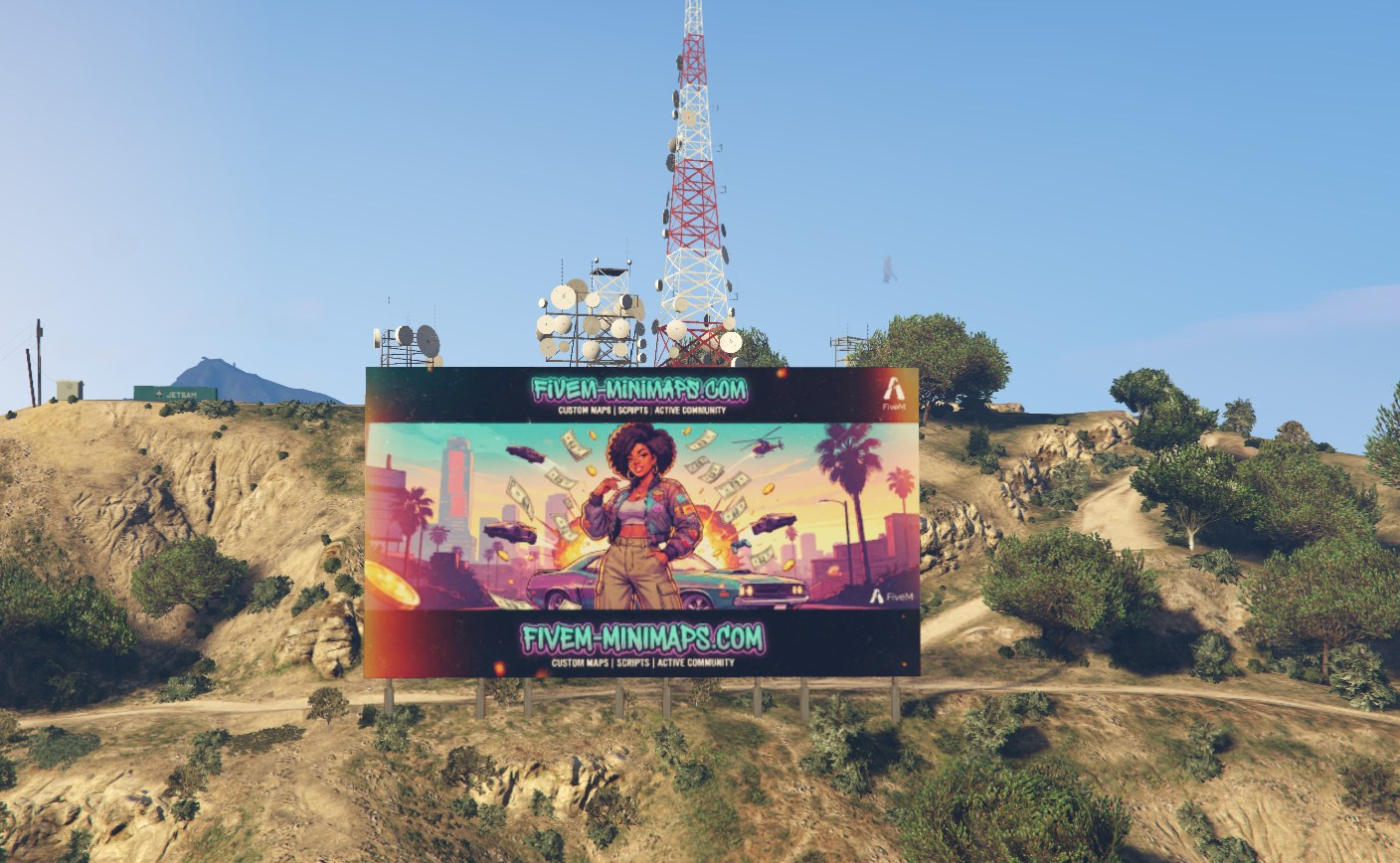
Installing a custom Vinewood sign
Unzip, ensure, restart the server, and the two things that leave a custom Vinewood sign invisible if you skip them. A full install walkthrough.
Drop the folder into resources, add one ensure line to server.cfg, and restart the whole server rather than the single resource. The sign is streamed map data, so a resource restart leaves the old archetypes loaded and nothing appears to change.
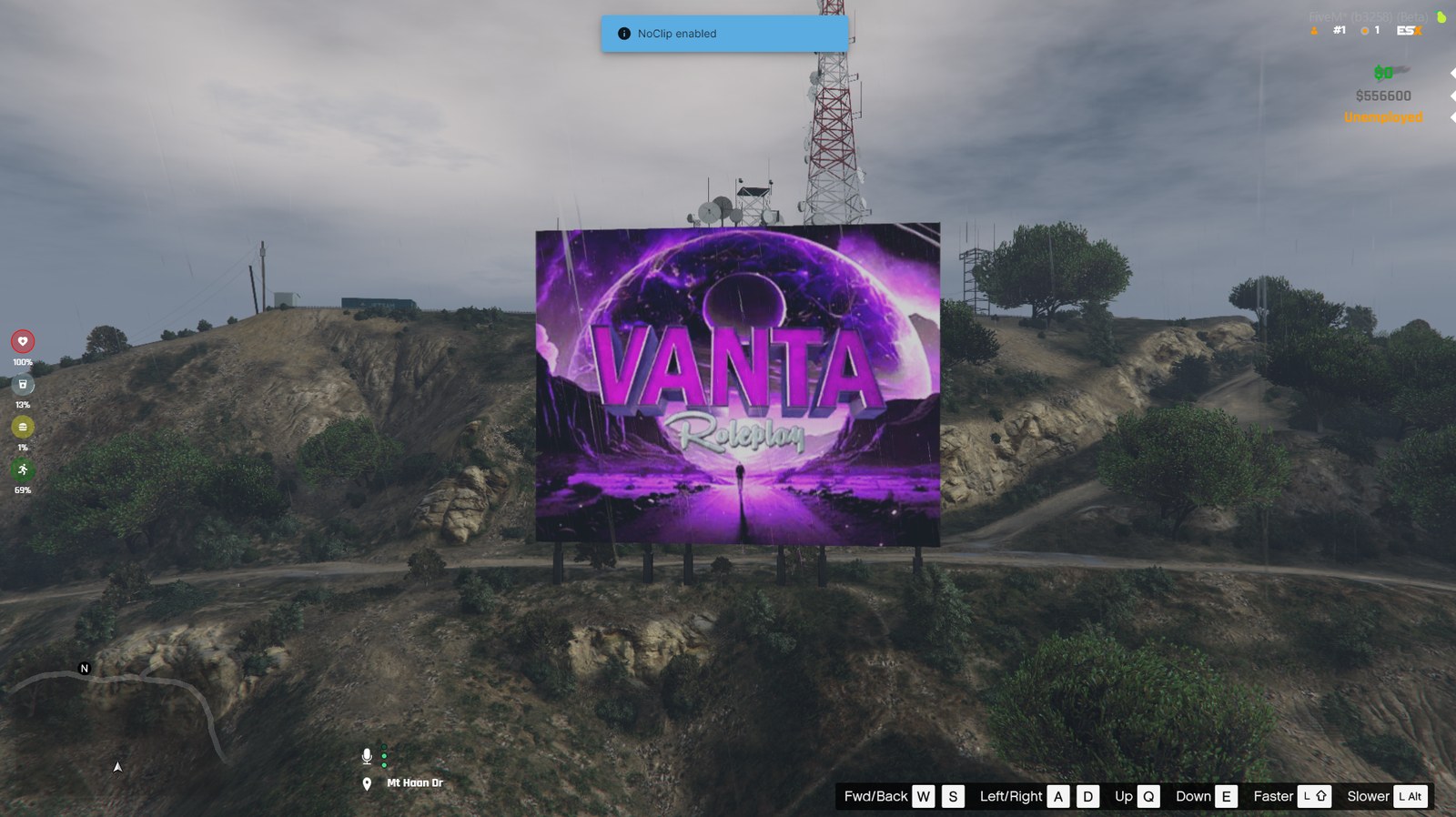
Preparing a logo PNG for a FiveM sign
Alpha, contrast, size and aspect: what makes a server logo cut cleanly into real 3D geometry instead of turning into a rectangle on the hillside.
Export a PNG with a real alpha channel, no background rectangle and no soft outer glow, around 1000 pixels on the long edge. Wide logos suit a hill sign best; the editor trims empty margins for you.
Installing MLO interiors on a FiveM server
Install FiveM MLOs correctly: the stream folder and this_is_a_map, ytyp and ymap files, escrow MLOs, bob74_ipl conflicts and invisible walls.
An MLO is a resource whose stream folder holds the interior’s models (.ydr), textures (.ytd), collisions (.ybn), placement (.ymap) and archetype definitions (.ytyp). Its manifest usually needs only fx_version, game and this_is_a_map 'yes'. Add ensure for it, make sure no other map occupies the same place, and start map dependencies (such as bob74_ipl) in the order the MLO expects.
YMAP files in FiveM: placing props and maps
What .ymap files are in GTA 5 and FiveM: entity placement, archetypes, LOD distance, editing them in CodeWalker and fixing props that never appear.
A .ymap lists entities — each an archetype (model) name with a position, rotation and LOD distance — plus optional extras such as car generators and occlusion. Create or edit one in CodeWalker, put it in a resource’s stream folder with this_is_a_map 'yes' in the manifest, and FiveM loads it. The models it references must exist, either in the game or streamed alongside.
Removing vanilla props and objects from the FiveM map
Remove unwanted GTA 5 objects in FiveM: CreateModelHide for a model at a location, deleting dynamic objects, editing ymaps in CodeWalker, and the trade-offs.
For a few specific objects, hide the model at a location from a client script with CreateModelHide(x, y, z, radius, modelHash, true). For larger edits, remove the entities from the vanilla .ymap in CodeWalker and stream the edited file — accepting that any other resource editing the same ymap will conflict. Dynamic objects can simply be deleted when found.
Interiors and IPLs in FiveM
Load GTA 5 interiors in FiveM: what IPLs are, RequestIpl and RemoveIpl, interior entity sets, bob74_ipl for GTA Online interiors, and conflicts with MLOs.
An IPL is a named map chunk that can be switched on with RequestIpl(name) and off with RemoveIpl(name). Inside an interior, entity sets toggle furniture and styles: get the interior with GetInteriorAtCoords, then ActivateInteriorEntitySet(interior, set) and RefreshInterior(interior). The bob74_ipl resource does this for the whole GTA Online catalogue with a config.
Editing the GTA V map with CodeWalker for FiveM
A practical CodeWalker workflow for FiveM: setup, the project window, creating and editing ymaps, placing entities, extents and avoiding conflicts.
Point CodeWalker at your GTA V folder, enable editing, open the Project window and create a new project with a new ymap. Add or select entities, move and rotate them, set LOD distances, then calculate extents and save the ymap. Put it in a resource’s stream folder with this_is_a_map 'yes' and test in game.
Adding add-on vehicles to FiveM
Add custom cars to a FiveM server: stream and data folders, the fxmanifest data_file lines, spawn names, display names and fixes for cars that never spawn.
Put the .yft models and .ytd textures in stream/, the meta files (vehicles.meta, handling.meta, carvariations.meta, carcols.meta, optionally vehiclelayouts.meta) in data/, and declare them in the fxmanifest with HANDLING_FILE, VEHICLE_METADATA_FILE, VEHICLE_VARIATION_FILE, CARCOLS_FILE and VEHICLE_LAYOUTS_FILE. The spawn name is the modelName in vehicles.meta. Register a display name with AddTextEntry and add the car to your framework’s vehicle list for shops and garages.
What every vehicle meta file does
The meta files behind every FiveM car: vehicles.meta, handling.meta, carvariations.meta, carcols.meta and vehiclelayouts.meta, and the fields that break most.
vehicles.meta defines the model (spawn name, textures, handling ID, name, class, layout, LOD distances, flags); handling.meta the driving physics; carvariations.meta colours, liveries and which mod kit the car uses; carcols.meta the mod kits themselves and siren settings; vehiclelayouts.meta seating and entry animations for unusual vehicles. IDs must match across files, and mod kit and siren IDs must be unique server-wide.
Tuning vehicle handling in FiveM
Understand FiveM handling.meta: mass and drag, drive force, gears, traction curves, brakes, suspension, handling flags and a safe tuning workflow.
Acceleration comes mainly from fInitialDriveForce and fMass; top speed from fInitialDriveMaxFlatVel and drag (fInitialDragCoeff); grip from fTractionCurveMax, fTractionCurveMin and fTractionBiasFront; stopping from fBrakeForce and fBrakeBiasFront; body movement from the suspension and fAntiRollBarForce; crash toughness from the damage multipliers. Change one value at a time, test with SetVehicleHandlingFloat in game, then write the result into the file.
Replacing vanilla cars or adding new ones
Replace vanilla cars or add add-on vehicles in FiveM: how each works, the effect on traffic, police and garages, download size and the mixed strategy.
A replacement streams files with a vanilla model name (for example police.yft), so every instance of that car — including traffic and scripts that spawn it — becomes the new model. An add-on uses a new model name with its own meta files and exists only where you spawn it. Replace for world-wide changes (police fleets, traffic polish); add-on for player-owned and dealership cars.
Custom clothing and EUP on a FiveM server
How add-on clothing works in FiveM: freemode drawables and textures, .ymt and shop meta files, EUP uniforms, and avoiding oversized-pack crashes.
Add-on clothing is a set of .ydd drawables and .ytd textures for mp_m_freemode_01 / mp_f_freemode_01, plus a .ymt and shop meta that register the new items. Clothing tools generate the whole resource from your files. EUP (Emergency Uniforms Pack) is a popular uniform set installed the same way. Check the Cfx.re Portal for any subscription requirement for streaming custom clothing, keep packs lean, and use a clothing menu that lists add-on items.
Adding custom ped models to FiveM
Stream add-on ped models in FiveM: the files a ped needs, peds.meta, SetPlayerModel, freemode vs add-on peds, ped menus with ACE permissions and size limits.
An add-on ped is a resource with the model files (.yft, .ydd, .ytd, and often a .ymt) in stream/ and a peds.meta declared with data_file 'PED_METADATA_FILE'. Players switch to it with SetPlayerModel after RequestModel. Add-on peds do not use the freemode clothing system, so appearance menus cannot dress them. Restrict ped menus with ACE and keep file sizes reasonable.
Playing custom sounds on a FiveM server
Every way to play custom sounds in FiveM: PlaySoundFrontend, NUI audio, positional 3D sound resources like xsound, native audio banks and formats.
For short UI and gameplay sounds, first try GTA’s own sounds with PlaySoundFrontend(-1, name, set, true). For custom files, play .ogg/.mp3 through NUI — the approach used by InteractSound-style resources — optionally with distance-based volume, or use a positional audio resource such as xsound. For sounds that must behave like game audio (sirens, engines, weapons), stream audio banks with AUDIO_WAVEPACK and related data files.
Vehicle liveries on a FiveM server
How vehicle liveries work in FiveM: texture liveries vs mod-kit liveries, where the textures live, editing from a UV template and SetVehicleLivery.
Texture liveries are alternate textures (often named sign_1, sign_2…) inside the vehicle’s texture dictionary, selected with SetVehicleLivery(veh, index). Mod-kit liveries are separate livery models defined in the vehicle’s mod kit (carcols.meta) and applied with SetVehicleMod(veh, 48, index). Edit designs on the vehicle’s UV template, keep names and sizes, and check GetVehicleLiveryCount or the mod count to confirm they loaded.
Adding custom props to a FiveM server
Stream custom props in FiveM: the .ydr model, .ytd textures and .ytyp archetypes, DLC_ITYP_REQUEST, CreateObject, placing them in a .ymap and collisions.
Stream the prop’s .ydr (model), .ytd (textures) and optionally .ybn (collision) in stream/, and include a .ytyp that defines the archetype; declare it with data_file 'DLC_ITYP_REQUEST' 'stream/myprops.ytyp'. Spawn props from scripts with RequestModel and CreateObject, or place them permanently in a .ymap. Check model names with IsModelInCdimage and keep textures small.
Add-on ped not loading in FiveM: invisible peds, missing textures and resets
Fix FiveM add-on peds that are invisible, fall back to the default model, T-pose, lose textures or reset on respawn: file naming, peds.meta and switch code.
Check the model first: IsModelInCdimage(hash) false means the game never received the files, which is a naming or resource-start problem. If the model exists but is invisible, the drawable files are not named with the pedname^ prefix or are missing. Wrong animations point to ClipDictionaryName or Pedtype in peds.meta, which must be loaded with data_file 'PED_METADATA_FILE'. Resets after respawn come from framework skin systems reloading a freemode model.
Native audio in FiveM: AWC wave packs, dat54 sound data and custom soundsets
Stream custom GTA-native sounds in FiveM: .awc wave packs, dat54.rel soundsets, AUDIO_WAVEPACK data files, RequestScriptAudioBank and PlaySoundFromEntity.
Native audio needs two things streamed from a resource: an .awc wave pack holding the audio, and a .dat54.rel sound-data file that defines named sounds and a soundset pointing at that wave pack. Declare them with data_file 'AUDIO_WAVEPACK' (the folder) and data_file 'AUDIO_SOUNDDATA' (the path without 54.rel), load the bank in a script with RequestScriptAudioBank('folder/bank', false), then play sounds with PlaySoundFromEntity, PlaySoundFromCoord or PlaySoundFrontend using the sound name and soundset name.
Performance
Finding the resource that is eating your frames, and OneSync at scale.
Find the resource that is eating your frames
How to diagnose FiveM performance properly: reading resmon and the server profiler, what one-frame budgets actually mean, the loops that cost the most, OneSync entity culling, and the fixes that make a measurable difference.
Open resmon on the client and the profiler on the server. Anything over 0.5 ms per tick on the client, or a server resource holding the tick past 5 ms, is your problem. Fix the top one, measure again.
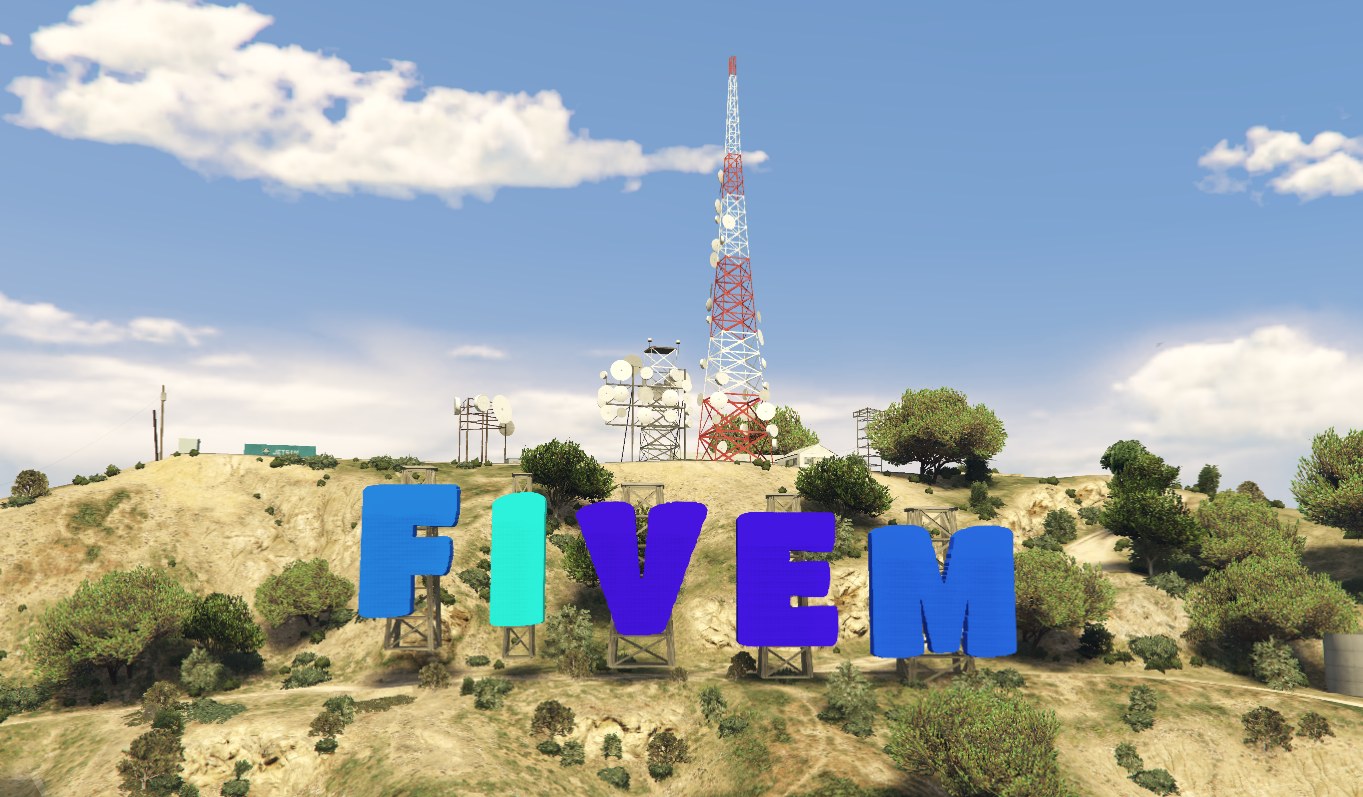
What a custom Vinewood sign costs
What a custom Vinewood sign costs a FiveM server: roughly nine small drawables, a few hundred kilobytes of texture, no script, and draw distance.
A typical eight-letter sign is around nine small drawables and one texture dictionary of a few hundred kilobytes, with no script and no per-frame work. The only setting worth thinking about is draw distance.
Controlling traffic and pedestrian density on a FiveM server
Reduce NPC traffic and pedestrians in FiveM: the per-frame density natives, parked and random vehicles, scenario peds, random cops and the performance effect.
Density natives such as SetVehicleDensityMultiplierThisFrame, SetPedDensityMultiplierThisFrame, SetRandomVehicleDensityMultiplierThisFrame, SetParkedVehicleDensityMultiplierThisFrame and SetScenarioPedDensityMultiplierThisFrame take a 0.0–1.0 multiplier and must be called every frame. To remove ambient population entirely with OneSync, set the onesync_population convar to false. Block specific models server-side by cancelling entityCreating.
Fixing server thread hitch warnings
Understand the FiveM server thread hitch warning: what the timer means, when hitches are harmless and how to find the cause with the profiler.
A hitch warning means the server thread was blocked for the number of milliseconds shown. Ignore hitches during startup and resource restarts. If they happen during play, record the profiler while they occur (profiler record, profiler view) to find the resource, look for synchronous work (heavy loops, blocking queries, large file I/O, big JSON encodes), and check the host for CPU steal or overload.
Clearing the FiveM cache
Clear FiveM cache safely: where the Application Data folder is, which folders to delete and which to keep, fixing component errors, and the server-side cache.
Close FiveM, open the FiveM Application Data folder (right-click the FiveM shortcut → Open file location, or %localappdata%\FiveM\FiveM.app), go into data, and delete cache, server-cache and server-cache-priv. Keep game-storage, which holds downloaded game build data. Server owners can also stop the server and delete the server’s cache folder to force a clean rebuild of resource files.
Fixing the oversized assets warning
What the FiveM oversized-asset warning means: the 16 MiB threshold, why big textures break streaming, finding the files and fixing them by downscaling.
The warning appears for streamed assets above 16 MiB of physical memory, and the message becomes a stronger “WILL lead to streaming issues” warning for very large files (around 48 MiB and up). Almost always the cause is textures — 4K or uncompressed images inside a .ytd or .yft. Fix them by downscaling to 2K or 1K, compressing (BC1/BC7 with mipmaps) and splitting huge dictionaries.
Optimising textures on a FiveM server
A texture optimisation workflow for FiveM servers: auditing what you stream, target resolutions, compression and mipmaps, and batch conversion.
Audit your streamed resources (sizes, oversized-asset warnings), set target resolutions per asset type (for example 2K for hero vehicle bodies, 1K for most details and clothing, 512 for small props), compress with BC1/BC7 and full mipmaps, remove duplicate and unused assets, and re-check. Do the largest files first; stop when warnings are gone and players stop reporting texture loss.
Improving FPS on FiveM
Improve FiveM FPS from both sides: player graphics settings, resmon for heavy client scripts, server-side causes like huge MLOs and textures, and NUI HUD costs.
Players: lower texture quality and extended distance scaling, reduce shadows and MSAA, and clear the cache if textures misbehave. Server owners: open resmon in game to find client scripts using more than a fraction of a millisecond, fix oversized textures and heavy MLOs, avoid streaming dozens of heavy cars at once, and keep NUI HUDs cheap. Together those recover most lost frames.
Streaming memory and texture loss in FiveM
Why FiveM worlds lose textures: how GTA 5 streams inside a memory budget, what fills it, the role of VRAM, and fixes for owners and players.
GTA V streams models and textures in and out around the player within a limited budget. Every streamed car, clothing item, MLO and prop competes for it. Oversized textures fill it fastest. Server owners fix texture loss by shrinking and compressing streamed assets, reducing duplicates and MLO density; players help by lowering texture quality to match their VRAM.
Desync, rubber-banding and network issues in FiveM
Understand FiveM desync: server hitches vs connection problems, entity ownership and migration, OneSync culling, rubber-banding and how owners diagnose it.
If everyone rubber-bands at the same moment, the server thread is hitching — profile it. If one player jumps around, it is their connection or their PC. If players see different things (doors, props, vehicle mods), a script changed state on one client only — sync it through the server, state bags or network-owned entities. Vehicles and peds also misbehave when ownership migrates between players with poor connections.
Entity limits and cleanup on a FiveM server
Keep FiveM entity counts under control: why too many vehicles, peds and objects hurt sync, finding leaks, server-side counts and cleanup strategies.
Count entities on the server with GetAllVehicles(), GetAllPeds() and GetAllObjects(), watch how the numbers grow between restarts, and find the resources that create entities without deleting them. Fix the scripts (delete on job end, on resource stop, on player drop), add a conservative cleanup for abandoned vehicles with a warning, and lower population density if AI traffic is the load.
How many resources is too many?
What resource count really costs a FiveM server: script vs stream-only packs, startup time, pool size errors and how to audit a bloated server.
There is no single safe resource count. Script resources cost CPU (check resmon), stream-only resources cost download size and memory, and very large asset counts can exceed game pools such as TxdStore. Pools can be raised within limits with increase_pool_size in server.cfg (checked against Cfx.re’s allowed maximums); inspect them in F8 → Tools → Streaming → Pool Monitor. Audit regularly: remove unused and duplicate resources, and fix the heavy ones before worrying about the count.
Development
Manifests, frameworks, databases, security and debugging crashes.
Everything you can put in an fxmanifest.lua
A full fxmanifest.lua reference for FiveM resources: fx_version, game, script loading order, shared scripts, NUI files, data_file, dependencies, escrow, and the mistakes that stop a resource starting.
fxmanifest.lua declares fx_version, game, and the client, server and shared scripts. Load order inside each list is the order you write them — dependencies first.
How to actually find what is crashing your server
A practical method for FiveM crashes: reading the client crash dialog, finding the server console line that matters, isolating a resource by bisection, the common crash causes, and what a crash dump can and cannot tell you.
Establish whether it is the client or the server, whether it is reproducible, whether it started after a change, and which resource is loaded when it happens. Bisection finds the resource in log2(n) restarts.
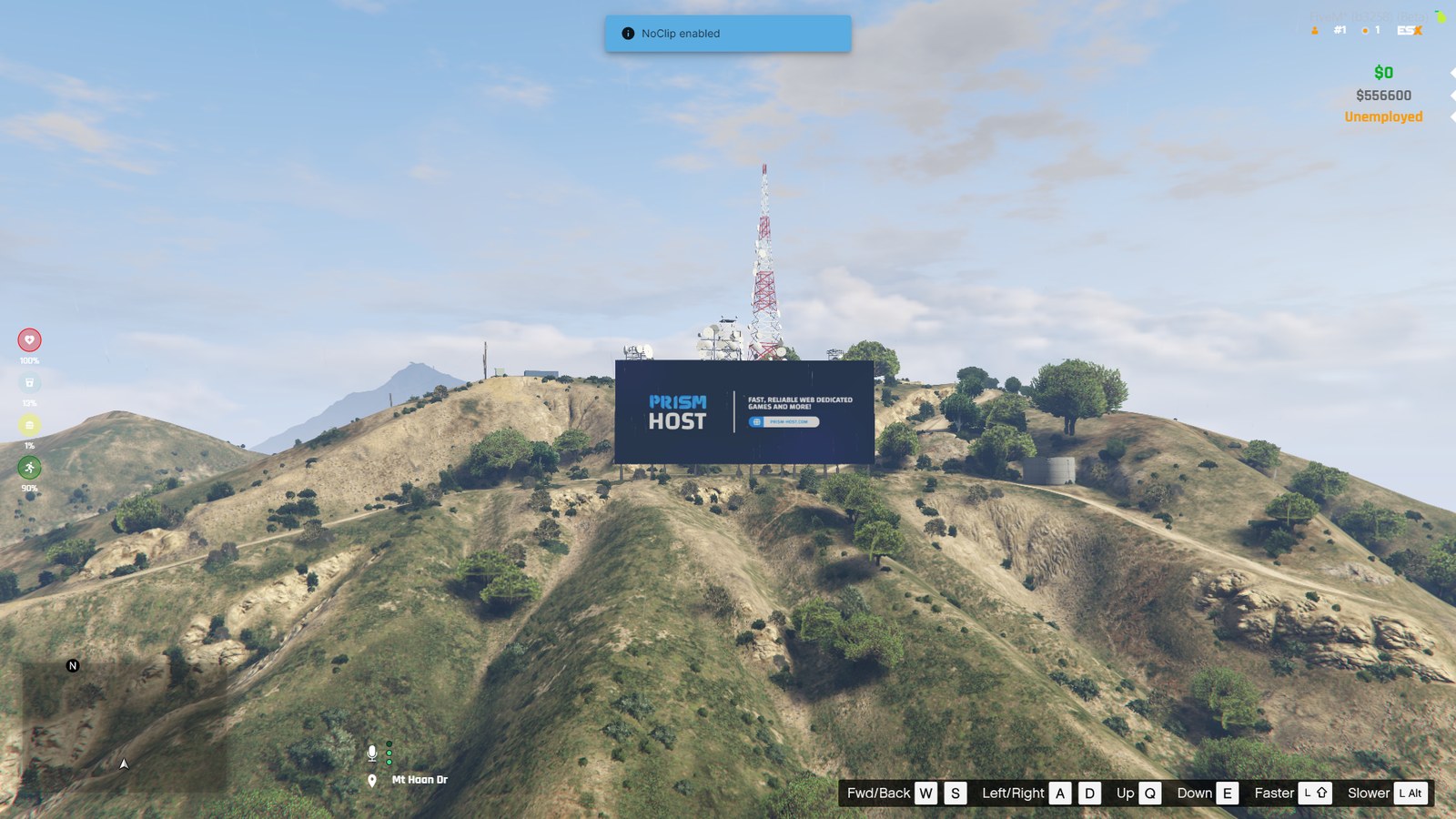
ymap or script: how a custom FiveM sign is built
Why a baked map animation beats a client script for anything that just has to look good — frame time, sync, restarts and what each approach can and cannot do.
A script sign recolours objects from client Lua every frame; a map sign stores the colour cycle in a texture and scrolls across it with a clip dictionary, which is how the base game animates its own signage. The map version costs no frame time, survives restarts and stays in sync for everyone.
Player identifiers in FiveM
Every FiveM player identifier: license and license2, discord, fivem, steam and ip, how to read them, which to use as a primary key and tokens for bans.
FiveM provides license (Rockstar licence, always present), license2 (the ROS licence for Steam users; can equal license), discord (if Discord is running and linked), fivem (if logged in to Cfx.re), steam (only with a steam_webApiKey set and Steam running) and ip. Read them with GetPlayerIdentifiers(src) or GetPlayerIdentifierByType(src, 'license'). Use license as the stable key; add tokens (GetPlayerToken) for bans.
Using routing buckets for instances
Use FiveM routing buckets: SetPlayerRoutingBucket, per-bucket population and entity lockdown, apartments, character creation and PvP arenas.
On the server, move players with SetPlayerRoutingBucket(src, bucket) and entities with SetEntityRoutingBucket(entity, bucket); read them with GetPlayerRoutingBucket / GetEntityRoutingBucket. Disable AI population in a bucket with SetRoutingBucketPopulationEnabled(bucket, false) and set its entity lockdown with SetRoutingBucketEntityLockdownMode. Bucket 0 is the normal world — always return players there when they leave.
Live player blips for police and jobs on OneSync
Show live colleague blips for police, EMS and gangs on OneSync: why entity blips vanish at distance, server-fed coords, blip swapping and access control.
On OneSync a client only knows about players inside its scope, roughly 424 metres by default, so AddBlipForEntity on a distant colleague's ped fails. Collect positions on the server with GetPlayerPed and GetEntityCoords, send them every one to two seconds only to authorised players, and on the client use an entity blip when the colleague is in scope and a coordinate blip updated with SetBlipCoords when not. Remove blips for players who left or changed job.
DrawMarker in FiveM: every marker type, every parameter, and how to keep it cheap
The FiveM DrawMarker reference: all marker types 0–43, what each of the 24 parameters does, custom texture markers and a distance loop that does not cost FPS.
DrawMarker(type, x, y, z, dirX, dirY, dirZ, rotX, rotY, rotZ, scaleX, scaleY, scaleZ, r, g, b, a, bob, faceCamera, rotationOrder, rotate, textureDict, textureName, drawOnEnts) draws one marker for one frame. Types run from 0 to 43: 1 is the ground cylinder, 2 the chevron, 20–22 stacked chevrons, 25 a thin ground ring and 27 the split-arrow circle. Call it only for markers within about 20–30 metres, sleeping the loop for a second when nothing is near.
Hiding GTA HUD components in FiveM: every component ID and how to use them
The HideHudComponentThisFrame ID list for FiveM, a clean roleplay HUD setup, the sniper reticle exception, and moving components with SetHudComponentPosition.
HideHudComponentThisFrame(id) hides one HUD component for the current frame, so it runs in a Wait(0) loop. The useful IDs are 1 wanted stars, 2 weapon icon, 3 cash, 4 MP cash, 6 vehicle name, 7 area name, 8 vehicle class, 9 street name, 13 cash change, 14 reticle and 20 weapon wheel stats. The minimap itself is controlled with DisplayRadar, not component IDs. Components can be moved with SetHudComponentPosition and restored with ResetHudComponentValues.