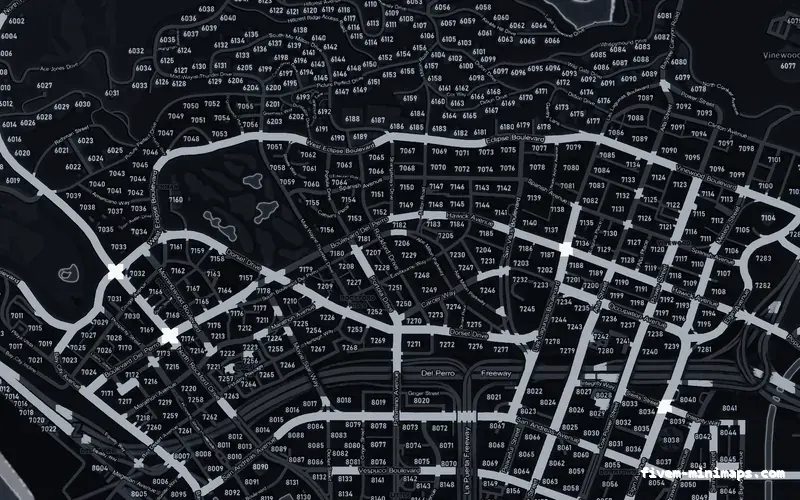
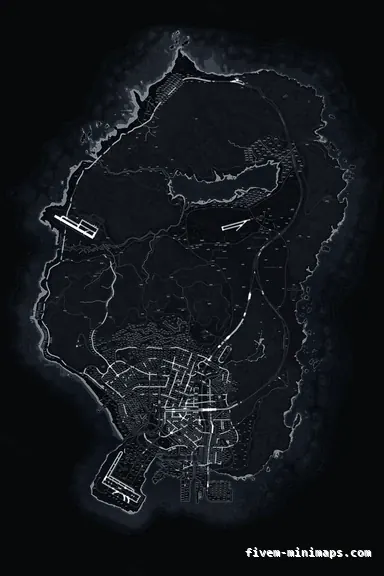
 Postal codes
BlackOBSIDIAN
The FiveM minimap most servers end up with: dark, neutral, postals in — the default that is never wrong.
6144 × 9216 px · 78 files · with postal codes$8.00+ $1 / elementView
The FiveM minimap is the one piece of interface every player looks at hundreds of times an hour and the one almost every server leaves on the 2013 default. It is also the easiest part of the game to replace: a minimap is a set of textures the server streams to every client, with no script, no framework dependency and nothing for players to install. This page is the whole subject in one place — what the minimap actually is, how a replacement works, the three base maps and twelve palettes sold here, how the studio puts your logo on one, and how it installs. If you only read one page on this site, this is the one.
Three concrete recommendations rather than a shrug — with the reason attached.
Postal codesThe FiveM minimap most servers end up with: dark, neutral, postals in — the default that is never wrong.
6144 × 9216 px · 78 files · with postal codes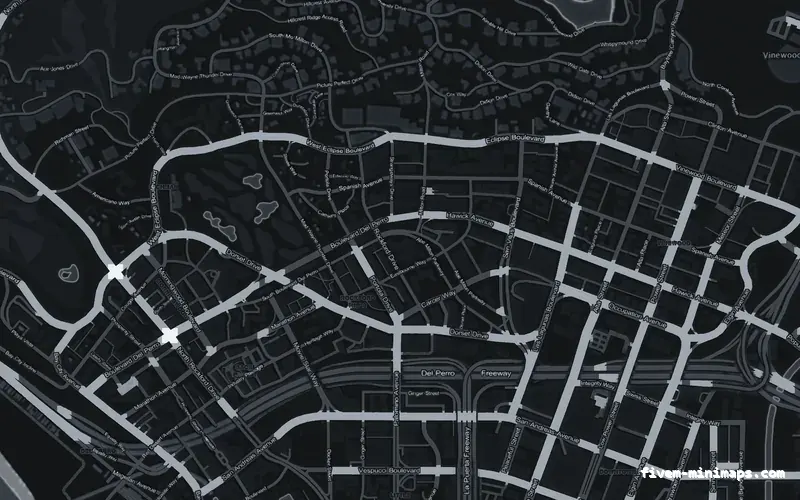
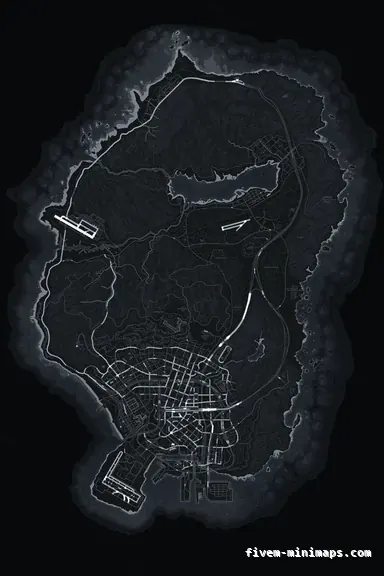 No postals
The cleanest ground in the set. Nothing on it competes with your blips or your logo.
6144 × 9216 px · 78 files · without postal codes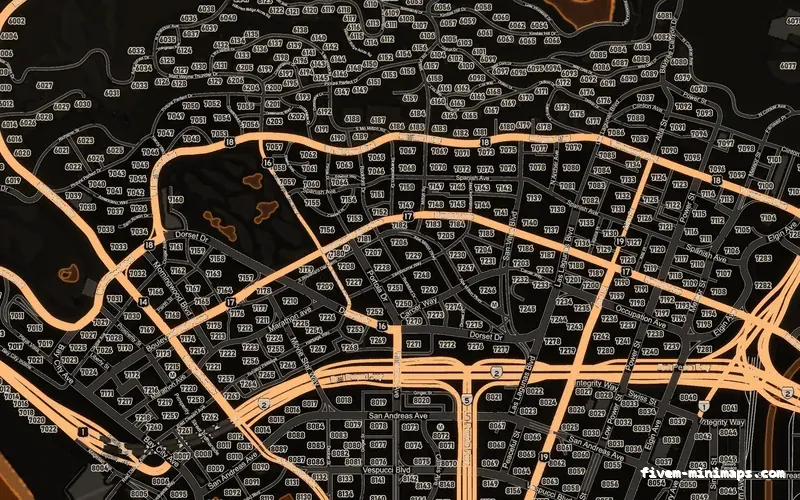
 Google style
A colour street map with real terrain, for servers that want the map to look modern rather than stylised.
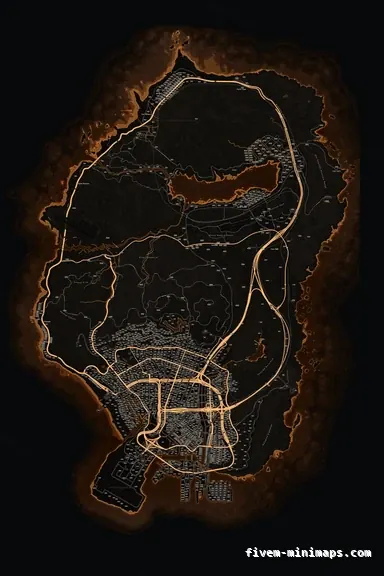
6144 × 9216 px · 78 files · google styleThe radar in the corner and the full-screen pause map are drawn from the same set of tiles: a 2 × 3 grid of 3072-pixel squares, 6144 × 9216 in total, plus sea tiles and a low-detail sheet for zoomed-out views. The game loads them as texture dictionaries and draws everything else — blips, the GPS route, the waypoint, the player arrow — on top. That is the entire mechanism, and it is why a FiveM minimap replacement cannot break a script: it is art underneath the HUD, not code inside it.
On FiveM any resource with a stream folder can provide textures that override the base game’s, for every client that connects. So replacing the minimap is one folder in resources and one ensure line in server.cfg. Remove the folder and the stock map is back. Nothing on disk is modified, nothing is installed on a player’s PC, and nothing can be flagged as a client mod, because it is not one.
Every FiveM minimap here is one of three bases, each rendered from the same 226-megapixel source at the native sheet size. The with-postals base has a numbered grid printed into the art, for servers with a dispatch culture where players call a postal. The no-postals base has street names only — no numbers, no area labels — and is the cleanest ground for servers that draw their own zones and blips. The Google-style base is a colour street map rebuilt with real terrain relief, for servers that want something that looks like a navigation app rather than a stylised radar.
The postal decision is the one to get right first, because numbers baked into a texture cannot be removed later. The guide on baked postals versus a postal script goes through it; the short version is that dispatch servers take the postal base and everyone else takes one of the other two.
Each base comes in twelve colour palettes at the same $8.00 — black, gray, white, blue, red, green, orange, yellow, purple, pink and two mixed sets. The palette changes colour, not detail: every one is the same render underneath, tuned so that the road tiers stay readable at radar size and the accent colour stays clear of the red, orange and blue the game uses for blips.
The choice is mostly about what sits on top. Servers that depend on icons — police, EMS, dispatch — converge on dark neutrals because saturated blips jump off them. Servers whose identity is a colour take that colour, unless it is the colour of their most important blip. Light palettes suit clean, modern HUDs and stream well. The colour guide covers the trade-offs; the live preview shows every palette at street level in the browser, which settles most of it in a minute.
What separates a custom FiveM minimap from a downloaded one is whether it can carry your name. Any of the 36 maps opens in the browser studio, where you place a logo, a server name or any text on the actual map, at the exact position and size you want. It is rendered into the texture — a permanent part of the art that survives every HUD change and appears on the pause map as well as the radar — and the finished resource is built about a minute after payment. Each element is $1.00 on top of the map; element packages bring that down when you place several.
The design is saved to your account, so you can reopen it, move the logo, change the palette and export again without buying the map twice.
Unzip into resources, ensure it in server.cfg after your HUD and framework, restart the server. It works on QBCore, Qbox, ESX, vMenu and standalone servers identically, because a minimap is a texture and none of those frameworks touch it.
When it does not change, it is one of two things: another resource is already streaming minimap files — server bases and HUD bundles often do — and the one that starts last wins, or the client cache is still holding the old texture. Search resources for minimap_0_0.ytd, remove the duplicate, clear the cache once. The install and troubleshooting pages cover everything else.
Two things about every FiveM minimap here are unusual on Tebex. It is cheap — $8.00 against presets that run $15 to $30 for a single fixed look, and commissions from $40 up — because the rendering pipeline was built once and colours the finished structure per palette in minutes, so there is no artist re-drawing the city per order. And it is open source in the sense the FiveM community uses the phrase: no escrow, no FXAP encryption, no locked config. The .ytd files in the stream folder are ordinary texture dictionaries you can open in OpenIV or CodeWalker, inspect, and edit if you want to.
That matters more than it sounds. An escrowed minimap cannot be fixed, re-compressed, or combined with a map mod without going back to the seller. An open one is yours to maintain. The licence still covers one server network — open files are not a resale licence — but nothing about the resource is hidden from the person who paid for it.
A finished FiveM minimap is $8.00 — any palette, any base. A logo or text element is $1.00. The licence covers one server network for as long as you run it, re-downloads are free from your account, and if a map is rebuilt the file behind your link is updated. There is no subscription and no higher tier with more pixels; every map is the same native 6144 × 9216 render with full mip chains and DXT5 tiles.
There are good free FiveM minimaps, and if your server has not launched yet, one of them is the right first choice — the free-versus-premium guide names them. The $8 is for the day the map needs to be yours.
Open the live preview and look at any street on any theme before you spend a cent.