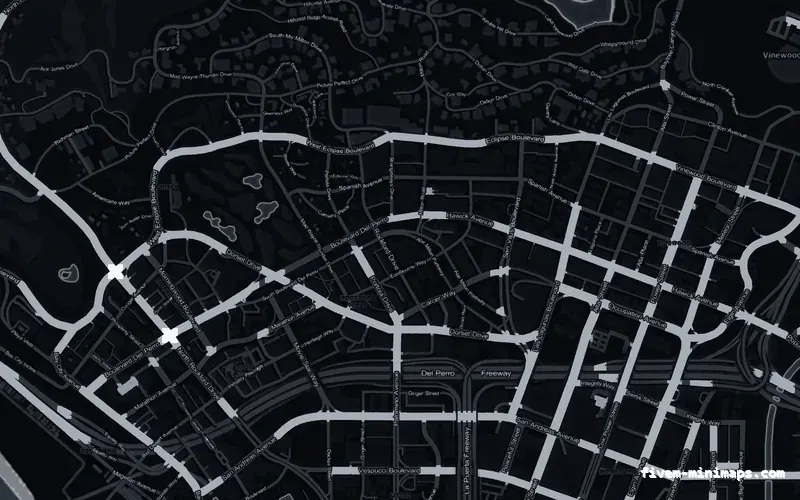
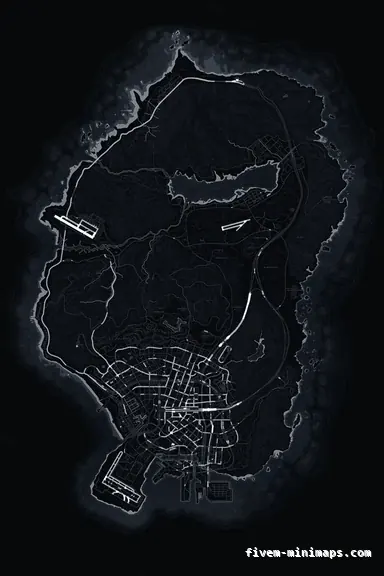
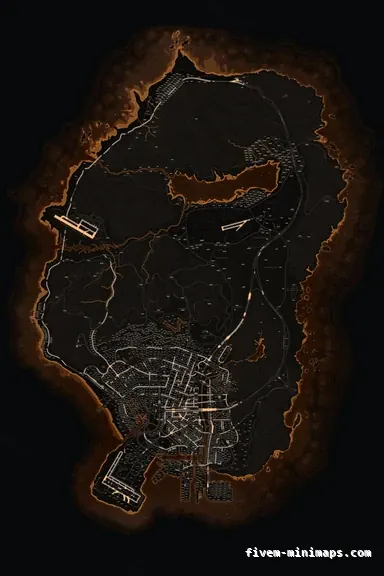
 No postals — Black
BlackOBSIDIAN
The safest starting point: it sits under any HUD without fighting it.
6144 × 9216 px · 78 files · without postal codes$8.00+ $1 / elementView the Black no postals minimap
A custom minimap is the cheapest thing that makes a server look like it was made on purpose. Players stare at the radar more than at any menu you will ever build, and a map that carries your colours and your name is doing branding work every second somebody is in the city. This page is about how to get one without opening Photoshop, without a texture pipeline, and without waiting on a developer.
Three concrete recommendations rather than a shrug — with the reason attached.
No postals — BlackThe safest starting point: it sits under any HUD without fighting it.
6144 × 9216 px · 78 files · without postal codes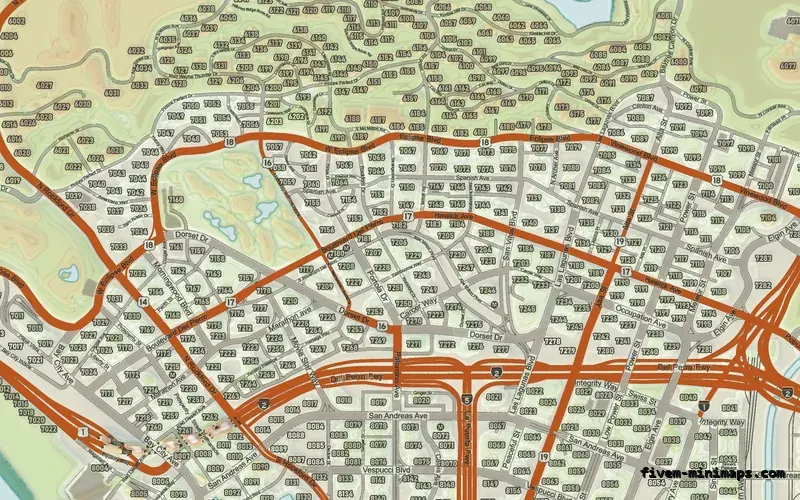
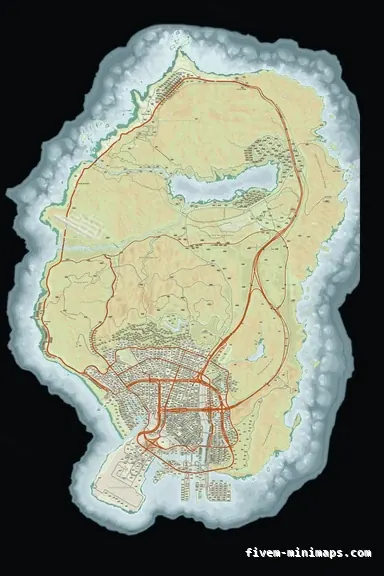 Google style — Mixed light
A colour street map for servers that want the map to look real.
6144 × 9216 px · 78 files · google style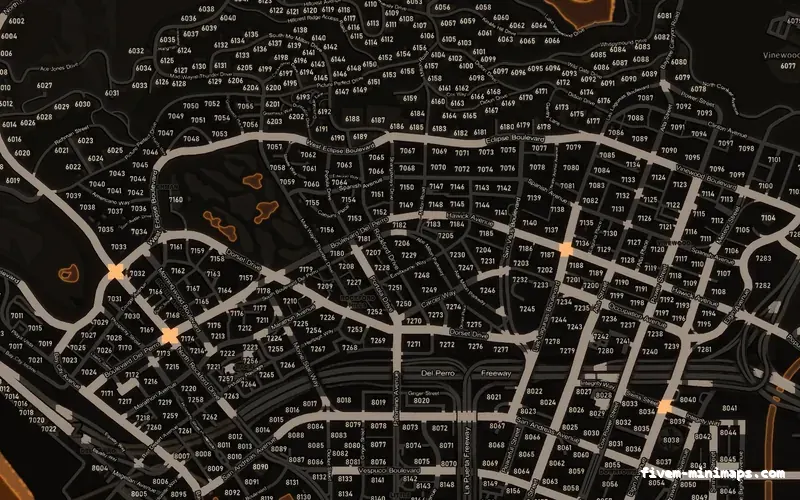
 Postal codes — Orange
Strong accent, postal numbers baked in for dispatch.
6144 × 9216 px · 78 files · with postal codesThree things, and they stack. The base map style decides what is drawn — streets with postal numbers, streets without them, or a Google-style colour map with terrain relief. The theme decides the palette: twelve of them, from near-black through to a daylight scheme. The studio decides what goes on top: your logo, your server name, a tagline, a watermark in a corner.
What it does not cover is redrawing the city. The geometry is San Andreas as the game ships it, because a minimap that disagrees with the world is a minimap players stop trusting.
Open the studio, pick a theme and a base style, drag your logo onto the map and drop it where you want it. You are looking at the real map underneath the whole time, at the real resolution, so what you place is what ships. Then you buy it and download a finished FiveM resource — no export settings, no texture conversion, no DDS to think about.
A map is $8.00. Each element you add — a logo, a line of text — is $1.00. There is no subscription and no licence to renew: buy it once and it stays in your dashboard for good, downloadable as many times as you need.
Every tenth account that registers gets a base map free, so it is worth signing up before you decide.
ESX, QBCore, QBox, vMenu, standalone — all the same, because a minimap is streamed art rather than a script. There is no dependency to install, no export to call and no core to keep in step. Drop the folder in, add the ensure line, restart.
Open the live preview and look at any street on any theme before you spend a cent.