GPS routes and waypoints in FiveM: every way to draw a route on the map
Deliveries, taxi fares, tow jobs, races, police callouts: a surprising share of FiveM gameplay starts with a line on the map. GTA V has four separate route systems, and most scripts only ever use the first one they found, which is how you end up with jobs that overwrite the player's own waypoint or delivery routes that vanish when a player sets a marker. This guide covers every route system the game has, when to use which, how to colour them, and how to measure the distance along a route.
Short answer: GTA V has four route systems: the player waypoint (SetNewWaypoint), routes to blips (SetBlipRoute), GPS multi-routes that follow roads through several points (StartGpsMultiRoute, AddPointToGpsMultiRoute, SetGpsMultiRouteRender) and custom routes drawn as straight lines between points (StartGpsCustomRoute). Job scripts should use blip routes or multi-routes so the player's own waypoint stays untouched. GetGpsBlipRouteLength() gives the road distance of the active route in metres.
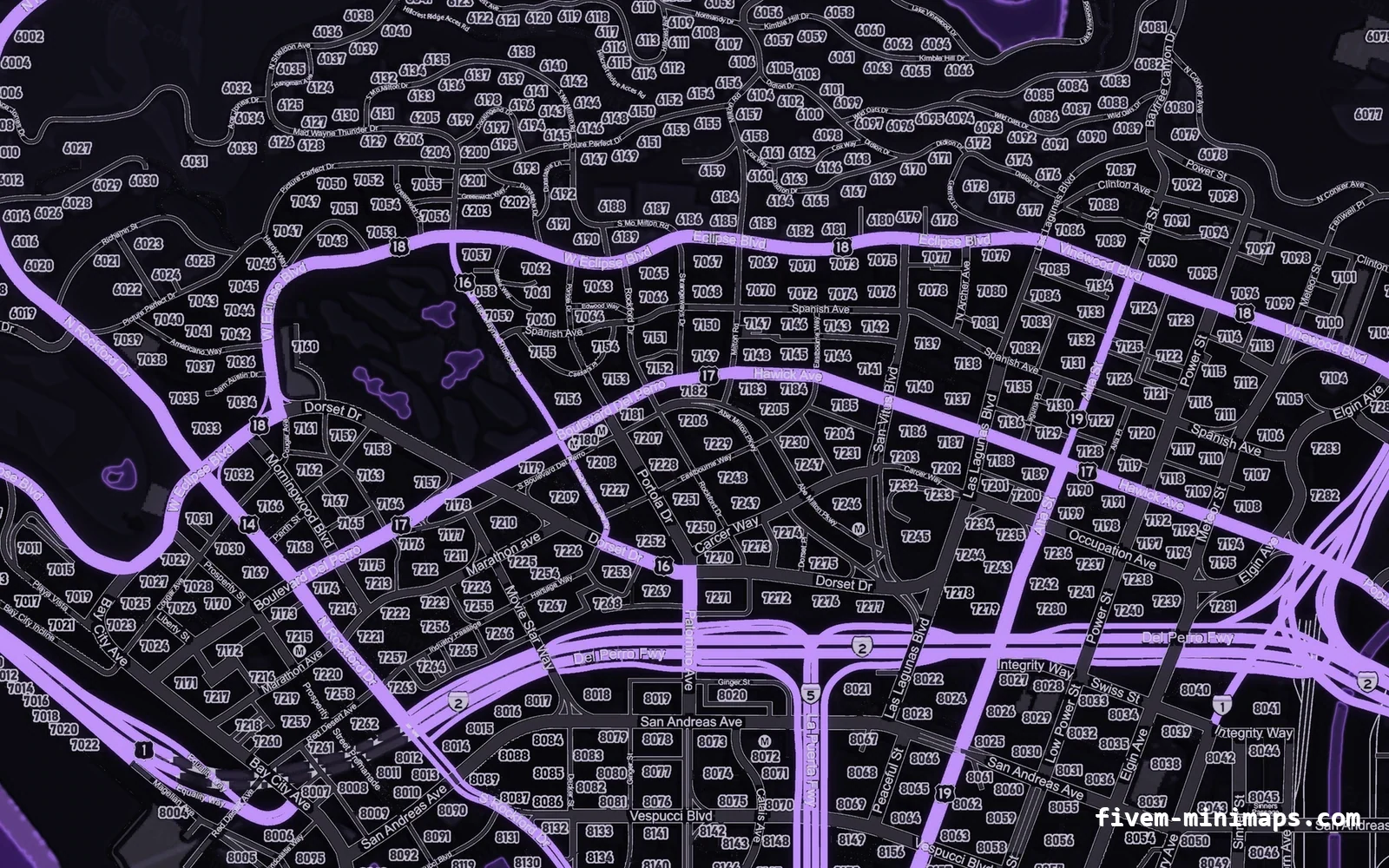
#The four route systems
| System | Main natives | Follows roads | Typical use |
|---|---|---|---|
| Player waypoint | SetNewWaypoint, SetWaypointOff | Yes | The player's own marker, /postal |
| Blip route | SetBlipRoute, SetBlipRouteColour | Yes | Job destinations, calls, deliveries |
| GPS multi-route | StartGpsMultiRoute, AddPointToGpsMultiRoute | Yes, through each point | Multi-stop runs, patrol routes |
| GPS custom route | StartGpsCustomRoute, AddPointToGpsCustomRoute | No, straight lines | Off-road, boats, aircraft, races |
The systems are independent. A player can have a waypoint set while a job shows a blip route and a race shows a custom route, and each is drawn separately. That independence is the main reason to pick the right one: a job that uses the waypoint takes it away from the player, while a job that uses a blip route leaves it alone.
#The player waypoint
The waypoint is the purple marker a player sets from the pause map. Internally it is a blip with sprite 8. Scripts can set it, read it and clear it:
SetNewWaypoint(215.0, -810.0)

if IsWaypointActive() then
    local blip = GetFirstBlipInfoId(8)
    local coords = GetBlipInfoIdCoord(blip)
    print(('Waypoint at %.1f, %.1f'):format(coords.x, coords.y))
end

SetWaypointOff()
Setting the waypoint from a script is right when the player asked for it, for example with a /postal 123 command, a phone GPS app or a dispatch message they clicked. It is wrong for automatic job routing, because it silently replaces a marker the player chose. The postal use case is covered in nearest-postal scripts, and reading the waypoint for admin teleports in the pause menu map.
#Blip routes
Any blip can have a road route drawn to it. This is the workhorse for jobs: create a blip at the destination, turn its route on, and remove the blip when the player arrives.
local route

local function setDestination(coords, label)
    if route and DoesBlipExist(route) then RemoveBlip(route) end
    route = AddBlipForCoord(coords.x, coords.y, coords.z)
    SetBlipSprite(route, 1)
    SetBlipColour(route, 5)
    SetBlipRoute(route, true)
    SetBlipRouteColour(route, 5)
    BeginTextCommandSetBlipName('STRING')
    AddTextComponentSubstringPlayerName(label)
    EndTextCommandSetBlipName(route)
end

local function clearDestination()
    if route and DoesBlipExist(route) then
        SetBlipRoute(route, false)
        RemoveBlip(route)
    end
    route = nil
end
SetBlipRouteColour takes a blip colour id, the same numbers as SetBlipColour, so 5 is yellow, 3 is blue and 1 is red. Matching the route to the blip colour makes it obvious which line belongs to which destination. The full colour list is in the blip sprites and colours reference.
Blip routes also work on entity blips. A route to a blip created with AddBlipForEntity follows the entity as it moves, which is how "follow the suspect" and "meet the tow truck" mechanics work without updating coordinates yourself.
#GPS multi-routes through several points
A multi-route follows roads through a list of points in order. Once the player passes a point, the route stops forcing its way through it and continues to the next. It is ideal for a garbage run, a bus line or a patrol loop.
local STOPS = {
    vector3(307.5, -766.9, 29.2),
    vector3(-110.3, -1686.0, 29.3),
    vector3(-712.0, -824.6, 23.5),
}

local function startBusRoute()
    ClearGpsMultiRoute()
    StartGpsMultiRoute(12, true, true)
    for _, stop in ipairs(STOPS) do
        AddPointToGpsMultiRoute(stop.x, stop.y, stop.z)
    end
    SetGpsMultiRouteRender(true)
end

local function stopBusRoute()
    SetGpsMultiRouteRender(false)
    ClearGpsMultiRoute()
end
StartGpsMultiRoute(hudColour, routeFromPlayer, displayOnFoot) takes a HUD colour index, not a blip colour. 12 is HUD_COLOUR_YELLOW, 6 is HUD_COLOUR_RED, 9 is HUD_COLOUR_BLUE, 18 is HUD_COLOUR_GREEN and 142 is the waypoint purple. routeFromPlayer starts the line at the player instead of the first point, and displayOnFoot keeps it visible when the player leaves the vehicle.
#Custom routes: straight lines
Custom routes ignore roads and draw lines directly between points. They are the right tool for boats, aircraft, off-road races and anything that happens where the road network does not exist.
local function drawRaceLine(points)
    ClearGpsCustomRoute()
    StartGpsCustomRoute(6, true, true)
    for _, p in ipairs(points) do
        AddPointToGpsCustomRoute(p.x, p.y, p.z)
    end
    SetGpsCustomRouteRender(true, 16, 16)
end
StartGpsCustomRoute(hudColour, displayOnFoot, followPlayer) uses HUD colours like the multi-route. SetGpsCustomRouteRender(toggle, radarThickness, mapThickness) sets the line thickness separately for the radar and the pause map; 8 to 16 reads well on both. Clear it with ClearGpsCustomRoute().
#Measuring route distance
Showing "1.2 km to destination" needs the distance along the road, not the straight-line distance. There are two tools, and both have limits.
GetGpsBlipRouteFound()andGetGpsBlipRouteLength()read the route the GPS is currently drawing to the waypoint or route blip. The length is an integer in metres.CalculateTravelDistanceBetweenPoints(x1, y1, z1, x2, y2, z2)asks the path finder directly. It needs the path nodes around both points to be loaded, and returns 100000.0 when they are not, which happens for long distances.
local function routeDistanceText()
    if not GetGpsBlipRouteFound() then return nil end
    local metres = GetGpsBlipRouteLength()
    if metres >= 1000 then
        return ('%.1f km'):format(metres / 1000)
    end
    return ('%d m'):format(metres)
end
Turn-by-turn instructions are possible with GenerateDirectionsToCoord, which returns a direction code (turn left, turn right, keep straight, recalculating) and the distance to the next junction. Its output is noisy, so smooth it over several calls before showing it.
#Changing the waypoint and route colours globally
The purple of the player waypoint is a HUD colour, HUD_COLOUR_WAYPOINT (index 142). Replacing it changes the waypoint blip and its route everywhere for that client:
ReplaceHudColourWithRgba(142, 255, 196, 0, 255)Server-themed routes look good on a custom map, but keep enough contrast with the roads. A yellow route on a yellow-roaded minimap disappears. This is one of the things worth checking when choosing a minimap style. Other HUD colour changes, including the pause-menu accent, are covered in pause menu title and colours.
#When the route does not draw
A blip route or multi-route that never appears is almost always a path-finding problem rather than a scripting one. The GPS builds its line from the vehicle path nodes, the same network AI traffic drives on. Anything the node network cannot reach gets no line, or a line that stops short.
| Symptom | Likely cause | What to do |
|---|---|---|
| No line at all, blip visible | Destination is far from any road node (a field, a roof, inside an MLO) | Put the route point on the nearest road and a second blip on the exact spot |
| Line stops at the edge of an area | Nodes there are switched off, or a GPS-disabled zone is set | Check for SetGpsDisabledZone calls and road-node switches in other resources |
| Line appears only when closer | Path nodes for the far region are not loaded yet | Normal for long trips; the line fills in as the player drives |
| Route leads the wrong way on the island | Island path nodes not loaded | Load the Cayo Perico nodes as part of the island setup |
| Line disappears on foot | Route was started without the on-foot option | Pass true for displayOnFoot |
| Two lines fighting | Two resources using the multi-route slot | Give the slot to one resource; use blip routes elsewhere |
Custom routes never have this problem because they do not path-find, which makes them the fallback for any destination the road network cannot reach. A useful hybrid for remote job locations is a blip route to the closest road and a short custom route from there to the spot.
The GPS voice is a separate system. SetGpsActive(false) is an audio native that silences the spoken directions without touching the drawn line, which is useful if your phone or satnav resource plays its own voice.
#Which system for which job
| Job or feature | Recommended system | Why |
|---|---|---|
| Taxi fare, delivery, tow call | Blip route | One destination, leaves the waypoint alone |
| Chasing a moving target | Blip route on an entity blip | Line follows the entity automatically |
| Bus, garbage or mail run | GPS multi-route | Several stops in a fixed order on roads |
| Boat, heli or off-road race | GPS custom route | No road network needed |
/postal, phone map, dispatch click | Player waypoint | The player explicitly asked for it |
#Clean-up rules
- Remove route blips with
RemoveBlipwhen the job completes, fails or is cancelled. - Stop multi-routes and custom routes with their clear natives; stopping rendering alone leaves the points stored.
- Clear everything in an
onResourceStophandler so a restart does not leave orphan lines. - Do not call
SetWaypointOff()in job scripts unless the job itself set the waypoint. - Re-create routes after a player respawns if your framework clears blips on death.
Questions
How do I set a GPS route to a location in FiveM?
AddBlipForCoord, then call SetBlipRoute(blip, true). Use SetNewWaypoint(x, y) only when the player asked for a waypoint.How do I change the route colour?
SetBlipRouteColour(blip, colour) with a blip colour id. For multi and custom routes pass a HUD colour index to the start native. For the waypoint, replace HUD colour 142.How do I route through several points?
StartGpsMultiRoute, add each point with AddPointToGpsMultiRoute, then call SetGpsMultiRouteRender(true).Why is CalculateTravelDistanceBetweenPoints returning 100000?
GetGpsBlipRouteLength() for an active route instead.Why did my job route disappear when I set a waypoint?
Ready to pick a map?
Twelve themes on three base map styles, $8 each, instant download.
Relevant to what you just read