Adding blips to the FiveM map and minimap
Blips are the icons on the pause map and the minimap: shops, jobs, garages, hospitals, the car you just parked. They are the main way players learn a city, and a map crowded with badly named, identical icons is one of the fastest ways to make a server feel unfinished. This guide covers every part of a blip, from creating it to naming it, styling it and keeping the map readable.
Short answer: Create a blip with AddBlipForCoord(x, y, z), then style it with SetBlipSprite, SetBlipColour and SetBlipScale, make it appear only nearby with SetBlipAsShortRange(blip, true), and name it with BeginTextCommandSetBlipName('STRING'), AddTextComponentSubstringPlayerName(name) and EndTextCommandSetBlipName(blip). Blips are client-side, so create them in a client script.
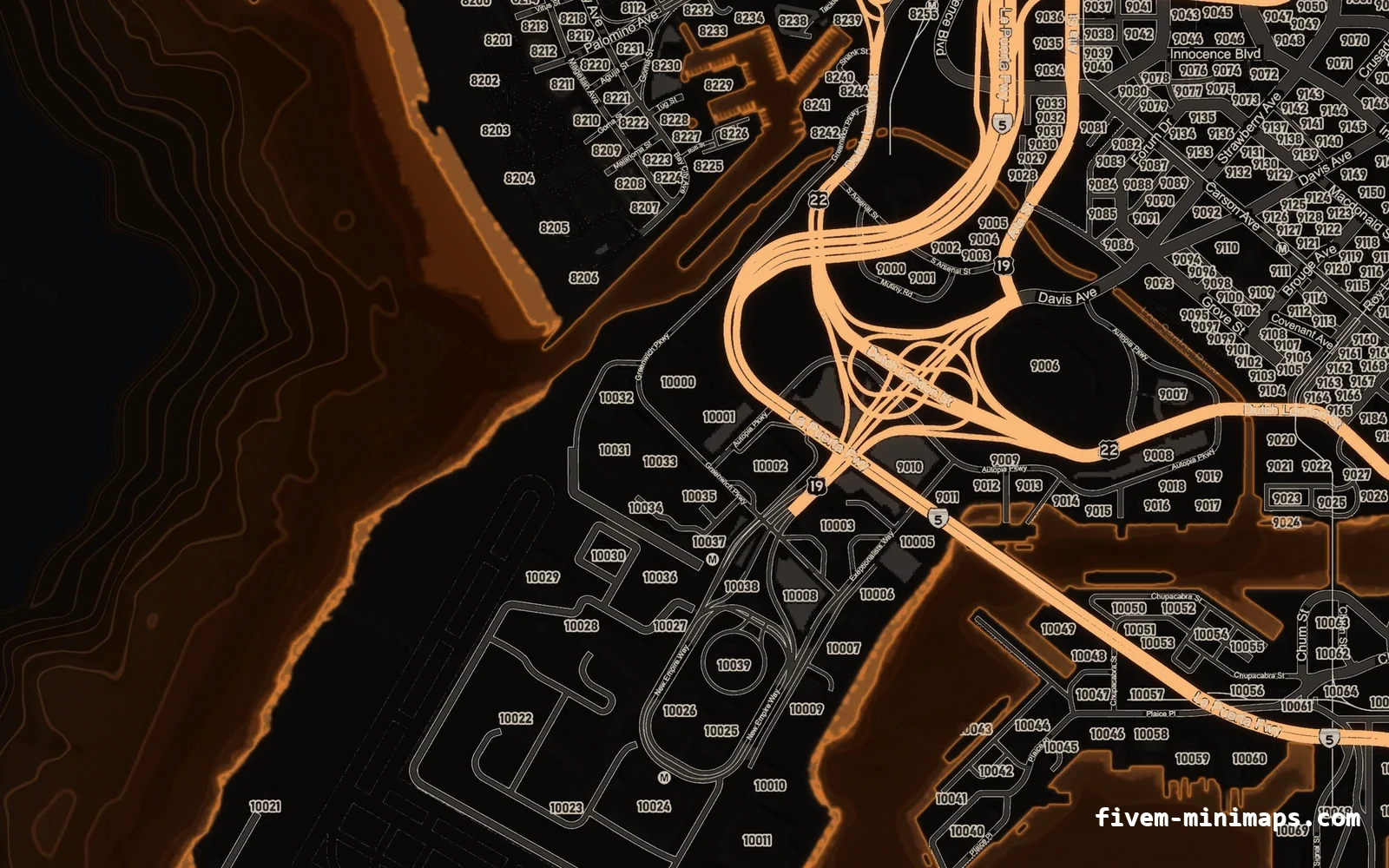
#Your first blip
local blip = AddBlipForCoord(215.8, -810.1, 30.7)
SetBlipSprite(blip, 357)          -- radar_garage
SetBlipColour(blip, 3)            -- blue
SetBlipScale(blip, 0.8)
SetBlipAsShortRange(blip, true)   -- minimap only when nearby

BeginTextCommandSetBlipName('STRING')
AddTextComponentSubstringPlayerName('Public Garage')
EndTextCommandSetBlipName(blip)
That is a complete, named garage icon. Sprite and colour numbers come from the game’s own lists; the most useful ones are in the blip sprites and colours list.
#The three kinds of blip
| Native | Creates | Typical use |
|---|---|---|
AddBlipForCoord(x, y, z) | A fixed icon at a position | Shops, jobs, garages |
AddBlipForEntity(entity) | An icon that follows an entity | Your car, a delivery van, a police unit |
AddBlipForRadius(x, y, z, radius) | A coloured circle on the map | Zones, turf, search areas |
local zone = AddBlipForRadius(1400.0, 3600.0, 35.0, 250.0)
SetBlipColour(zone, 1)   -- red
SetBlipAlpha(zone, 90)   -- 0-255, keep it translucent
A radius blip has no icon of its own. Add a normal blip at the centre if you want a name in the legend.
#Styling: sprite, colour, scale and display
| Native | What it controls |
|---|---|
SetBlipSprite(blip, id) | The icon |
SetBlipColour(blip, id) | The colour |
SetBlipScale(blip, 0.8) | Size; 1.0 is default, 0.6–0.9 keeps the map calm |
SetBlipAsShortRange(blip, true) | Minimap only when close; always on the pause map |
SetBlipDisplay(blip, id) | Where it appears: 2 both maps, 3 pause map only, 5 minimap only, 8 both (not selectable) |
SetBlipAlpha(blip, 0–255) | Transparency |
SetBlipFlashes(blip, true) | Flashing, for urgent things only |
SetBlipRoute(blip, true) | Draw a GPS route to it |
SetBlipCategory(blip, id) | Grouping in the map legend |
#A config-driven blip script
Instead of repeating six lines per location, keep a table and loop over it. Adding a blip becomes one line.
Config = {}
Config.Blips = {
    { name = 'Pillbox Medical',  coords = vector3(300.0, -585.0, 43.3), sprite = 61,  colour = 2 },
    { name = 'Mission Row PD',   coords = vector3(430.0, -980.0, 30.7), sprite = 60,  colour = 29 },
    { name = 'Public Garage',    coords = vector3(215.8, -810.1, 30.7), sprite = 357, colour = 3 },
    { name = 'Clothing Store',   coords = vector3(72.3, -1399.1, 29.4), sprite = 73,  colour = 17, scale = 0.7 },
}local created = {}
CreateThread(function()
for _, b in ipairs(Config.Blips) do
local blip = AddBlipForCoord(b.coords.x, b.coords.y, b.coords.z)
SetBlipSprite(blip, b.sprite)
SetBlipColour(blip, b.colour or 0)
SetBlipScale(blip, b.scale or 0.8)
SetBlipAsShortRange(blip, true)
BeginTextCommandSetBlipName('STRING')
AddTextComponentSubstringPlayerName(b.name)
EndTextCommandSetBlipName(blip)
created[#created + 1] = blip
end
end)
-- Clean up if the resource is restarted
AddEventHandler('onResourceStop', function(res)
if res ~= GetCurrentResourceName() then return end
for _, blip in ipairs(created) do RemoveBlip(blip) end
end)Without the onResourceStop handler, restarting the resource leaves the old blips behind and adds a second set on top.
#Blips only some players should see
Because blips are client-side, showing them only to a job is a matter of creating them only when the player has that job — and removing them when the job changes. Frameworks announce job changes with an event (for example esx:setJob on ESX or QBCore:Client:OnJobUpdate on QBCore). Recreate the job-specific blips inside that handler.
Live blips for other players, such as police seeing each other, need positions from the server because a client only knows about players near it. With OneSync, send positions from the server periodically or use state bags and update entity or coord blips on the client. For the drawing itself, a blip creator hands you the sprite, the colour and the scale as a ready call.
#Keeping the map readable
- One sprite per kind of place: every garage uses the same icon and colour.
- Use colour for meaning — green for medical, blue for police, yellow for jobs — and stick to it.
- Use short range and a smaller scale for anything that is not a landmark.
- Give every blip a name; the pause-map legend groups by name.
- A cleaner map texture helps as much as fewer icons — see branding your server map.
Questions
How do I add a blip in FiveM?
AddBlipForCoord(x, y, z), then set the sprite, colour and name. See the full example at the top of this guide.How do I change a blip’s name?
BeginTextCommandSetBlipName('STRING'), AddTextComponentSubstringPlayerName('Your name') and EndTextCommandSetBlipName(blip).How do I make a blip show only when I am close?
SetBlipAsShortRange(blip, true). It stays on the pause map but only appears on the minimap nearby.Why do my blips duplicate when I restart the resource?
onResourceStop handler with RemoveBlip.Can I use my own image as a blip icon?
Are blips server-side or client-side?
Ready to pick a map?
Twelve themes on three base map styles, $8 each, instant download.
Relevant to what you just read
Look it up while you work
The reference tables this guide leans on, free and without an account.
- All 966 blip sprite idsThe number SetBlipSprite takes, with the texture name beside it. Searchable, and one click copies a value.
- The 100 blip colour indexesEvery index SetBlipColour accepts, with the hex value the radar actually draws.
- All 921 vehicle spawn namesEvery vanilla model with a picture, its display name, its class and the hash CreateVehicle takes.