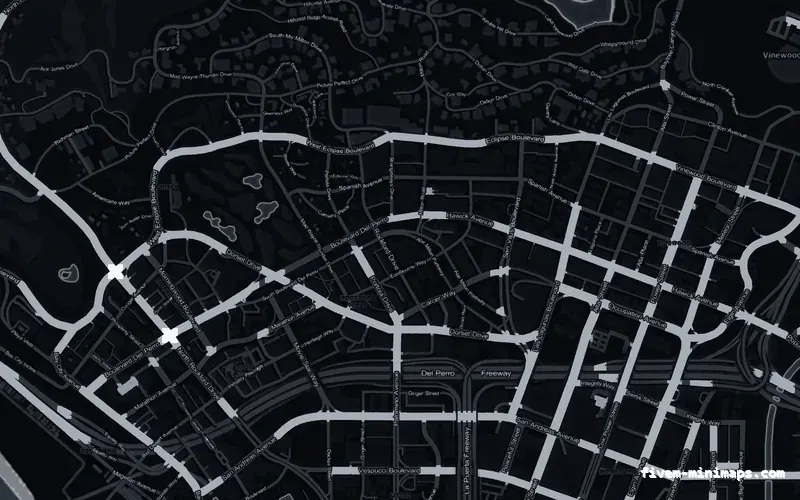
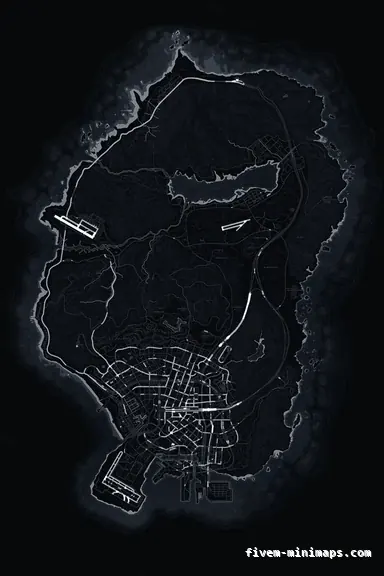
 No postals
BlackOBSIDIAN
The quietest ground in the set, so saturated blips carry all the contrast.
6144 × 9216 px · 78 files · without postal codes$8.00+ $1 / elementView
Blips are the icons the game and your scripts draw over the map: shops, garages, jobs, other players, the waypoint, the GPS route. They are the layer players act on, and they are not part of the map texture at all. That one distinction settles a lot of arguments — why a map pack cannot add a blip, why a blip script cannot restyle a map, and why a genuinely good-looking map can still leave your icons hard to find.
Three concrete recommendations rather than a shrug — with the reason attached.
No postalsThe quietest ground in the set, so saturated blips carry all the contrast.
6144 × 9216 px · 78 files · without postal codes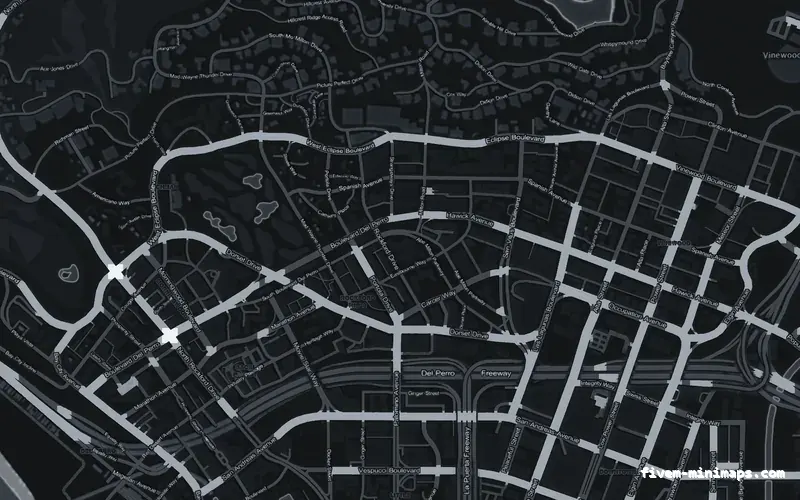
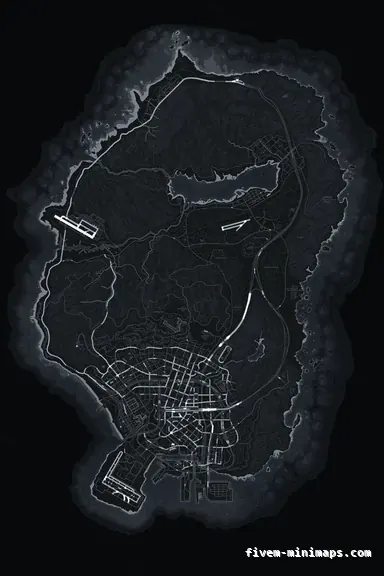 No postals
A neutral mid-tone that suits both dark and light blip colours.
6144 × 9216 px · 78 files · without postal codes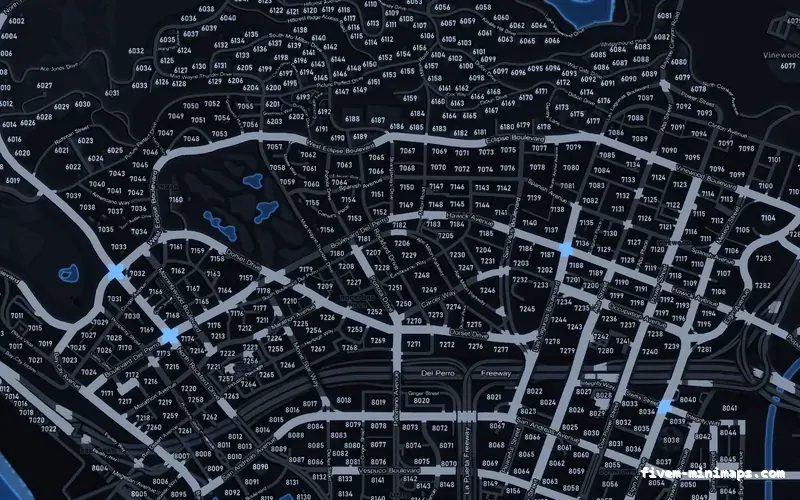
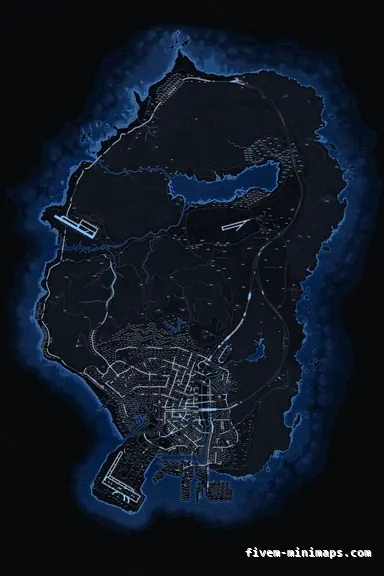 Postal codes
A cool ground that keeps red and orange alert blips clearly separated from it.
6144 × 9216 px · 78 files · with postal codesA blip is made at runtime. A script asks the game for one at a set of coordinates, then gives it a sprite, a colour index, a scale, a display mode and a name. It lives in memory for as long as the resource wants it to, it disappears on a restart, and it is drawn on top of whatever the map happens to look like underneath. Nothing you do to the map art creates one, and nothing a blip does changes the art.
The display mode is the part people forget. A blip can be set to appear on the radar only, on the pause map only, on both, or on neither — and a short-range blip only appears once the player is near it. Those two settings are the difference between a map you can read and a map with four hundred icons on it.
Blips are small patches of saturated flat colour. They stand out in exact proportion to how quiet the ground beneath them is, which is why servers that depend on icons — police, EMS, anything with a dispatch culture — converge on dark neutral maps. That is not a taste, it is a stacking order: the map is the bottom layer and everything that matters is above it.
The failure case is a map whose accent colour shares a hue with your most important icon. A crimson map under red alert blips, an emerald map under green job blips: the icon does not disappear, it just stops being the first thing the eye lands on, and a player takes a beat longer to find it every single time. Over a four-hour session that is the difference between a map that helps and one that quietly does not.
The fix is to choose the map accent so it does not compete. If your dispatch blips are red, take graphite, obsidian or cobalt. If your job blips are yellow, stay off solar. The palette is the cheaper thing to change, because the blip colours are set by a dozen scripts you did not write.
Most servers pass a point where the pause map is unreadable, and it is never the map that caused it. Every job resource, every shop, every garage and every property script adds its own permanent blips, and none of their authors knew about the other twenty.
Three things claw it back. Set anything minor to short range so it only appears when a player is close enough for it to matter. Set job blips to show only while the player is on duty for that job. And go through the resources you inherited and turn off the categories nobody uses — a lot of scripts ship with every blip enabled, because that is the safest default for a demo and the worst default for a live server.
Geography. Hood and district names, a territory tint, a circuit outline, your server logo, a label on a custom build — these never move, never change hands and should be visible to a player who joined a minute ago and has installed nothing. Put them in the texture and they cost nothing at runtime, they appear on the pause map as well as the radar, and no HUD change or resource restart can lose them.
The rule of thumb is simple. If it moves, changes owner, depends on a job or needs to be toggled, it is a blip. If it is part of the city, it belongs in the map. Servers that get this the wrong way round end up running a script to keep fifty static text blips alive for something that should have been printed once.
Text and image elements in the studio are $1.00 each on top of the $8.00 map, which is usually cheaper than the resource somebody was about to write.
Replacing the icon set — your own sprites instead of the stock GTA Online ones — means streaming a different sprite dictionary. It is a different asset from the map tiles, it is installed the same way as any other stream folder, and the two never conflict because they replace different things.
Nothing sold here is a blip. The maps are cartography: the ground, the water, the roads, the names, and whatever you place on them. If you want custom icons that is a separate resource, and it will sit on top of any of these maps without a change.
Open the live preview and look at any street on any theme before you spend a cent.