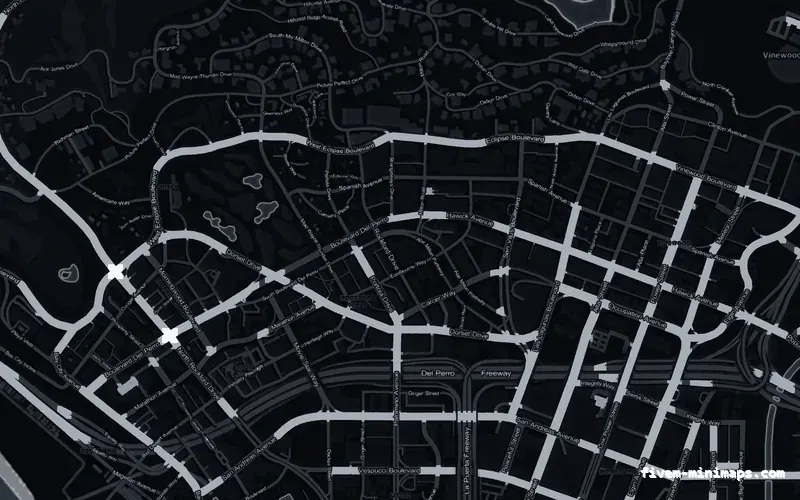
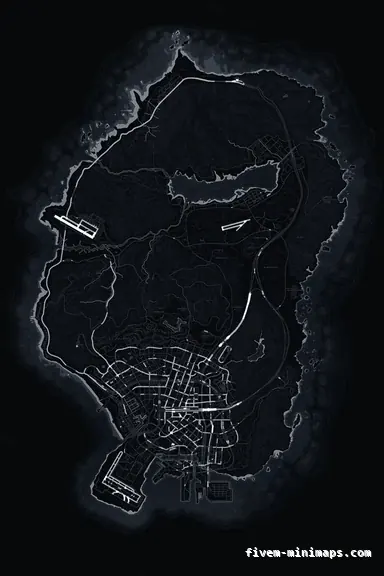
 No postals
BlackOBSIDIAN
The map to test with — any fault is obvious against flat dark ground.
6144 × 9216 px · 78 files · without postal codes$8.00+ $1 / elementView
Installing a minimap is simple, and the things that go wrong afterwards are not always related to the install at all. This page is sorted by symptom rather than by cause, because that is how you arrive at it: something looks wrong and you need to know which of five unrelated things did it. The plain install steps live on their own page; this is everything after that.
Three concrete recommendations rather than a shrug — with the reason attached.
No postalsThe map to test with — any fault is obvious against flat dark ground.
6144 × 9216 px · 78 files · without postal codes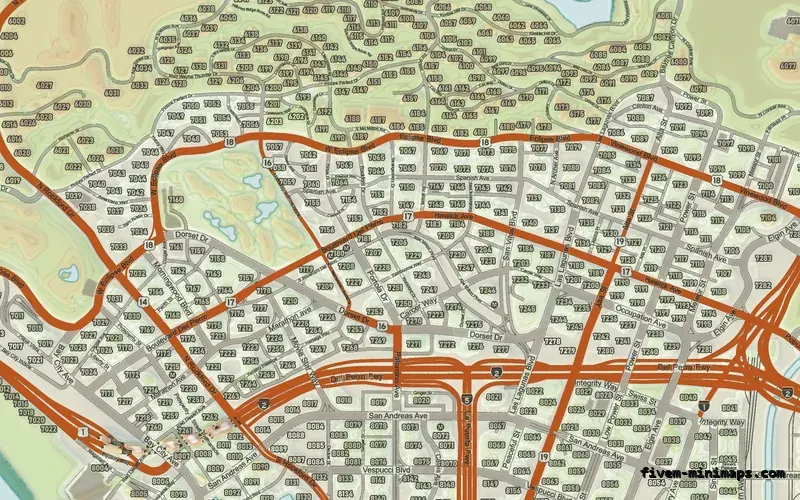
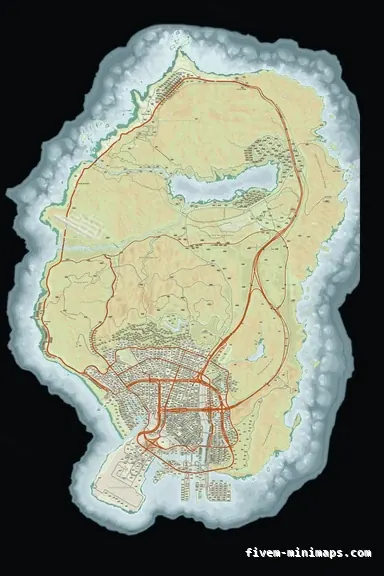 Google style
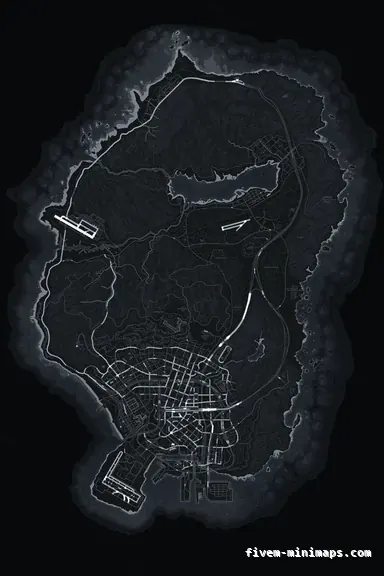
The opposite test: if this one is clean, your streaming is healthy.
6144 × 9216 px · 78 files · google style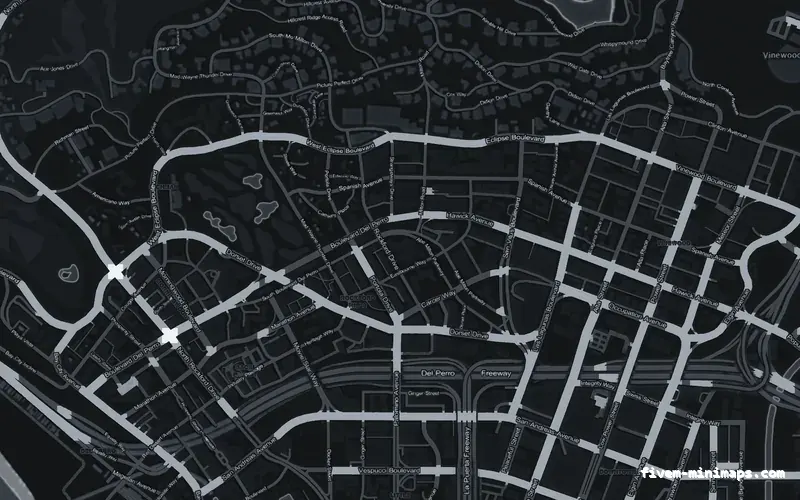
 No postals
A safe map to fall back to while you work out what is fighting what.
6144 × 9216 px · 78 files · without postal codesThe map is six tiles, and they are independent. A single black square, or one area of the state still showing the stock map while the rest changed, means one texture dictionary did not load or did not get replaced — not that the whole install failed.
The usual causes are a partial upload, where one file is missing or truncated because an SFTP transfer dropped, and a second resource replacing one or two of the same tiles. Check the file count first: a complete resource is 78 files and about 22 MB, so a folder noticeably short of that has not arrived intact. Re-upload rather than patch, and prefer a zip transfer over dragging a folder into an SFTP client.
That is a mip chain problem, and it is a property of the pack rather than anything you can configure. Without smaller pre-made copies of each texture, the GPU has nothing appropriate to sample when the radar is zoomed out, so fine detail aliases every frame and the whole map appears to crawl.
It is worth recognising because it is the single most common flaw in free and repackaged minimaps, and no client setting hides it. If a map shimmers, the map is the problem.
Two different faults with a similar look. A texture dictionary that asks the engine for a page far larger than the data it holds will refuse to load and can take the server down with it — a build problem in the pack, not a setting. And a server already close to its streaming limits can be tipped over by another twenty-odd megabytes of textures, which shows up as other assets failing rather than the map.
Test by starting the server with the map resource commented out. If it boots, you know which of the two you have: a bad pack fails on its own, a budget problem only appears alongside everything else you stream.
This is nearly always cache. FiveM keeps streamed textures on the client aggressively, and the old map can survive several reconnects. If it looks right for one person and wrong for another, nothing is wrong with the server — the wrong person has a stale cache.
Clear it with the client closed, because FiveM writes the cache back on exit and a clear performed while it is running gets undone. If a specific player still sees the old map after that, have them check for a client-side map mod in their own plugins folder. Client mods override server art for that player only, which is exactly what this looks like.
Something else was installed. The usual culprits are a HUD pack that ships a map of its own, a postal resource that includes textures, a satellite or atlas pack somebody added without mentioning it, and an all-in-one server bundle that quietly contains one of the above. Two resources replacing the same texture names produce a result that depends on load order, which is why this can change between restarts with nothing else touched.
Search the resources tree for anything containing a minimap tile rather than trusting folder names — packs that include a map rarely say so in the name.
That is zoom data rather than art. The game reads a set of zoom levels for the minimap, and a mismatch between those and the tiles produces transparency, black edges or a map that jumps at particular zoom steps. The zoom data ships inside these resources, so if you are seeing it, check for a second resource supplying its own.
Open the live preview and look at any street on any theme before you spend a cent.