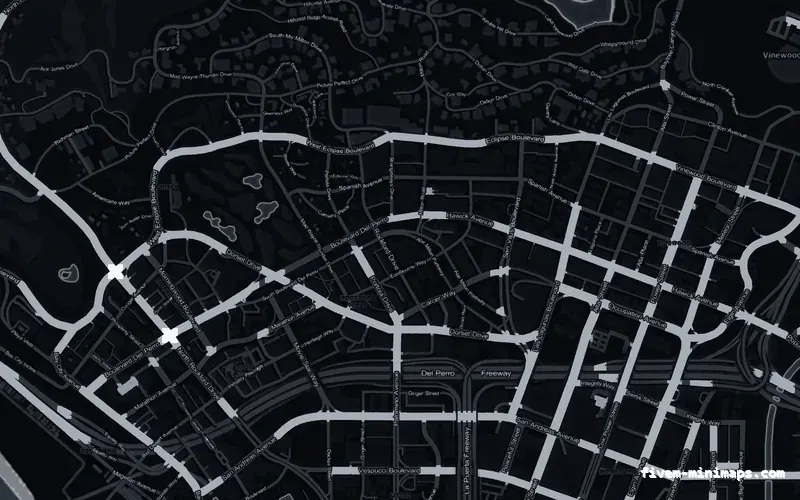
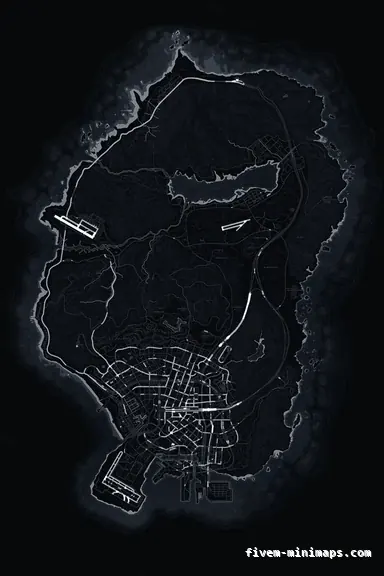
 No postals
BlackOBSIDIAN
Flat, dark and low detail — the most compression-tolerant map in the set.
6144 × 9216 px · 78 files · without postal codes$8.00+ $1 / elementView
A minimap that looks sharp on your monitor goes through three things before a viewer sees it: a scale down into a stream layout, an encoder working to a bitrate, and a phone screen held at arm length. Each one removes detail, and they remove different detail. A server whose players stream is effectively shipping its interface to an audience that never sees the original, which is worth designing for rather than hoping about.
Three concrete recommendations rather than a shrug — with the reason attached.
No postalsFlat, dark and low detail — the most compression-tolerant map in the set.
6144 × 9216 px · 78 files · without postal codes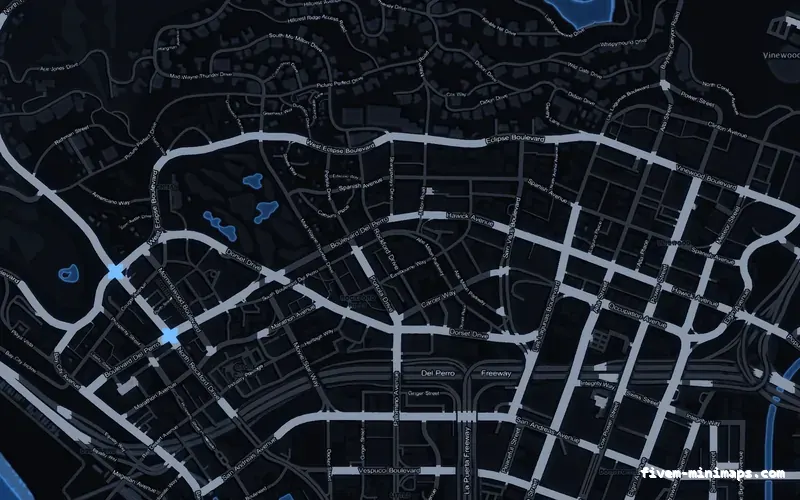
 No postals
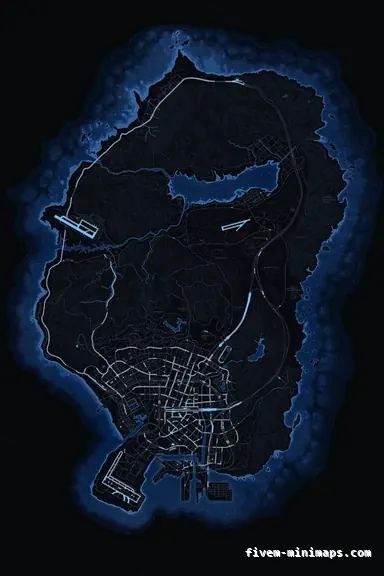
Contrast carried by brightness, which is what survives a low bitrate.
6144 × 9216 px · 78 files · without postal codes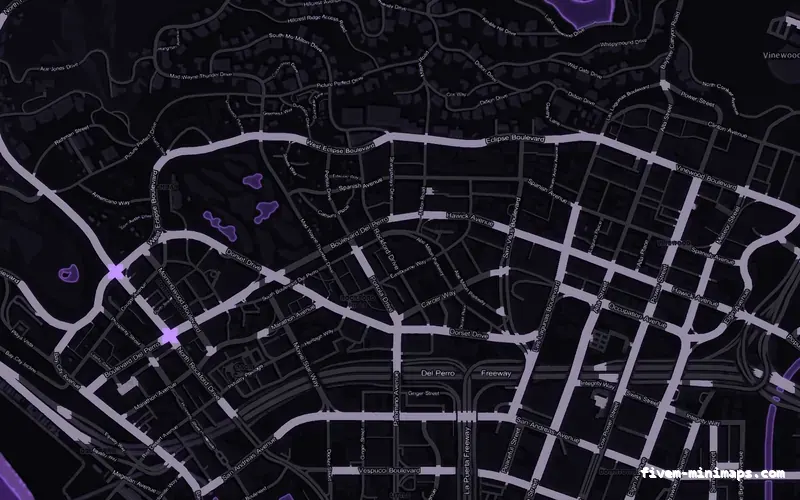
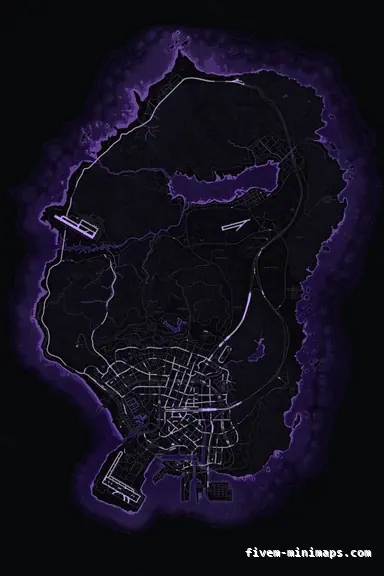 No postals
Recognisable on a thumbnail without large saturated areas.
6144 × 9216 px · 78 files · without postal codesVideo compression keeps brightness detail and discards colour detail, because that is where the eye is least sensitive. In practice a stream stores colour at a quarter of the resolution of the image, so anything whose meaning depends on hue — two similar-coloured roads, a tinted zone over a similar ground — is the first thing to become mush.
The second casualty is anything that moves. Encoders spend their bits on change, and the radar is the busiest small area on the screen: it rotates and scrolls constantly while the rest of the frame is comparatively stable. A map with fine texture in it burns bitrate every frame and gets blocked up for the trouble.
The third is large flat gradients, which band. A subtly graded dark background that looks smooth locally will show stepped rings on a stream at 4,500 kbps.
Most stream layouts put the game in a box with a camera, a chat panel and a set of alerts around it. That can cut the game to seventy or eighty per cent of the canvas before the encoder sees it, and the canvas is often already 1080p or less. Then a viewer watches at 720p on a phone. The radar that was two hundred pixels across on your monitor arrives as a hundred or fewer.
At that size the only things that survive are the road network and the blips. Street names are gone, postal numbers are gone, and terrain detail has become a texture. That is not an argument against any of them — they are for the player, not the viewer — but it does mean the map you pick for a streaming server should be chosen on its road hierarchy, not its detail.
The radar is in frame for the whole stream, which makes it the most-seen piece of server identity you have. But a logo placed over the ocean is not visible in it: the radar only shows the ground the player is standing on. On a stream, what identifies your server on the radar is the palette.
That is the honest answer, and it changes the advice. If most of your players stream, spend the branding budget on picking a palette nobody near you is using, and put the logo and wordmark on the map for the pause screen — where it lands in every screenshot, every map-planning moment and every VOD where somebody opens the full map.
A corner signature near the coastline is the compromise that works in both places: small enough not to intrude, close enough to land in a radar frame when the player is in Vespucci or Paleto.
Obsidian, graphite and cobalt hold up best: dark, flat, and carrying their contrast in brightness. Violet and cobalt are also the easiest to recognise at thumbnail size without large saturated areas.
Magenta and crimson need more care, not because they look bad but because saturated red and pink are the two colours streaming encoders handle worst. Both work here because the saturation sits on thin road strokes over near-black ground rather than across a whole map — the arrangement to avoid is a large, evenly saturated area, which is what turns into visible blocks.
The topographic palettes are the most detailed maps in the collection and the least suited to a heavily compressed stream. They are worth running anyway if your players value them; just do not judge them by how they look in a clip.
Colour range. If the encoder is set to limited range and the source is full range, or the other way round, blacks crush and a dark map loses its road casing entirely — the map looks flat and muddy on stream while being perfectly fine on your monitor. It is a two-minute check and it is the most common reason a dark map is blamed for something the capture settings did.
Open the live preview and look at any street on any theme before you spend a cent.