 Postal codes
WhiteALABASTER
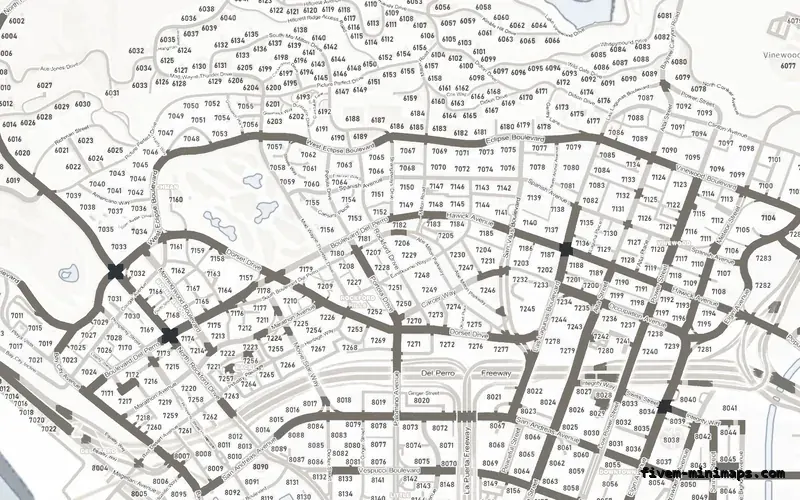
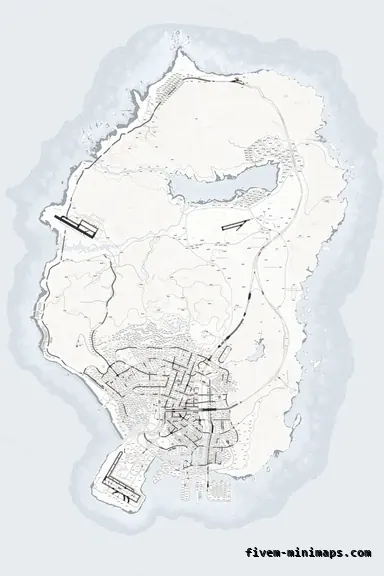
A light map shows sharpness most clearly — every road edge and number is visible at full zoom.
6144 × 9216 px · 78 files · with postal codes$8.00+ $1 / elementView
Every minimap listing says HD. Some say 4K, a few say 8K, and none of those numbers mean what they mean on a monitor, because the game does not draw the map at a screen resolution. It samples a fixed sheet of 2 × 3 tiles, and that sheet is 6144 pixels wide and 9216 tall. A map rendered at exactly that size, with a proper mip chain, is as sharp as a FiveM minimap can be. A map rendered smaller and scaled up is soft on the pause map no matter what the listing calls it. Every map here is rendered at the native sheet size from a 226-megapixel source. That is the whole claim, and it is checkable.
Three concrete recommendations rather than a shrug — with the reason attached.
Postal codesA light map shows sharpness most clearly — every road edge and number is visible at full zoom.
6144 × 9216 px · 78 files · with postal codes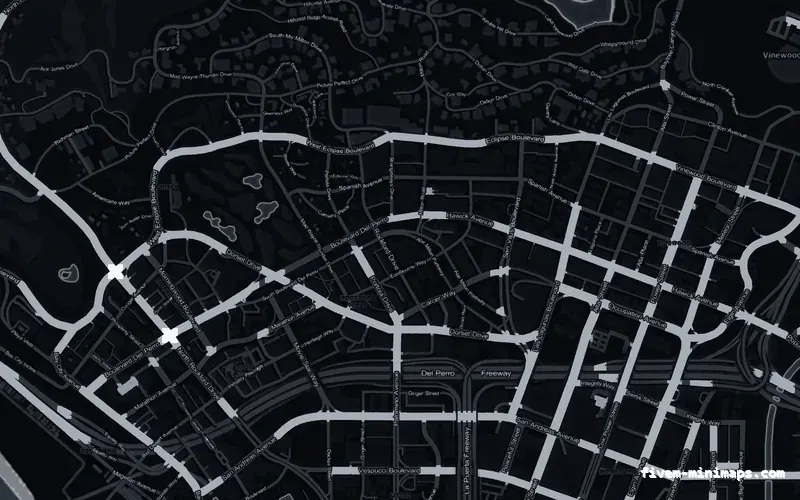
 No postals
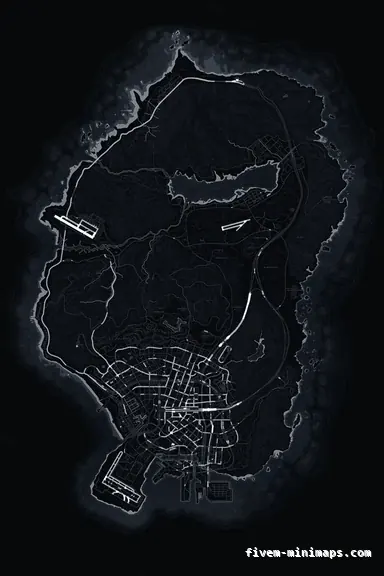
Fine road tiers on a dark ground: the hardest test of a mip chain, passed.
6144 × 9216 px · 78 files · without postal codes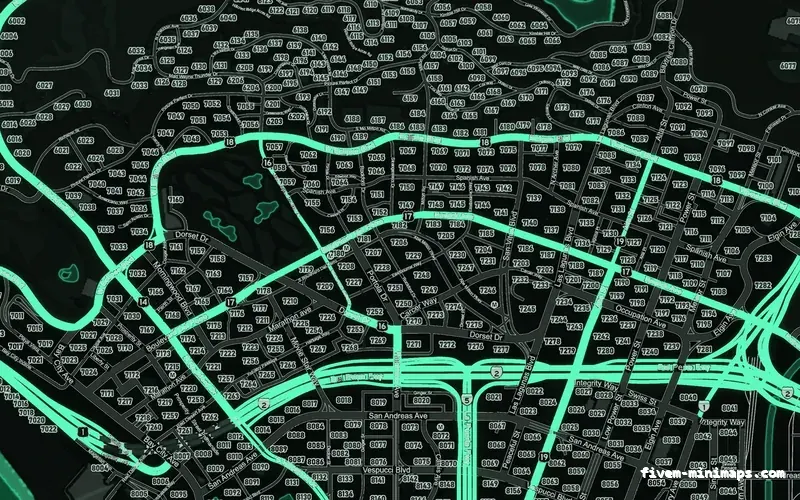
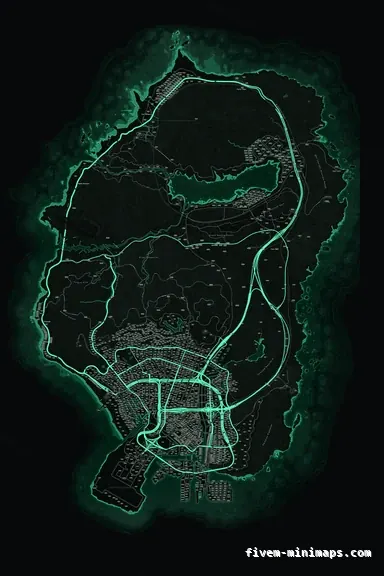 Google style
The Google-style base with terrain shading — the most detail per tile in the set.
6144 × 9216 px · 78 files · google styleThe radar and the pause map are drawn from the same set of tiles. The main sheet is a 2 × 3 grid of 3072-pixel squares — six tiles, 6144 wide by 9216 tall — plus a low-detail sheet the game uses when zoomed out. That is the resolution budget, and it does not change with your monitor. A 4K screen does not get a sharper minimap; a map rendered at the native sheet size looks correct on any screen, and a map rendered below it looks soft on every screen.
Each map here is produced from a source that is supersampled at twice that size — 12288 × 18432, or 226 megapixels — and then downsampled to the sheet, which is why fine road edges are clean instead of aliased. There is no point in the chain where a smaller image is enlarged.
Three reasons, in order of how often they turn up. The source was smaller than the sheet and got scaled up — common with maps traced from a screenshot of the pause menu. The tiles were saved with a single mip level, which looks fine standing still and shimmers the moment the player moves, because the GPU has nothing to sample between zoom steps. Or the tiles were compressed as DXT1, which throws away the alpha and crushes the road edges on a dark ground.
None of these show in a screenshot on a store page, which is why the questions to ask a seller are numeric: what is the source resolution, how many mip levels, which compression. If the answer is a screenshot, that is the answer.
A map at the native sheet size, with full mip chains and every dictionary the game asks for, is the specification a commission would charge you $60 or more to meet. Here it is $8.00 because the rendering pipeline was built once and colours the finished structure per palette in minutes. The output is the same regardless of how much you pay for it; there is no higher tier with more pixels.
If you want to see it rather than read it, open the live preview and zoom to a junction. It is the actual tile set, not a mock-up.
Ask for the tile size — it should be 3072 per tile, or the sheet size of 6144 × 9216. Ask how many mip levels each .ytd has; anything below the full chain will shimmer. Open the pack in a texture viewer if you can and look at the alpha channel on a coastline; DXT1 will show a hard, jagged edge. And count the dictionaries: twelve for the map plus the LOD, or the radar is still running on the stock texture.
Open the live preview and look at any street on any theme before you spend a cent.