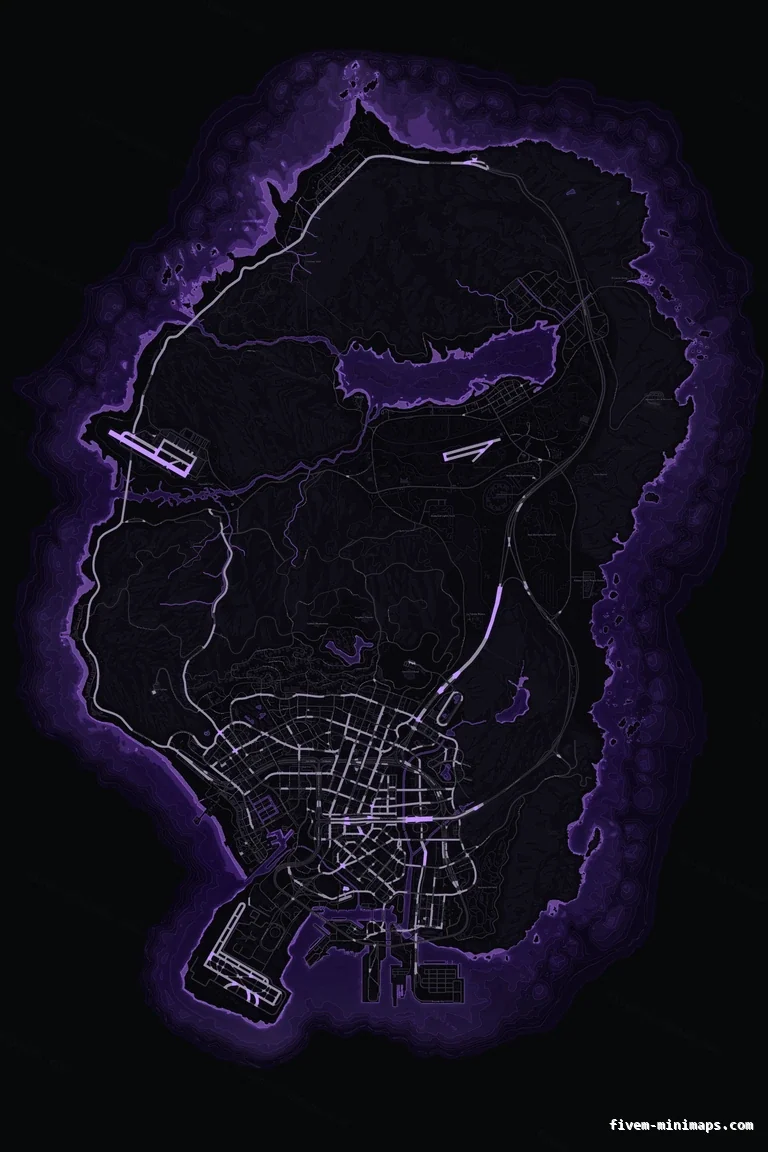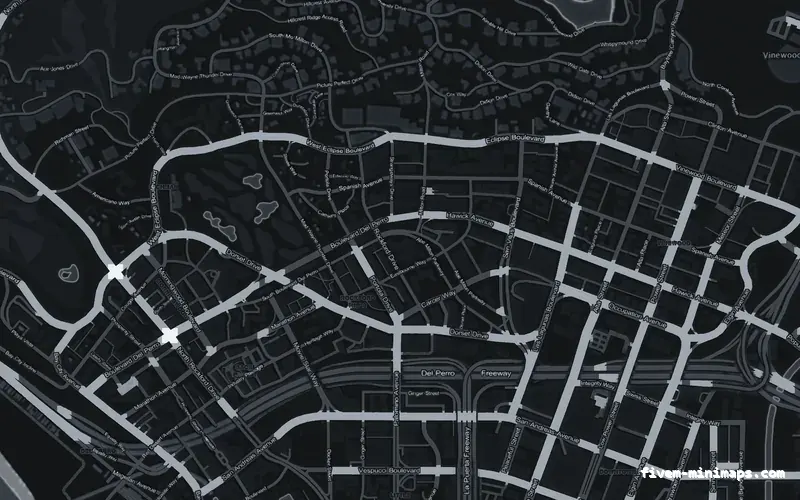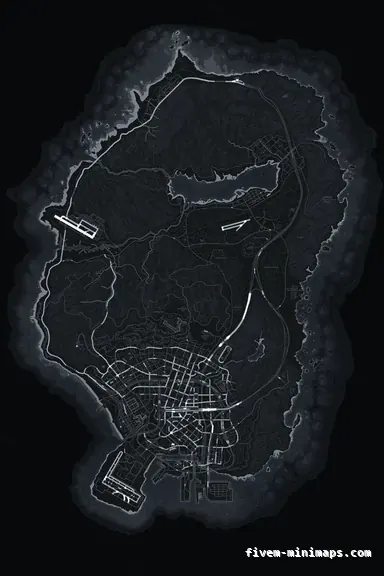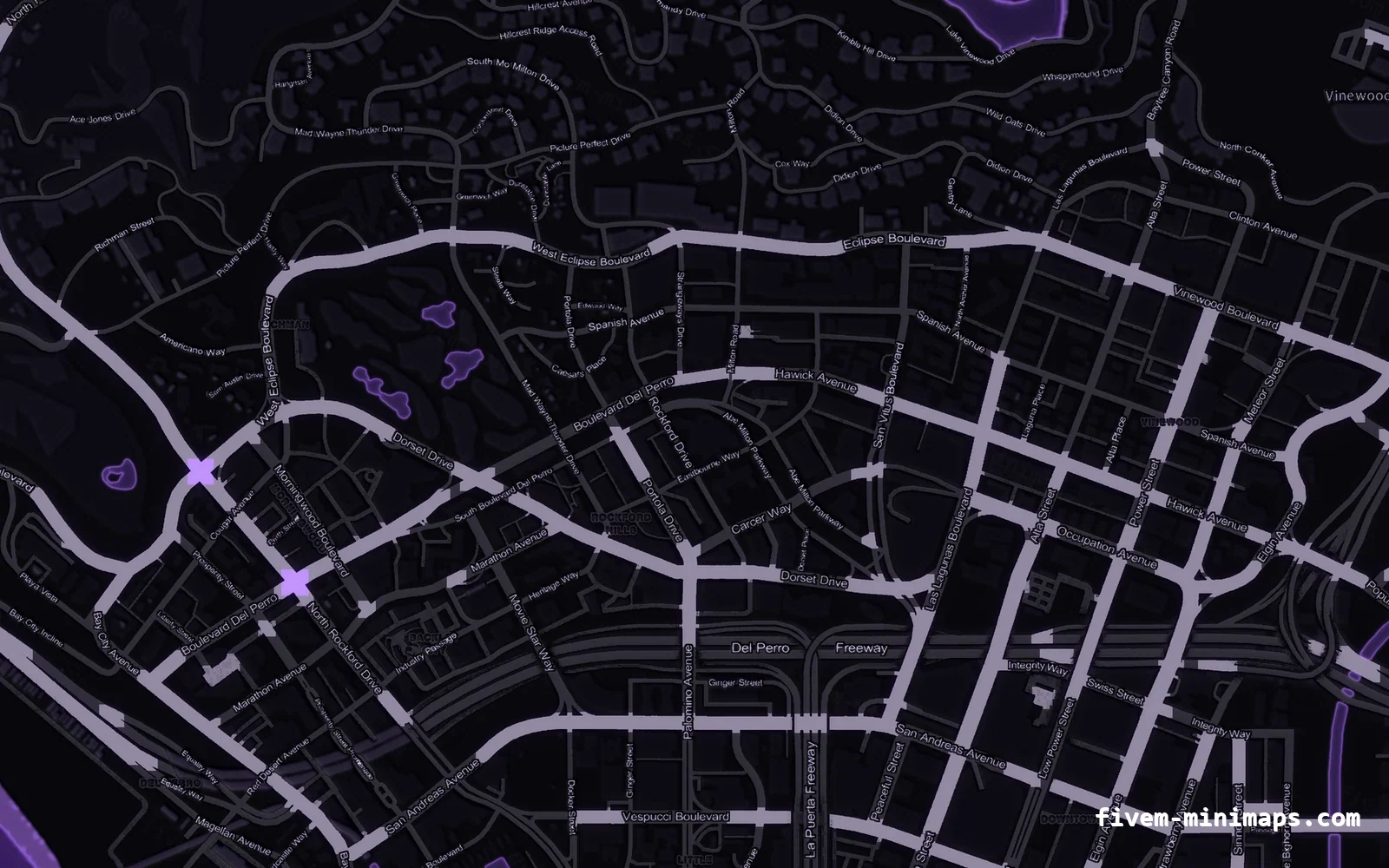
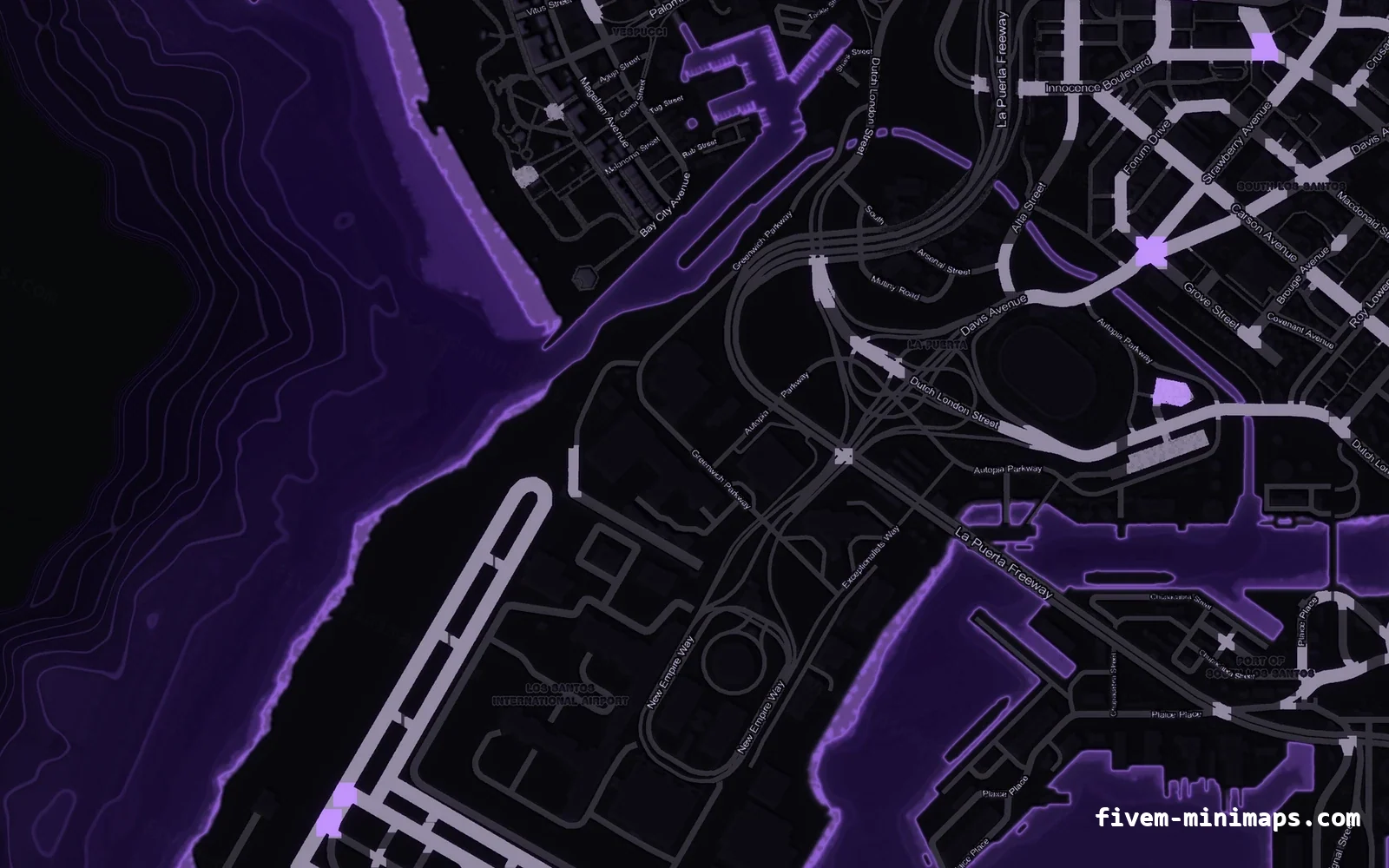
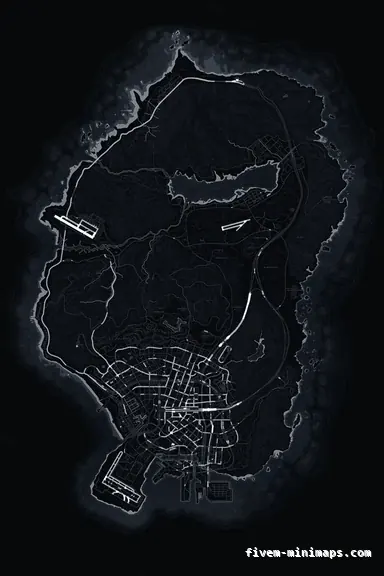
Purple VIOLET FiveM minimap for GTA V — without postal codes — showing the whole San Andreas mapThe whole island1 / 6

Purple FiveM minimap — no postals

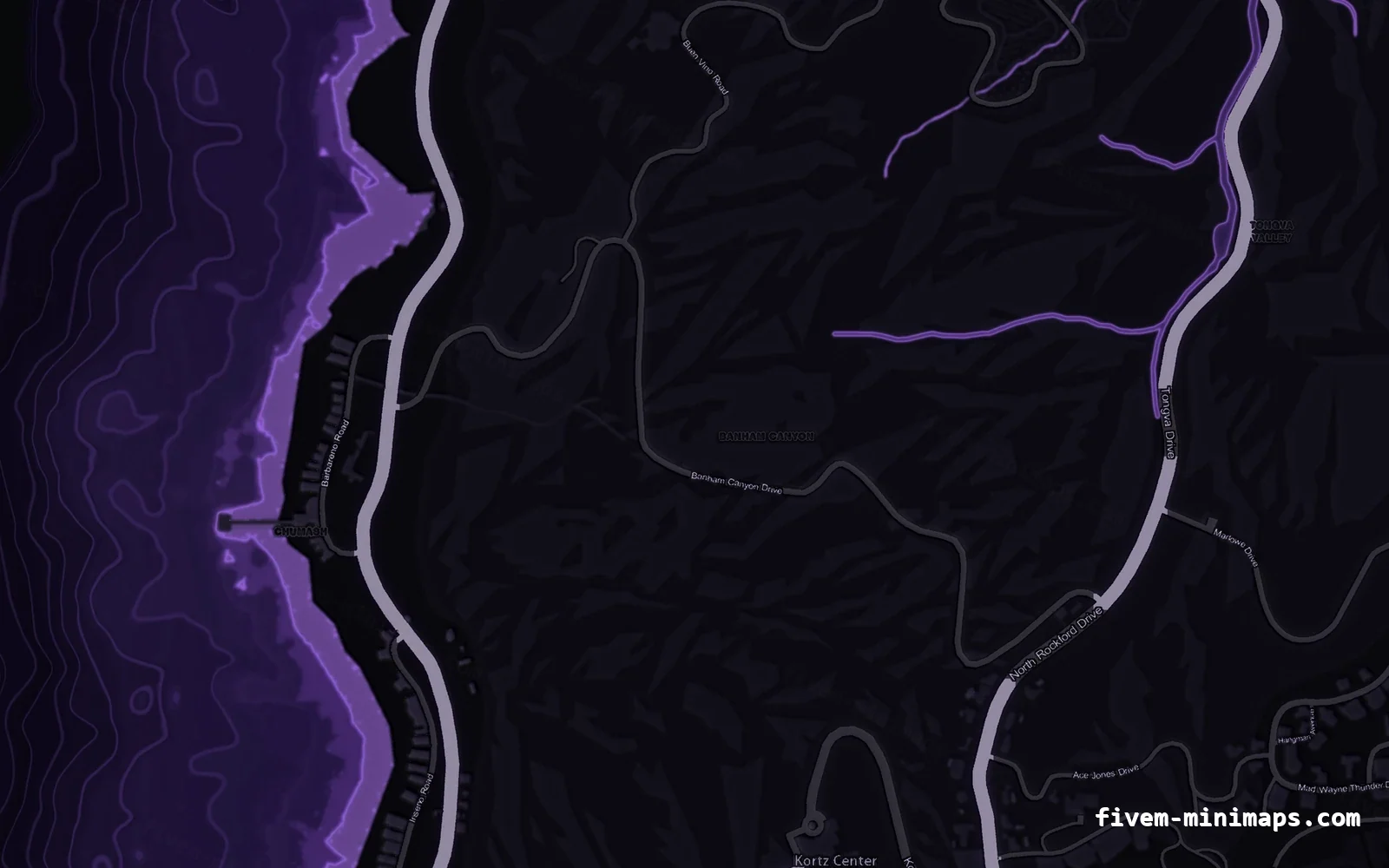
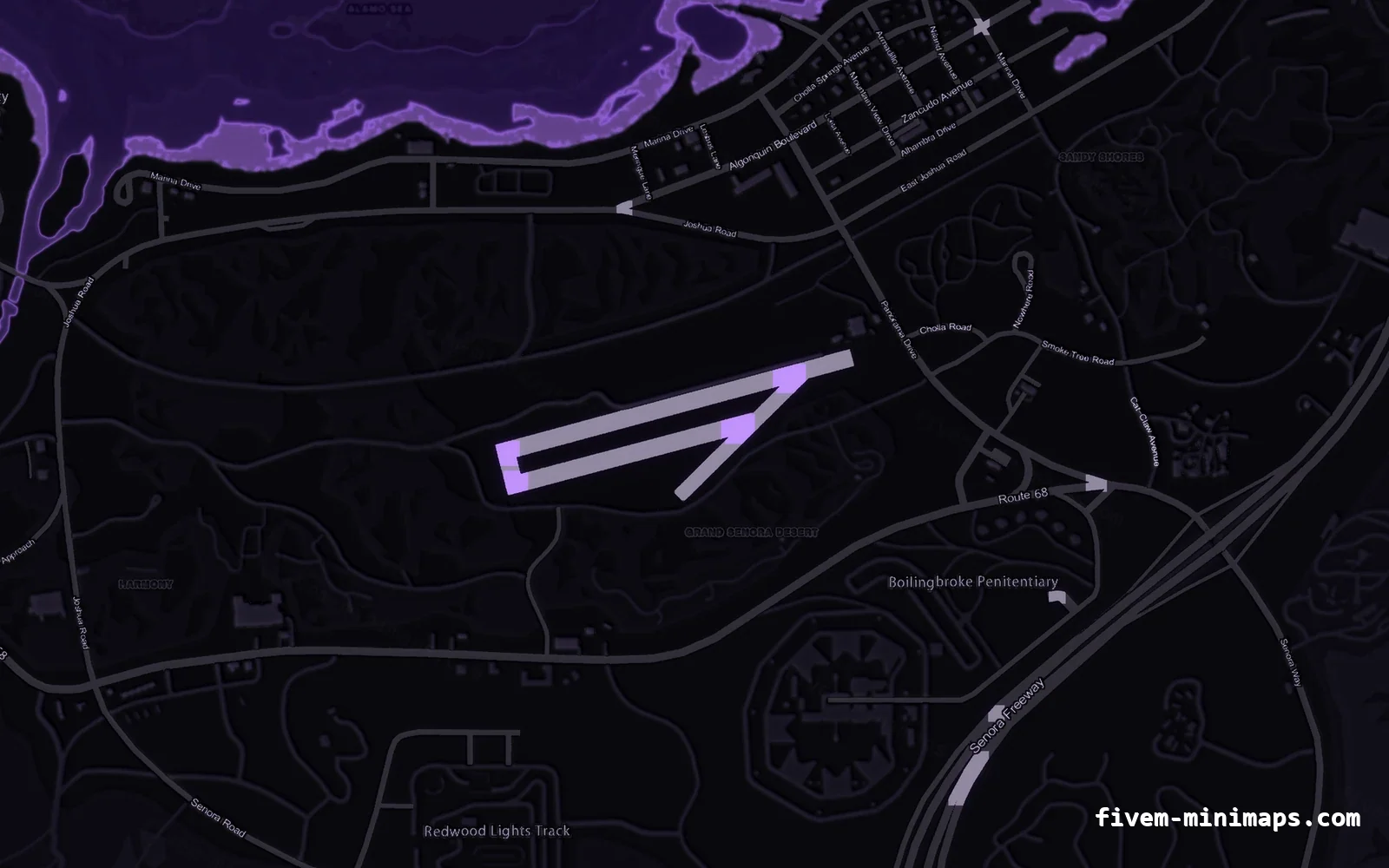
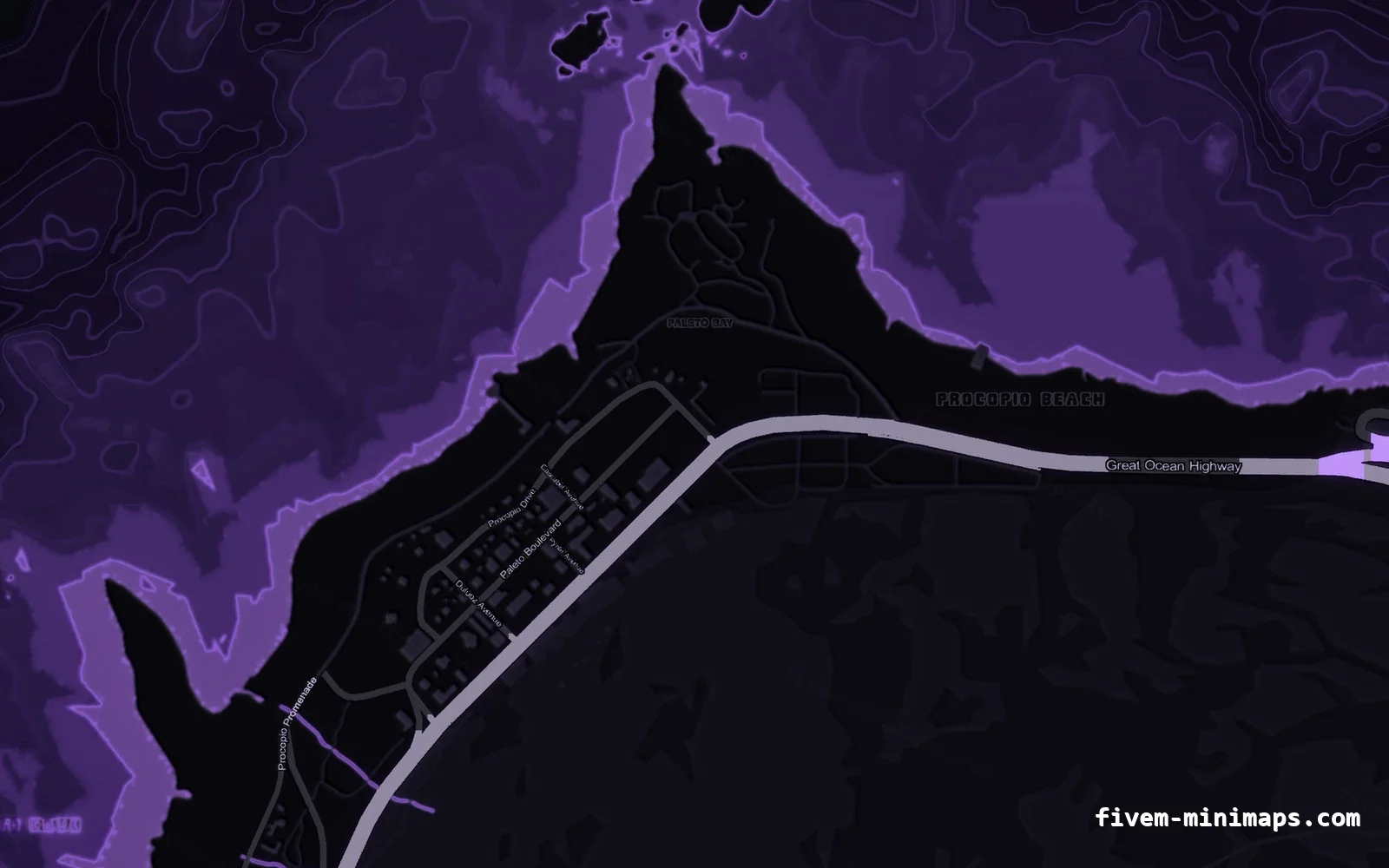
Indigo depth with violet highlights. Premium night-time character that pairs well with purple Discord branding. The postal grid is removed and the ocean rebuilt underneath it, leaving street names only. Made for servers that draw their own postal codes on top, or simply want a calmer minimap.

Violet is a neon, after-dark palette: deep indigo water, violet arterials and a magenta-leaning coastline. It reads as a city at 3am rather than as a map of one.

How the purple palette reads in game

Violet is unusual enough that it never collides with the standard blip colours GTA uses, so job markers, waypoints and player blips all stay distinct on top of it.

Which servers run this one

Nightlife, club, drift and streetwear servers, and any community whose branding already runs purple.

Worth knowing before you buy: Violet is the dimmest hue at equal luminance, so the map is a little harder to read at speed than Cobalt or Ember.

The no postals base map, explained

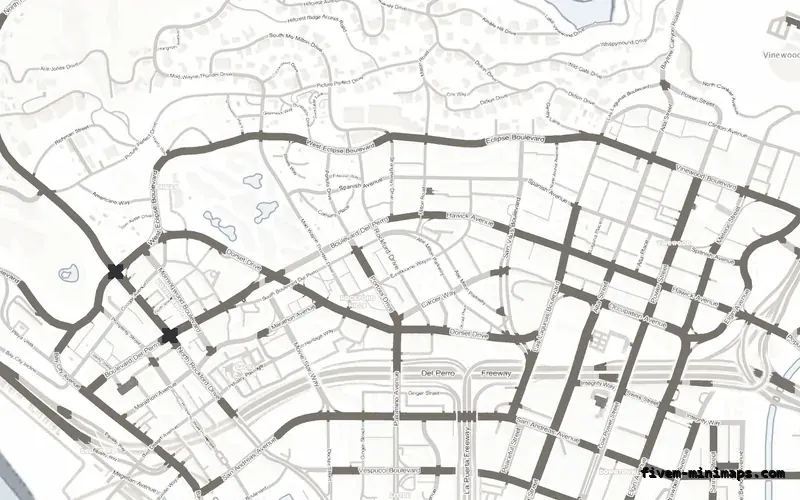
The same coastline, terrain and street network with the postal grid removed and the ground underneath rebuilt, so there are no ghosts where the numbers used to be. Street names stay.

If you already draw postal codes with a script, a HUD or a dispatch system, baking a second set into the texture just puts two numbers on the screen. This build gets out of the way and leaves the map calm.

The trade-off: Players with no postal script running have nothing to call in. Check what your dispatch actually uses before choosing this one. The same purple palette is also built on postal codes and google style, so you can switch base map without changing the look of your server.

The exact purple palette

Nothing here is a filter dropped over the stock map. Every band below is a separate layer in the renderer, which is why the twelve palettes look like twelve different maps rather than twelve tints of one. These are the values used to build the purple VIOLET map you are looking at.

LayerColourWhat it is
Accent / brand#A05CFFUsed for the coastline glow and the UI accent on this page.
Deep water#040309The deepest bathymetric band, furthest from shore.
Mid water#100722The middle depth band between the shelf and the deep.
Shallow water#20103FThe shelf right off the beach, where the depth contours sit.
Coastline#B478FFThe glow that hugs the shore and makes the island read at a glance.
Low ground#09080DSea-level terrain: the basin, the beaches and the flats.
Mid ground#171522The first elevation band — most of Los Santos sits here.
High ground#272132Hills and the Vinewood ridge.
Peaks#342B41Mount Chiliad and the highest bands of the northern range.
Minor roads#615C6EResidential streets and service roads — the quietest tier.
Major roads#CBC3D8Arterials and boulevards.
Freeways#B98CFFThe highway network, always the brightest road tier.
Labels#D3CBE2Street names and, on the postal build, the postal numbers.

How this map is rendered

Every map is rendered at 2× supersampling from a 12288 × 18432 master, then resampled to the 6144 × 9216 game resolution — which is why the coastline stays smooth instead of stair-stepping, and why labels stay readable at radar size. Water depth is a real bathymetric gradient with contour lines, the coastline carries a glow that hugs the shore, and the road network is separated into three tiers so freeways stay continuous while the city fabric never turns to mush.

The source map is taken apart into semantic layers first — ocean, depth, coastline, terrain relief, hillshade, three road classes, labels and label halos — and each layer is recoloured independently. That separation is what lets the purple freeways stay bright while the residential grid stays quiet, instead of every pixel shifting hue together.

What is in the download

One folder named pityus_minimap_purple_clean, 78 stream files, roughly 113 MB of VRAM in game — identical to the stock GTA V map, so there is no performance cost to switching.

FileWhat it does
fxmanifest.luaResource manifest, game "gtav", fx_version "cerulean".
client.luaSets the radar zoom levels so the new texture resolution is sampled correctly.
stream/minimap_sea_0_0.ytd … 2_1.ytdSix DXT5 sea texture dictionaries covering the ocean.
stream/minimap_0_0.ytd … 2_1.ytdSix DXT5 land texture dictionaries covering the island.
stream/minimap_lod.ytdThe low-detail texture used when the pause map is fully zoomed out.
stream/*.ydd (65 files)The geometry the game draws the minimap onto, unchanged from vanilla.
pityus_minimap_purple_clean/Everything above lives in this one folder. Nothing is written anywhere else.

How to install the purple minimap on a FiveM server

resources/
└─ [standalone]/
   └─ pityus_minimap_purple_clean/

server.cfg:  ensure pityus_minimap_purple_clean
  1. 01 Unzip into your resources folder

    Drop the pityus_minimap_purple_clean folder into resources/[local] (or any folder your server.cfg already ensures). Keep the folder name exactly as it is — the fxmanifest and the stream paths depend on it.

  2. 02 Ensure it in server.cfg

    Add "ensure pityus_minimap_purple_clean" to server.cfg. Put it near the top, before your HUD and framework resources, so the textures are already streamed when the HUD first draws.

  3. 03 Remove any other minimap resource

    Two resources streaming the same minimap textures is the single most common reason a new map does not appear. Search your resources folder for other files named minimap.ytd or minimap_sea_*.ytd and stop those resources.

  4. 04 Clear the client cache

    Delete FiveM Application Data/data/cache on every client that tests it. FiveM caches streamed textures aggressively and will keep serving the old minimap otherwise.

  5. 05 Reconnect and check

    Join the server and open the pause map. If the pause map changed but the radar did not, the cache was not cleared; if neither changed, the resource is not started — check the server console for the resource name.

The full installation guide covers replacing an existing map resource, txAdmin deployments and cache clearing in more detail.

Framework compatibility

The resource replaces textures and radar zoom data only. It has no framework dependency and no exports, so it behaves the same everywhere.

FrameworkStatus
QBCoreWorks unchanged. No qb-hud edit needed unless your HUD hides the radar.
QBoxWorks unchanged.
ESX LegacyWorks unchanged on 1.9 and later.
vRP / vRPexWorks unchanged.
StandaloneWorks unchanged — the resource has no framework dependency at all.
Custom map add-onsThe texture only replaces the minimap art; MLOs and map resources are untouched.

Brand it with your own logo

Any of these maps can be branded in the browser studio: place your server name, your logo, a Discord tag or a watermark anywhere on the island, preview it on the real tiles at full zoom, and download the finished resource. The map stays $8.00 and each element you add costs $1.00. Open this map in the studio — you only pay when you download.

Searches this map answers

purple fivem minimap · neon fivem minimap · violet gta 5 map · nightlife server minimap · fivem no postal minimap · clean fivem minimap · minimap without postal codes · fivem minimap no numbers · purple fivem minimap no postals · purple violet minimap · fivem minimap purple no postals · gta 5 purple minimap mod download · qbcore purple minimap · esx purple minimap · custom fivem minimap purple · purple radar texture fivem

Questions about this map

Does the Purple minimap work with QBCore and ESX?
Yes. The resource replaces textures and radar zoom data only, so it is framework independent and works on QBCore, ESX, QBox, vRP and standalone servers.
What is in the download?
A complete FiveM resource called pityus_minimap_purple_clean: fxmanifest.lua, client.lua and a stream folder with 78 files — six minimap and six minimap_sea DXT5 textures, the LOD texture and 65 .ydd geometry files.
Can I add my server logo to this map?
Yes. Open it in the studio, place your logo and text, and the branded build costs $8.00 plus $1.00 for each element you add.
Do I get updates?
Yes. Whenever a theme is re-rendered with an engine improvement, the newest build is available in your dashboard at no extra cost.
Is the purple palette easy to read at radar size?
Violet is unusual enough that it never collides with the standard blip colours GTA uses, so job markers, waypoints and player blips all stay distinct on top of it.
What kind of server suits the purple minimap?
Nightlife, club, drift and streetwear servers, and any community whose branding already runs purple. One thing to weigh first: violet is the dimmest hue at equal luminance, so the map is a little harder to read at speed than Cobalt or Ember.
Why choose the no postals base map over the other two?
If you already draw postal codes with a script, a HUD or a dispatch system, baking a second set into the texture just puts two numbers on the screen. This build gets out of the way and leaves the map calm. The trade-off: players with no postal script running have nothing to call in. Check what your dispatch actually uses before choosing this one.
Can I put my server logo on the purple map?
Yes. Open it in the studio, drop your logo and any text on the island, and download the finished resource. The map stays $8.00 and every element you add costs $1.00; you only pay at download, so you can try a layout for free.
Will this hurt performance?
No. pityus_minimap_purple_clean replaces textures and radar zoom data only — no loops, no exports, no server callbacks. VRAM use is roughly 113 MB, the same as the stock GTA V minimap.

Other themes in without postal codes

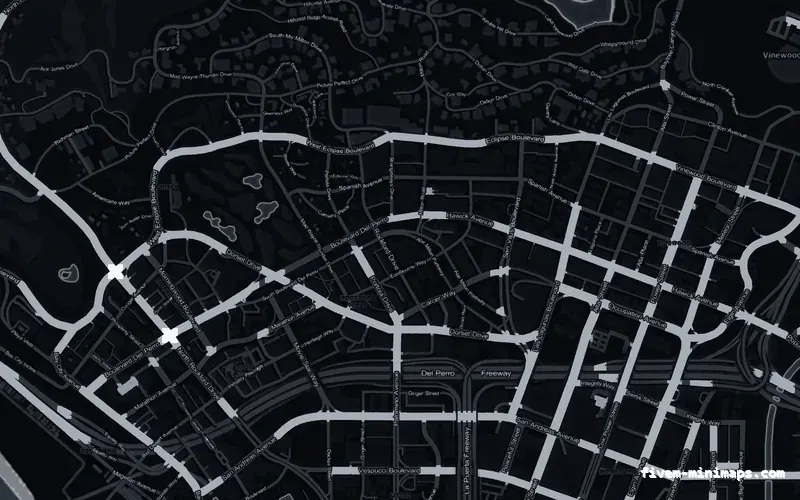
Black OBSIDIAN FiveM minimap for GTA V — without postal codes — showing Los Santos street detailBlack OBSIDIAN FiveM minimap for GTA V — without postal codes — showing the whole San Andreas map No postals
BlackOBSIDIAN

OBSIDIAN palette on the without postal codes base map.

4.7 · 92 reviews
$8.00+ $1 / elementView
White ALABASTER FiveM minimap for GTA V — without postal codes — showing Los Santos street detailWhite ALABASTER FiveM minimap for GTA V — without postal codes — showing the whole San Andreas map No postals
WhiteALABASTER

ALABASTER palette on the without postal codes base map.

4.6 · 48 reviews
$8.00+ $1 / elementView
Gray GRAPHITE FiveM minimap for GTA V — without postal codes — showing Los Santos street detailGray GRAPHITE FiveM minimap for GTA V — without postal codes — showing the whole San Andreas map No postals
GrayGRAPHITE

GRAPHITE palette on the without postal codes base map.

5.0 · 94 reviews
$8.00+ $1 / elementView
All without postal codes minimaps