FiveM-compatible minimap not showing? Work through these nine causes
Nine times out of ten a minimap that will not appear is one of three things: the client is still holding the old texture in its cache, another resource is streaming the same file names, or the resource never started at all. This walks the list in the order the causes actually occur, so you can stop at the first one that matches instead of reinstalling everything.
Short answer: Clear the FiveM client cache, confirm the resource actually started with a stream file count above zero, and make sure no other resource streams minimap_*.ytd. Those three cover almost every case.
The same thing, on video
 1:54
1:54How to get a custom FiveM-compatible minimap in 5 minutes (no OpenIV)
Pick a style and palette, zoom the whole island in the protected preview, brand it with your logo, drag the folder in and ensure it.
Watch on YouTube#1. The client is still using the cached texture
This is by far the most common cause, and it is the reason the map looks unchanged for you while it is already correct for a player who has never joined before. FiveM caches streamed assets per server, and a texture dictionary that has already been resolved once is not fetched again just because the bytes changed.
- 01 Close FiveM completely
Not just the game — the FiveM process itself.
- 02 Delete the server cache folder
In your FiveM application data directory, remove FiveM.app/data/server-cache and server-cache-priv.
- 03 Reconnect
The first join afterwards will be slower. That is the map downloading.
#2. The resource never started
A stream-only resource fails quietly. If the ensure line is missing, misspelled, or the folder name does not match, nothing in the console shouts about it.
- Run "ensure <name>" in the server console and read the reply.
- Type "start <name>" — if it says the resource could not be found, the folder name and the ensure line disagree.
- The folder must sit inside resources/, optionally in a [bracket] folder, but never inside another resource.
ensure pityus_minimap_orange_google#3. Another resource streams the same files
Only one resource can win the name minimap_0_0.ytd. If a map pack, a HUD, a graphics pack or an older minimap also streams it, whichever the server resolves last is the one you see — and that order is not stable between restarts.
- 01 Search your resources folder
Look for any other file named minimap_*.ytd or minimap_sea_*.ytd outside the resource you just installed.
- 02 Stop or strip the other one
Either stop that resource entirely, or delete its minimap files if you need the rest of it.
#4. The map appears but everything is blurry
A blurry map with the right colours means the textures loaded but the radar zoom levels did not. The client script that ships with the resource calls SetMapZoomDataLevel so the zoom steps line up with the new texture resolution; if that script did not run, the game keeps the stock zoom table and stretches the wrong mip.
- Check that fxmanifest.lua still lists the client script.
- Confirm the resource is not being started before the game is ready — a plain ensure at the end of server.cfg is correct.
- If you edited the client script, a syntax error stops it silently. Watch the client console (F8) on join.
#5. Half the map loaded
Twelve texture dictionaries make up the map: six for land, six for sea. If a section is missing, one dictionary failed to stream, which almost always means the file is truncated — an interrupted upload, or an FTP client that transferred it in ASCII mode.
- Compare file sizes against the zip you downloaded.
- Re-upload in binary mode. Never let an FTP client "auto" a .ytd.
- Do not repack the .ytd files with a zip tool that recompresses them.
#6. The pause map changed but the radar did not
These are the same textures, drawn at different zoom levels. If the big map is right and the corner radar is not, you are looking at cause 1 or cause 4 again — the radar draws the lowest mip, which is the part most likely to still be cached.
#7. sv_enforceGameBuild or an artifact mismatch
A very old server artifact combined with a recent game build can fail to resolve streamed texture dictionaries at all. If nothing on this list has helped and other streamed assets are also missing, update the artifact before you keep debugging the map.
#8. The resource is inside a bracket folder that is not being read
A [bracket] folder is only scanned if the server knows about it. If you invented a new bracket name, make sure it is inside resources/ directly and not nested two levels deep inside another bracket.
#9. You are on a different server than you think
Obvious, and it still happens: a saved connection, a second instance, or a test server on another port. Check the server name in the pause menu before rewriting anything.
Questions
Why do other players see the new minimap but I do not?
Do I need to restart the whole server?
Can two minimap resources run at once?
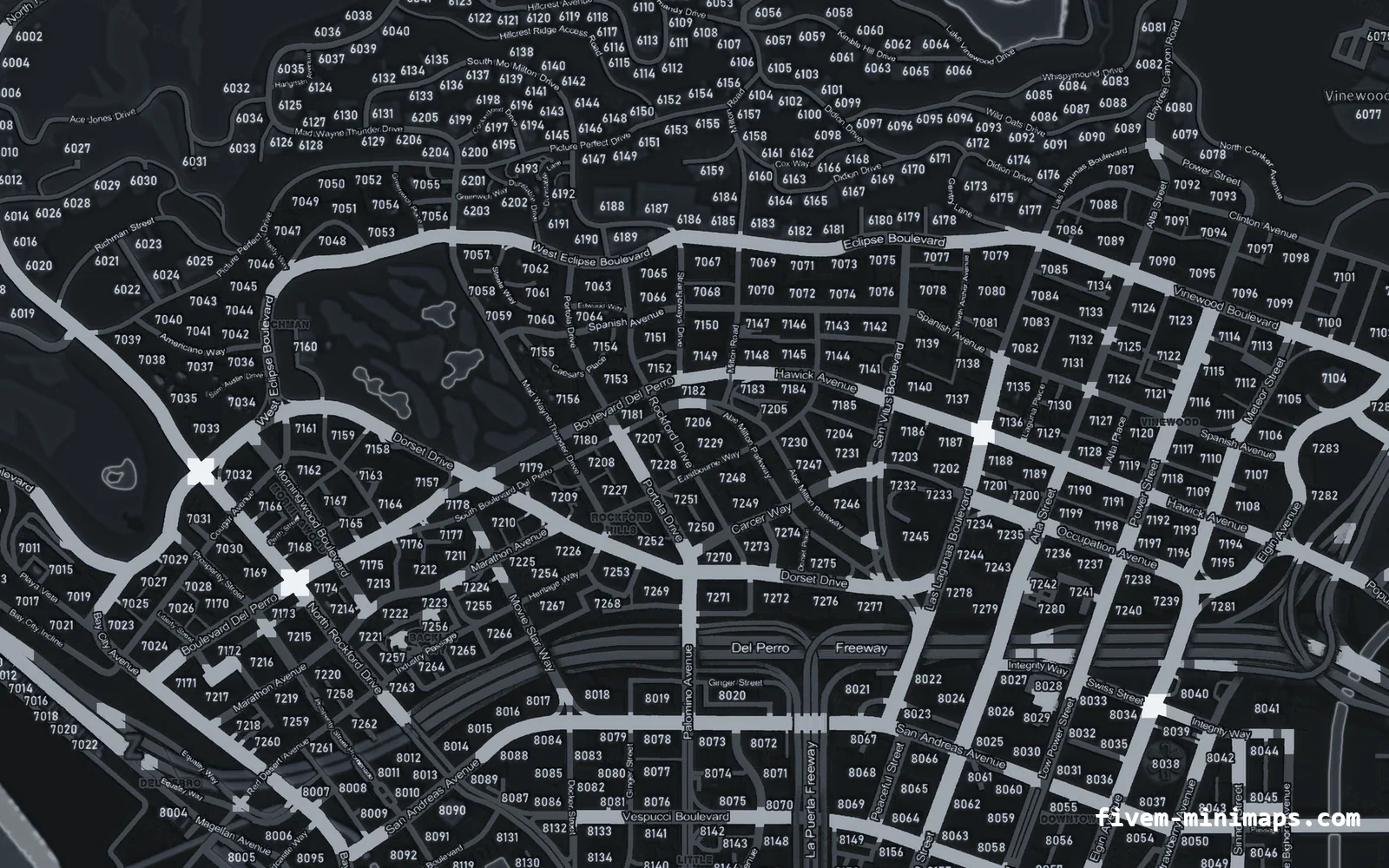
The map is there but the postal numbers are missing.
Ready to pick a map?
Twelve themes on three base map styles, $8 each, instant download.
Relevant to what you just read
Look it up while you work
The reference tables this guide leans on, free and without an account.
- The map modding glossary38 terms — file formats, radar parts, framework words — each with a one-line answer first.