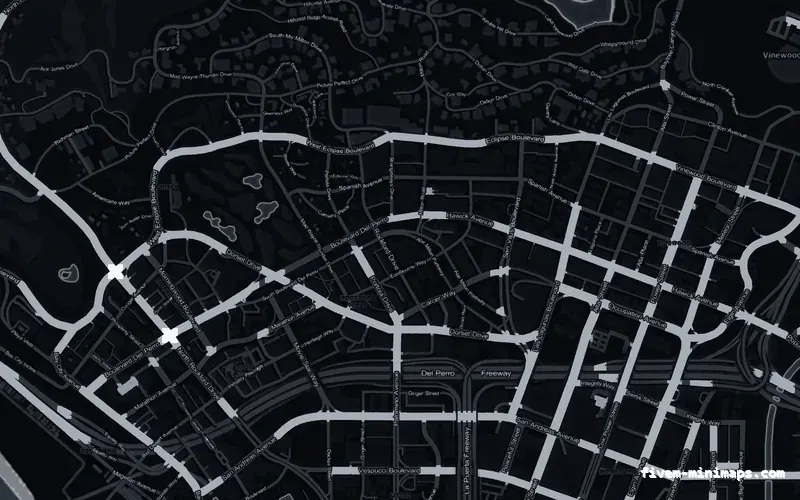
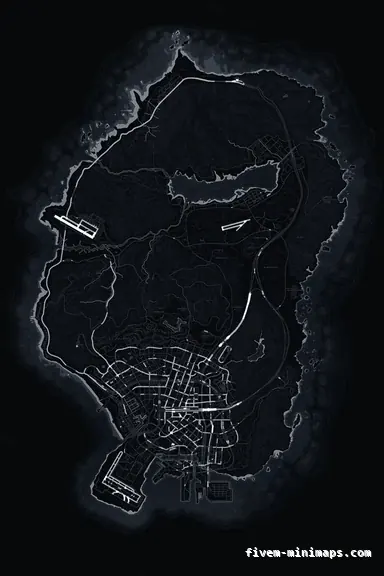
 No postals
BlackOBSIDIAN
A safe first install — neutral, no numbers, nothing to conflict with.
6144 × 9216 px · 78 files · without postal codes$8.00+ $1 / elementView
Installing a minimap is two steps and one thing everybody forgets. It is worth writing down properly because the failure mode is confusing: you do everything right, restart, join, and the map looks exactly as it did before — which makes it look like the resource is broken when it is not.
Three concrete recommendations rather than a shrug — with the reason attached.
No postalsA safe first install — neutral, no numbers, nothing to conflict with.
6144 × 9216 px · 78 files · without postal codes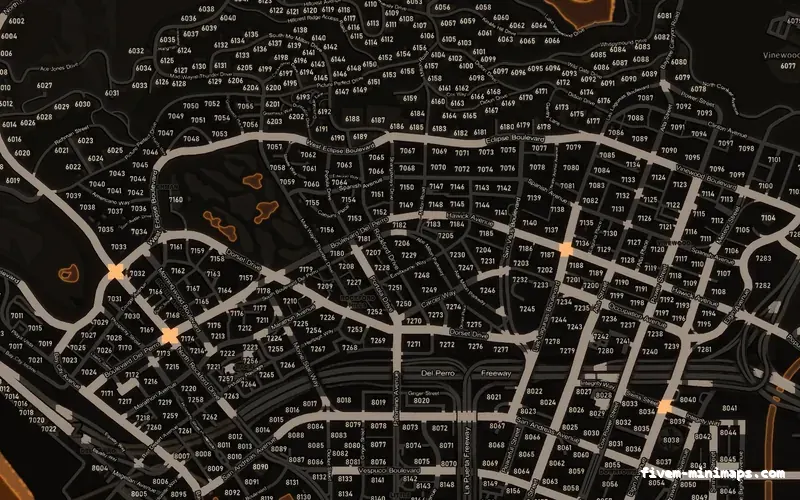
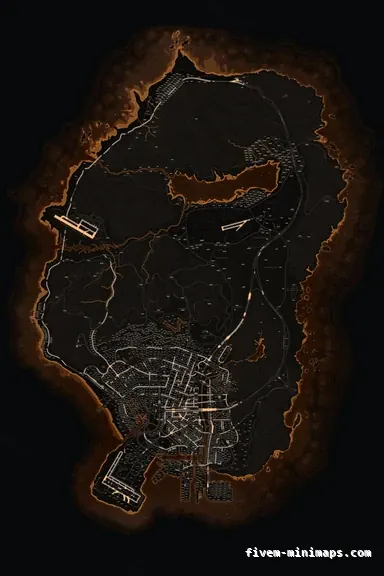 Postal codes
If you want to see the difference immediately, numbers and all.
6144 × 9216 px · 78 files · with postal codes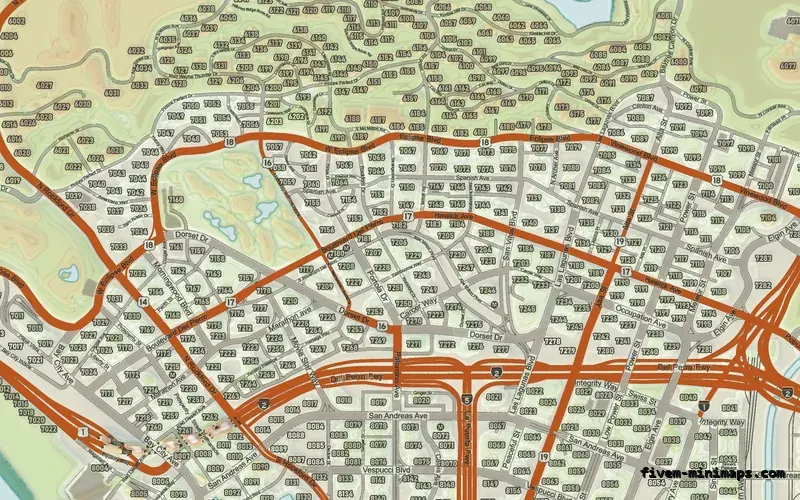
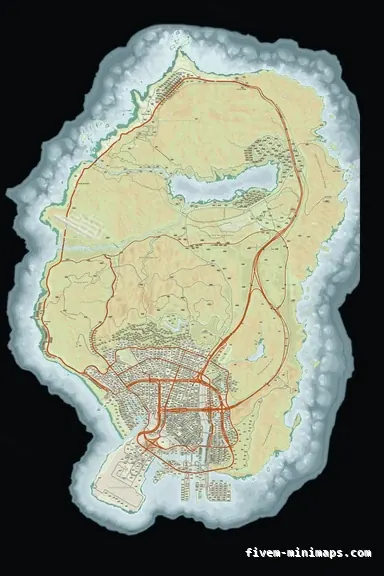 Google style
The most obviously different map, for testing that it took.
6144 × 9216 px · 78 files · google styleUnzip the resource into your `resources` folder, keeping the folder name it came with. Add one line to `server.cfg`. Restart the server. That is the install.
Then the step people miss: clear the client cache on the machine you are testing from. FiveM caches streamed textures aggressively, and the old minimap will keep being served to you long after the new one is live for everybody joining fresh.
Two resources streaming the same texture names is a coin flip over which one wins, and the result is a map that changes depending on load order or even on the session. Stop or remove any other minimap, postal map, satellite map or atlas pack before you start.
Look for anything with `minimap`, `map`, `postal`, `satmap` or `atlas` in the name. If you inherited the server from somebody, look twice.
Check the resource actually started — the console says so on restart, and a folder with a bad name or a missing manifest simply will not. Check no second map resource is running. Then clear the cache again, because the first clear frequently happens while the client is still open and FiveM writes it back on exit.
If it changed for you and not for a player, that is the cache on their machine, not your install.
Nobody has to install anything. Streamed assets are downloaded on join, so the first connection after the change takes a little longer and every one after that is normal. Twenty-two megabytes is small enough that most players will not notice it at all.
resources folder, as its own directory, exactly as it came out of the zip. Then add an ensure line for it in server.cfg.FiveM Application Data\data\cache with FiveM closed and reconnect. The second most common cause is another map resource still running.Open the live preview and look at any street on any theme before you spend a cent.