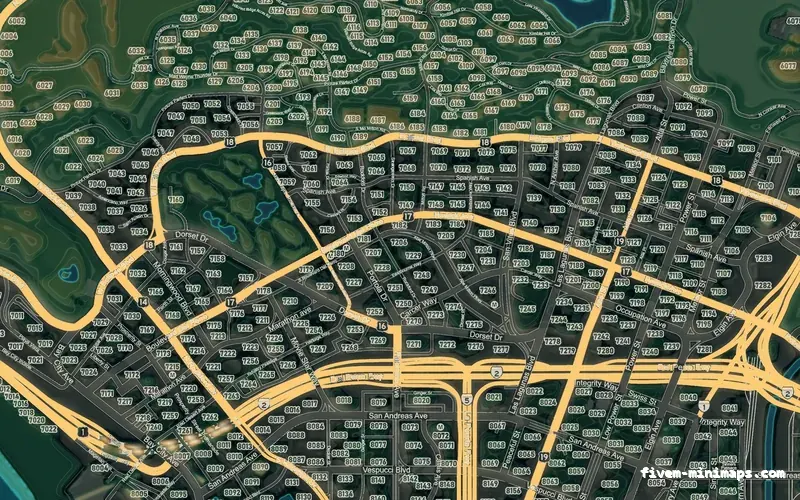
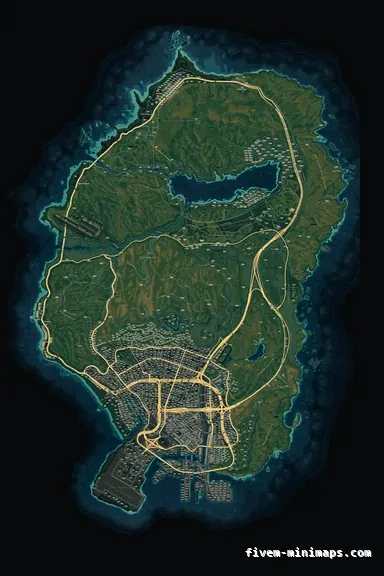
 Google style
Mixed darkTOPO NIGHT
Holds up best at full screen: elevation colour, contours, real relief.
6144 × 9216 px · 78 files · google style$8.00+ $1 / elementView
Everybody shops for a minimap and then discovers the pause map. It is the same artwork, drawn full screen, and it is where players spend real time: planning a route, finding a job marker, screenshotting something for Discord. It is also where a cheap map falls apart, because full screen is where resolution stops being a number in a product description.
Three concrete recommendations rather than a shrug — with the reason attached.
Google styleHolds up best at full screen: elevation colour, contours, real relief.
6144 × 9216 px · 78 files · google style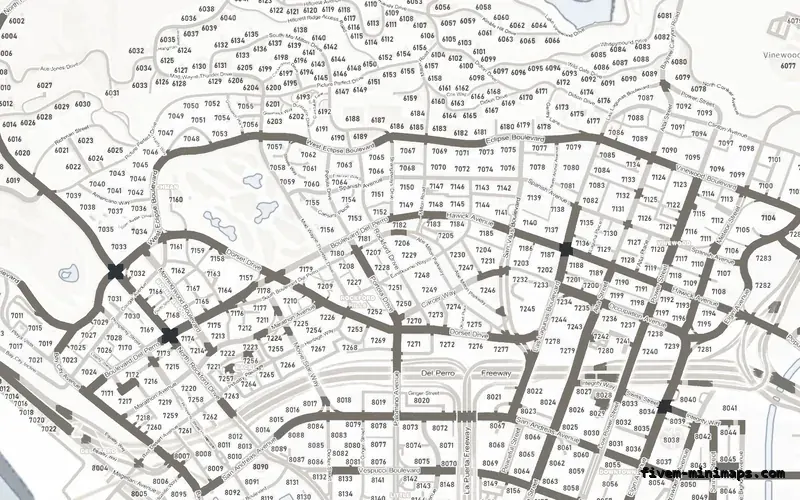
 Postal codes
A paper map for planning, with postal numbers where you need them.
6144 × 9216 px · 78 files · with postal codes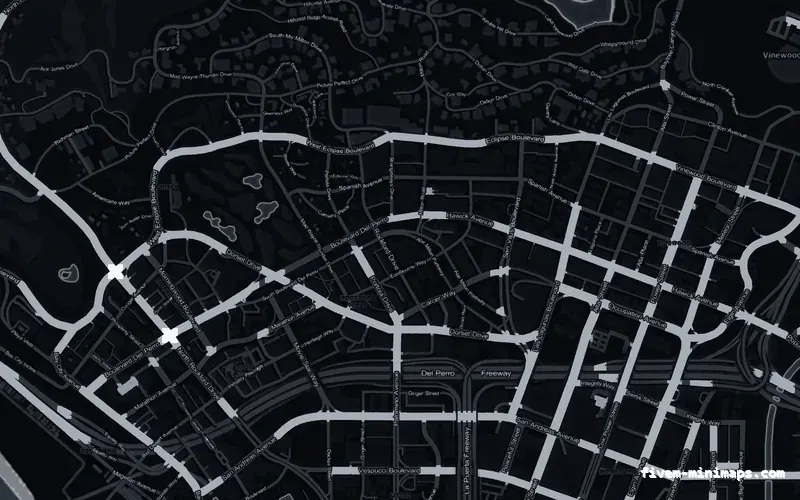
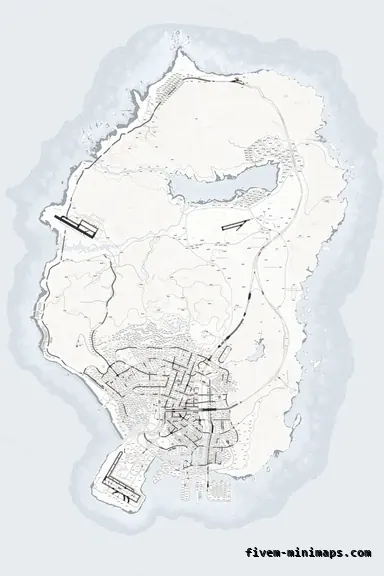
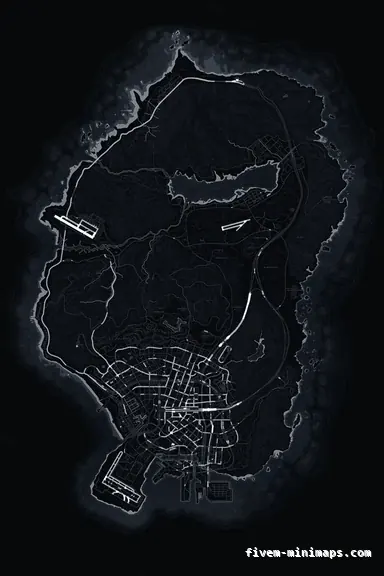 No postals
The cleanest full-screen read if your server is dark-themed.
6144 × 9216 px · 78 files · without postal codesThe radar and the pause map read the same texture dictionaries. There is no second product and no separate install: the folder you drop in changes the corner of the screen and the full-screen map together, and they cannot drift out of sync because they are the same files.
That also means the pause map decides how much resolution you need. A map that looks fine on a radar can look soft the moment somebody opens the full-screen view and zooms.
Three things, in order. Resolution, because the pause map magnifies the texture far past radar zoom. Type quality, because street names get read rather than glanced at. And compression, because large flat areas show banding that a small rotating radar hides.
The art here is rendered at 6144 by 9216 and supersampled two times before the textures are written, which is what keeps the coastline and the type clean when a player zooms in on the pause map rather than the radar.
The pause map is the one place a server logo on the map gets looked at properly. Placed out over the ocean it never covers anything a player needs, it is invisible at radar zoom, and it is right there in every screenshot somebody posts. It is the cheapest advertising a server has.
Open the live preview and look at any street on any theme before you spend a cent.