The FiveM pause menu map: how it works and what you can change
The pause map is where players actually study your city: planning a route, finding a business, reading postal numbers. It is drawn from the same textures as the corner radar, it shares the same blips, and scripts can read and write its waypoint. Knowing how those pieces connect explains most “the map looks wrong” questions and unlocks a few genuinely useful scripts.
Short answer: The pause map and the radar use the same minimap texture dictionaries, drawn at different zoom levels, plus a low-detail LOD texture when fully zoomed out. Set a waypoint with SetNewWaypoint(x, y), read the current one with GetFirstBlipInfoId(8) and GetBlipInfoIdCoord, and detect the open pause menu with IsPauseMenuActive().
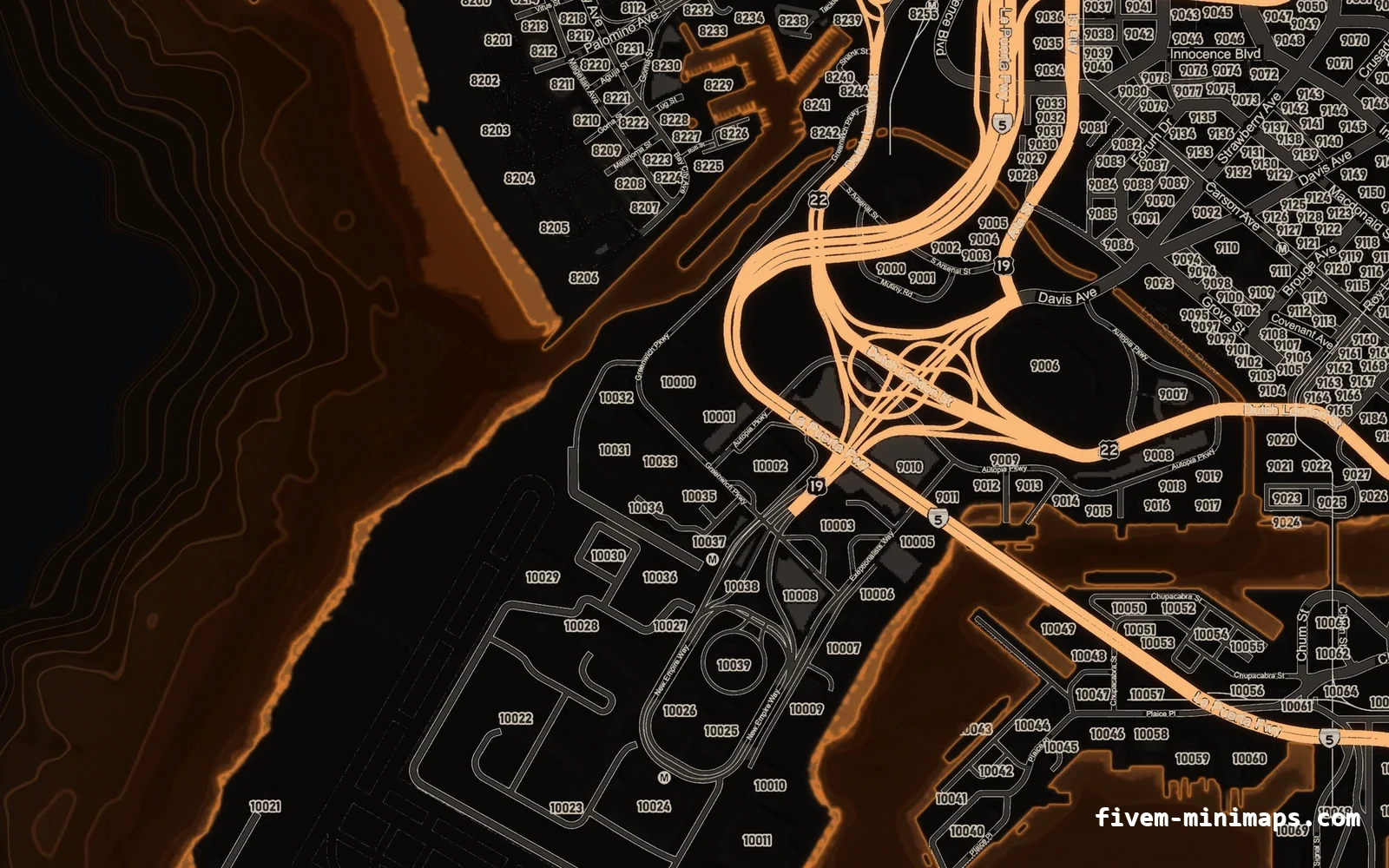
#One set of textures, two views
The GTA V map is a grid of land textures with a sea layer underneath. The corner radar shows a small window of it; the pause map shows the same art at whatever zoom the player chooses. At the widest zoom the game switches to a single low-detail texture, minimap_lod. Replace the textures and both views change together — which is exactly what a custom minimap does.
| What you see | Drawn from |
|---|---|
| Corner radar | Land + sea tiles, lower mip levels |
| Pause map, zoomed in | Land + sea tiles, full detail |
| Pause map, fully zoomed out | minimap_lod |
#Reading and setting the waypoint
-- Place a waypoint (only X and Y are needed)
SetNewWaypoint(215.8, -810.1)

-- Read the current waypoint
local blip = GetFirstBlipInfoId(8) -- 8 = radar_waypoint
if DoesBlipExist(blip) then
    local coords = GetBlipInfoIdCoord(blip)
    print(coords.x, coords.y)
end

-- Remove it
SetWaypointOff()
Setting a waypoint from a script is the backbone of GPS features: a job that routes you to the next drop-off, a phone contact that sends a location, a /postal command that routes to a postal number (see the nearest postal script).
#Teleport to waypoint (admin tool)
The waypoint has no height, so a teleport must find the ground at that X/Y. The robust approach tries heights from high to low until the ground is found:
RegisterCommand('tpm', function()
    local blip = GetFirstBlipInfoId(8)
    if not DoesBlipExist(blip) then return print('no waypoint set') end
    local c = GetBlipInfoIdCoord(blip)
    local ped = PlayerPedId()

    for z = 1000.0, 0.0, -25.0 do
        SetEntityCoordsNoOffset(ped, c.x, c.y, z, false, false, false)
        RequestCollisionAtCoord(c.x, c.y, z)
        Wait(0)
        local found, groundZ = GetGroundZFor_3dCoord(c.x, c.y, z, false)
        if found then
            SetEntityCoordsNoOffset(ped, c.x, c.y, groundZ + 1.0, false, false, false)
            return
        end
    end
end, false)#Detecting the pause menu
CreateThread(function()
    local wasOpen = false
    while true do
        local open = IsPauseMenuActive()
        if open ~= wasOpen then
            wasOpen = open
            -- hide your NUI HUD while the pause menu is open
            SendNUIMessage({ action = 'hud', visible = not open })
        end
        Wait(250)
    end
end)
Hiding NUI HUD elements while the pause menu is open stops them floating over the map.
#Blips and the legend
Every blip on the radar also appears on the pause map, and short-range blips appear there even when the player is far away. The legend on the right groups blips by their name, which is why naming every blip matters. See the blips guide and the sprite and colour list.
Questions
Does a custom minimap change the pause map too?
How do I set a waypoint from a script?
SetNewWaypoint(x, y) in a client script.How do I get the waypoint coordinates?
GetFirstBlipInfoId(8) and read its position with GetBlipInfoIdCoord.How do I teleport to the waypoint?
GetGroundZFor_3dCoord, and set the ped there.Why is the pause map updated but not the radar?
Ready to pick a map?
Twelve themes on three base map styles, $8 each, instant download.
Relevant to what you just read
Look it up while you work
The reference tables this guide leans on, free and without an account.
- All 966 blip sprite idsThe number SetBlipSprite takes, with the texture name beside it. Searchable, and one click copies a value.
- The 100 blip colour indexesEvery index SetBlipColour accepts, with the hex value the radar actually draws.
- The same tables as JSON and CSVFree downloads, CORS open, no account and no API key — ship the list inside your own resource instead of scraping a page.