Controlling the minimap zoom in FiveM
The minimap shows a small window of the world around the player, and how much of the world fits in that window is the zoom. GTA V changes it on its own — out when you drive fast, in when you are on foot — and FiveM lets you override it. A good zoom level makes a map readable at a glance; a bad one hides the next junction or shows so much that nothing is legible.
Short answer: Call SetRadarZoom(level) every frame while you want to force a zoom; stop calling it and the game returns to its automatic, speed-based zoom. The native documentation lists a range of 0–200, while many community scripts pass values around 1000–1100, so pick your value by testing in game. Toggle the expanded minimap with SetBigmapActive(true, false).
#What the game does by default
Out of the box, GTA V picks a zoom from the situation: close in on foot, further out in a vehicle and further again at high speed, so you can see the road ahead. For most servers this is fine. You override it when you want a consistent view — for example a closer zoom on a dense city server where street names matter, or a wider one on a map with long highways.
#Forcing a zoom level
local ZOOM = 1100 -- tune this in game

CreateThread(function()
    while true do
        local ped = PlayerPedId()
        if not IsPedInAnyVehicle(ped, false) then
            SetRadarZoom(ZOOM)   -- hold a fixed zoom on foot
            Wait(0)
        else
            Wait(500)            -- let the game handle vehicle zoom
        end
    end
end)The Cfx native reference documents zoomLevel as ranging from 0 to 200, yet many published minimap and HUD scripts pass values such as 1100 and work as intended. The number is an internal zoom value, not metres, and its effect is not linear — so treat any number you find online as a starting point, change it in steps and judge the result on your own map. SetRadarZoomPrecise(float) and SetRadarZoomToDistance(float) also exist, with even thinner documentation.
#The expanded minimap (big map)
Pressing the multiplayer info key in GTA Online expands the minimap into a taller, zoomed-out view. In FiveM you control it with SetBigmapActive(toggle, showFullMap):
local big = false
RegisterCommand('bigmap', function()
    big = not big
    SetBigmapActive(big, false)
end, false)
RegisterKeyMapping('bigmap', 'Toggle expanded minimap', 'keyboard', 'Z')
RegisterKeyMapping puts the key in the game’s key bindings menu so players can change it — more in commands and key mapping.
#Zoom and custom minimap textures
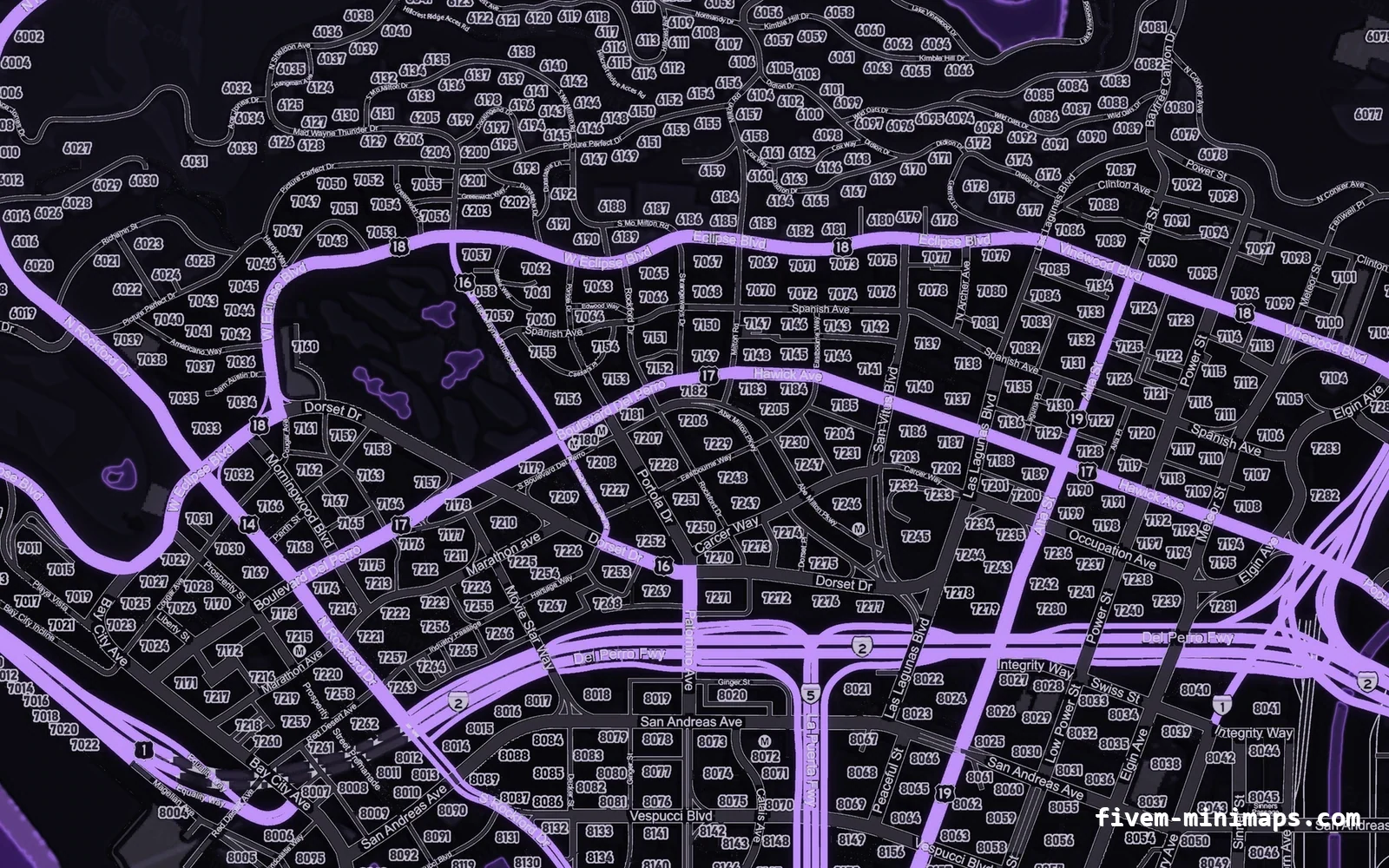
Zoom decides how many texture pixels land on each screen pixel of the radar. The vanilla map is detailed and busy; a cleaner custom texture — fewer labels, stronger roads, postal numbers — often reads better slightly further out, because the shapes survive being small. If you install a new map, re-test your zoom: a FiveM postal map especially benefits from a zoom where two or three postal numbers are visible at once, and the mechanics are in postal codes explained.
#Zoom, position and size together
Zoom is one of three things that define the minimap: how far it shows, where it sits and how big it is. Moving and resizing the minimap is covered in minimap position and HUD anchors, and hiding it entirely in hiding the minimap.
Questions
How do I change the minimap for FiveM zoom?
SetRadarZoom(value) every frame in a client loop while you want the override. The game resets the zoom each frame, so a single call does not stick. Tune the value in game.How do I reset the radar zoom?
SetRadarZoom. The game returns to its automatic, speed-based zoom on the next frame.How do I show the big minimap?
SetBigmapActive(true, false) expands it; SetBigmapActive(false, false) returns it to normal.Does zoom affect performance?
SetRadarZoom every frame is cheap; just avoid running the loop every frame when the override is not needed.Ready to pick a map?
Twelve themes on three base map styles, $8 each, instant download.
Relevant to what you just read