The interior radar in FiveM: blank minimaps in MLOs and SetRadarAsInteriorThisFrame
Walk into many of the vanilla interiors in GTA V and the radar changes: the street map fades out and a grey floor plan of the building appears. Walk into most custom MLOs on a FiveM server and the radar changes too, but to nothing at all. The map disappears, blips float on an empty background and players lose their bearings until they step outside. Nothing is broken; the engine is doing exactly what it was designed to do with an interior that has no floor plan. This guide explains the interior radar and gives you the natives to control it.
Short answer: When the player is inside an interior, GTA V switches the radar to interior mode and looks for a floor-plan movie for that interior. Vanilla interiors ship one; most MLOs do not, so the radar shows an empty background. Calling SetRadarAsExteriorThisFrame() every frame while the player is inside such an MLO keeps the street map visible. SetRadarAsInteriorThisFrame(hash, x, y, heading, zoom) does the opposite and forces a specific interior layout, which is how the Cayo Perico island map is displayed.
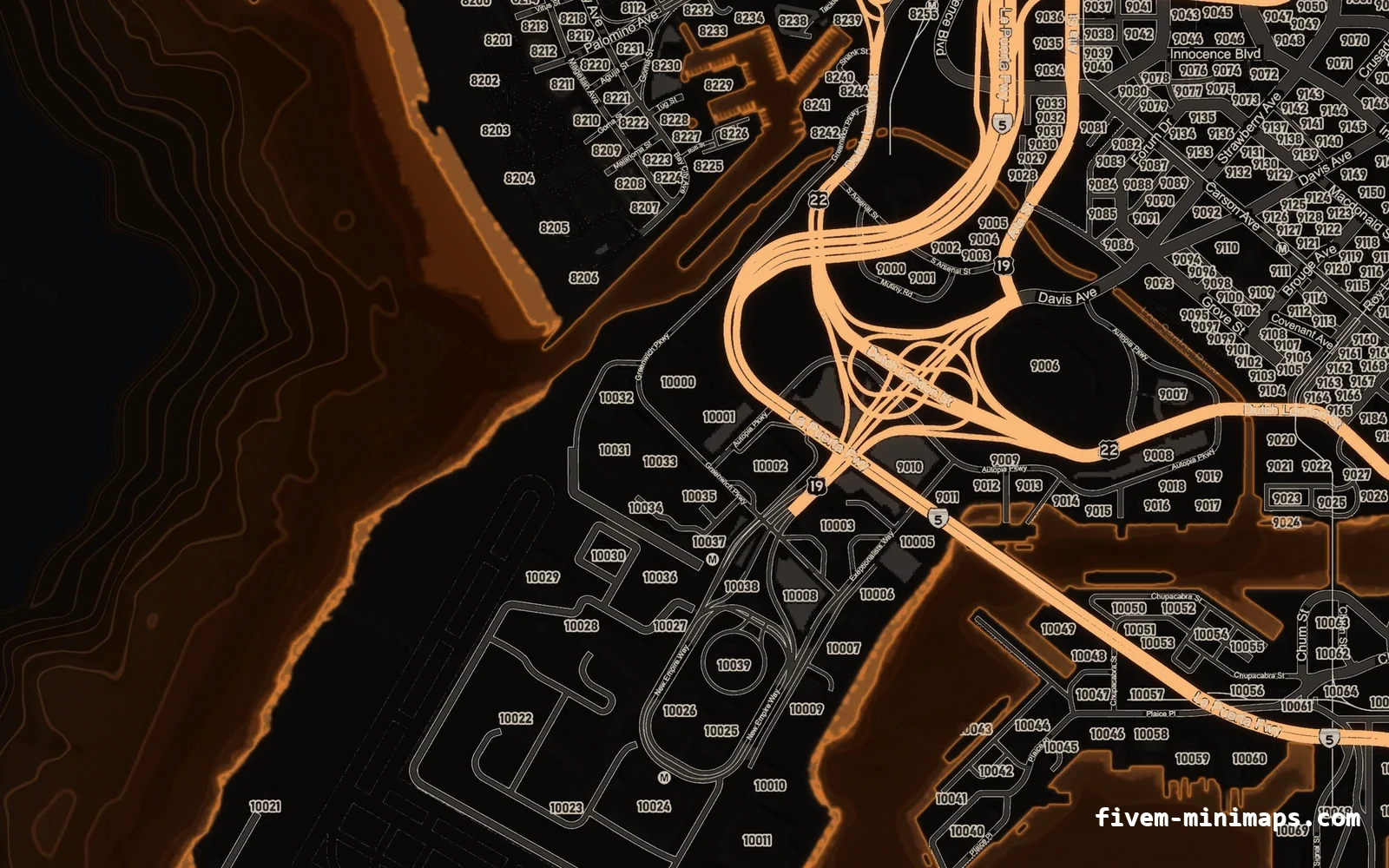
#How the interior radar works
Every interior in GTA V, vanilla or MLO, is an interior instance the engine tracks. When the player's ped is inside one, the radar switches to interior mode. The exterior map tiles are dimmed or hidden, the background turns grey, and the engine draws a floor plan for that interior on top. Blips still render, and blips on other floors show small up or down arrows.
Floor plans are not textures. They are small Scaleform movies stored in scaleform_minimap.rpf, named int followed by the unsigned joaat hash of the interior's name. You can check the naming yourself: the Cayo Perico island radar is int3232302352.gfx, and 3232302352 is exactly the joaat hash of h4_fake_islandx, the fake interior the game uses to show the island.
| Situation | What the radar shows |
|---|---|
| Outdoors | Normal street map from the minimap_* tiles |
| Vanilla interior with a floor plan | Grey background with the building's floor plan |
| MLO without a floor plan | Grey or empty background, blips only |
Script calls SetRadarAsExteriorThisFrame | Street map, even indoors |
Script calls SetRadarAsInteriorThisFrame | The requested floor plan, even outdoors |
#Why MLOs show an empty radar
An MLO is a proper interior: it has rooms, portals and an archetype definition in a .ytyp. That is what makes it behave like a building for lighting, audio and culling. It also makes the radar switch to interior mode as soon as the player crosses a portal. Almost no MLO author builds a Scaleform floor plan, because it requires hand-making a Flash movie with the right coordinate system. So the radar enters interior mode, finds nothing to draw, and shows an empty grey panel.
Players describe it as the minimap going grey or black inside a building, or as the map disappearing in the police station. Server owners often blame the minimap resource, clear caches and reinstall textures, none of which helps, because the textures are fine; the game simply is not showing them indoors.
#Forcing the street map inside MLOs
SetRadarAsExteriorThisFrame() tells the radar to draw exterior mode for the current frame. Because it only lasts one frame, it has to be called every frame while the player is inside. The efficient pattern is a slow loop that checks whether the player is in an interior, and a fast loop that only runs while they are.
CreateThread(function()
    while true do
        local ped = PlayerPedId()
        if GetInteriorFromEntity(ped) ~= 0 then
            while GetInteriorFromEntity(PlayerPedId()) ~= 0 do
                SetRadarAsExteriorThisFrame()
                Wait(0)
            end
        end
        Wait(500)
    end
end)
That version applies to every interior, including vanilla ones with good floor plans. Most servers prefer to keep the floor plans where they exist and only fix the MLOs. For that you need a way to identify interiors, which is what GetInteriorLocationAndNamehash is for.
local FORCE_EXTERIOR = {
    [`my_police_station_milo_`] = true,
    [`my_hospital_milo_`] = true,
}

CreateThread(function()
    while true do
        local interior = GetInteriorFromEntity(PlayerPedId())
        if interior ~= 0 then
            local _, nameHash = GetInteriorLocationAndNamehash(interior)
            if FORCE_EXTERIOR[nameHash] then
                while GetInteriorFromEntity(PlayerPedId()) == interior do
                    SetRadarAsExteriorThisFrame()
                    Wait(0)
                end
            end
        end
        Wait(500)
    end
end)
The names in the table are placeholders; use the archetype names from your own MLOs. The next section shows how to read them in game.
#Finding an interior's name hash
The name hash is the joaat hash of the MLO archetype name defined in the .ytyp. You can read it from CodeWalker, but it is faster to ask the game while standing inside.
RegisterCommand('interior', function()
    local interior = GetInteriorFromEntity(PlayerPedId())
    if interior == 0 then
        print('Not inside an interior')
        return
    end
    local pos, nameHash = GetInteriorLocationAndNamehash(interior)
    print(('interior id %d, name hash %d (unsigned %d), origin %.2f %.2f %.2f'):format(
        interior, nameHash, nameHash & 0xFFFFFFFF, pos.x, pos.y, pos.z))
end, false)
The hash comes back as a signed 32-bit integer in Lua, while file names and many tools use the unsigned form. The & 0xFFFFFFFF in the print converts it. Lua's backtick hash literals produce the same signed value, so comparing them with the raw native result works without conversion.
#Forcing an interior layout with SetRadarAsInteriorThisFrame
SetRadarAsInteriorThisFrame(interiorHash, x, y, heading, zoom) is the reverse: it puts the radar in interior mode with a specific floor plan, centred on the given coordinates, for one frame. Rockstar uses it for places where the player is not technically inside an interior but a floor plan should show, and FiveM servers use it for exactly the same thing.
- interiorHash: the joaat hash of the interior name whose floor plan should be drawn.
- x, y: where the floor plan is anchored in world space, usually the interior's origin.
- heading: rotation of the floor plan, as a whole number of degrees.
- zoom: the zoom or level index. The native reference notes that not every interior supports values above 0, so start with 0.
The best-known use is the Cayo Perico island. The island's radar art is the floor plan of a fake interior, h4_fake_islandx, so the island only appears when a script forces it every frame while the player is near it:
local ISLAND = vector2(4700.0, -5145.0)

CreateThread(function()
    while true do
        local pos = GetEntityCoords(PlayerPedId())
        if #(pos.xy - ISLAND) < 2000.0 then
            SetRadarAsExteriorThisFrame()
            SetRadarAsInteriorThisFrame(`h4_fake_islandx`, ISLAND.x, ISLAND.y, 0, 0)
            Wait(0)
        else
            Wait(1000)
        end
    end
end)
Calling the exterior native first and then the interior one is the common pattern for fake interiors: it resets whatever mode the engine picked for this frame before the forced layout is applied. The full island setup, including the island IPLs and path nodes, is covered in Cayo Perico on FiveM.
#Shipping your own floor plan
Because floor plans are looked up by name, an MLO can in principle get a real indoor radar: build a Scaleform movie named int<unsigned hash>.gfx for the MLO's archetype, stream it, and force it with SetRadarAsInteriorThisFrame while the player is inside. In practice this means authoring a Flash movie at the correct scale and origin, which few mappers do. For most servers, forcing the exterior map is the better trade: players see the streets around the building, which is what they use the radar for anyway.
If you do go down this route, keep one rule from the island case: only one resource may stream a given .gfx name. The same conflict rules as the map tiles apply, which are explained in how the minimap files are built.
#Conflicts and performance
All of these natives act for a single frame, so two resources calling them with different intentions produce flicker or the wrong mode. A common case is a minimap resource that forces the island layout near Cayo Perico and a second script that forces the exterior map inside every interior. Search your resources for SetRadarAsInteriorThisFrame, SetRadarAsExteriorThisFrame and SetUseIslandMap and keep one owner for each area.
- Never run
Wait(0)permanently; check the player's interior every 250–500 ms and only loop per frame while inside a listed interior. - Exit the inner loop when the interior handle changes, not only when it becomes 0, so walking between connected MLOs works.
- Test with the pause map open: these natives affect the radar, and the pause map may still show interior mode.
Clean radar art makes the fix more worthwhile. When the street map stays on indoors, players read it at a glance while walking, so a clear, high-contrast minimap texture pays off twice.
Questions
Why does my minimap go grey inside an MLO?
SetRadarAsExteriorThisFrame() every frame while inside.What does SetRadarAsInteriorThisFrame do?
Do I need to call these natives every frame?
Wait(0) loop, but only while the player is inside the relevant interior or area.How do I find an MLO's interior hash?
GetInteriorLocationAndNamehash(GetInteriorFromEntity(PlayerPedId())). The second return value is the name hash.Can I add a real floor plan for my MLO?
int<unsigned hash>.gfx and forcing it with SetRadarAsInteriorThisFrame, but building the movie is advanced work.Ready to pick a map?
Twelve themes on three base map styles, $8 each, instant download.
Relevant to what you just read