Making a round or rounded FiveM minimap with SetMinimapClipType
Circular radars are one of the most requested HUD changes on FiveM servers, and one of the most copied-wrong. The usual attempt is to move the minimap with SetMinimapComponentPosition and draw a round frame over it, which leaves square corners of map poking out and blips floating outside the circle. The game already has the machinery for a shaped radar: a mask texture that decides which pixels of the map are visible, and a native that tells blips to clip to it. This guide covers both, the maths that keeps a circle from turning into an ellipse, and the big-map case most scripts forget.
Short answer: The minimap's visible shape comes from a mask texture called radarmasksm (and radarmasklg for the expanded big map) in platform:/textures/graphics. Replace it at runtime with AddReplaceTexture from a streamed .ytd holding your own mask, then call SetMinimapClipType(1) so blips clip to a rounded shape instead of a rectangle. Because the mask is stretched over a non-square rectangle, a circle has to be drawn as an ellipse in the texture.
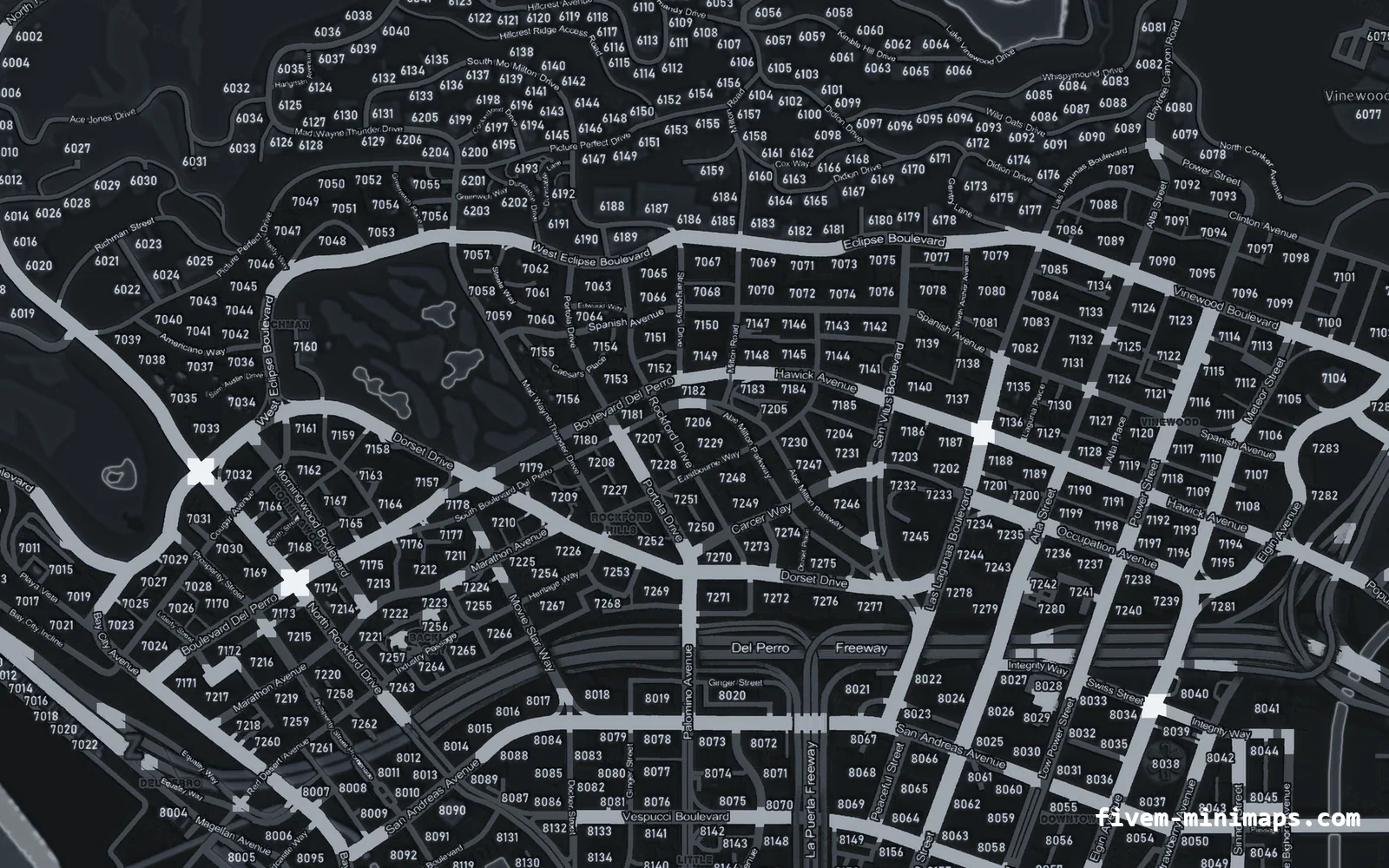
#How the radar gets its shape
The minimap is rendered into a rectangle defined by the minimap, minimap_mask and minimap_blur components in frontend.xml. Inside that rectangle, the engine multiplies the map by a greyscale mask. White pixels show the map, black pixels hide it. The vanilla mask is a rectangle with slightly soft edges, which is why the radar looks like a plain box.
Two details of the vanilla mask matter for everyone who replaces it. First, the white area does not fill the texture. The mask texture is 512 × 256 and the white rectangle sits inset inside it; the inset is what defines the radar's visible size. Replace it with a texture that is white from edge to edge and the visible map grows to the full frame. Second, the shader reads brightness, not the alpha channel, so a mask with transparency and no black pixels simply shows everything.
| Texture | Used for | Size | Format |
|---|---|---|---|
radarmasksm | Normal minimap | 512 × 256 | DXT1 |
radarmasklg | Expanded big map | 512 × 512 | DXT1 |
The two mask textures in platform:/textures/graphics
#SetMinimapClipType and blips
The mask only hides map pixels. Blips are drawn separately and are clipped to their own shape so that a blip at the edge sits on the border instead of vanishing. SetMinimapClipType(type) is a Cfx native that selects that clipping shape: 0 is rectangular, 1 is rounded. Without it, a round map shows blips hanging in the corners where the map itself is already hidden.
SetMinimapClipType(1) -- rounded blip clipping
-- SetMinimapClipType(0) restores the rectangular default
Set it once; it persists for the session. It does not change the map mask, so on its own it only moves blips. The shape everyone sees comes from the texture.
#Replacing the mask at runtime
Put your mask in a texture dictionary, stream it, and point the game's mask at it. The texture name inside your dictionary can be anything; using the vanilla name keeps things readable.
fx_version 'cerulean'
game 'gta5'

client_script 'client.lua'local DICT = 'round_radar'
CreateThread(function()
RequestStreamedTextureDict(DICT, false)
while not HasStreamedTextureDictLoaded(DICT) do Wait(0) end
AddReplaceTexture('platform:/textures/graphics', 'radarmasksm', DICT, 'radarmasksm')
AddReplaceTexture('platform:/textures/graphics', 'radarmasklg', DICT, 'radarmasklg')
SetMinimapClipType(1)
end)
AddEventHandler('onResourceStop', function(name)
if name ~= GetCurrentResourceName() then return end
RemoveReplaceTexture('platform:/textures/graphics', 'radarmasksm')
RemoveReplaceTexture('platform:/textures/graphics', 'radarmasklg')
SetMinimapClipType(0)
SetStreamedTextureDictAsNoLongerNeeded(DICT)
end)The .ytd goes in stream/round_radar.ytd and holds two textures, radarmasksm and radarmasklg. Build it in CodeWalker or OpenIV from greyscale PNGs, using DXT1 like the originals. No GTA V file is modified and nothing about the map tiles changes, so any texture-based minimap keeps working underneath.
#The maths: why your circle is an oval
The mask is not drawn at its own proportions. The engine stretches the white area of the texture over the radar rectangle on screen, and that rectangle is not square. On a default layout the normal radar is about 1.42 times wider than it is tall, and the big map is slightly taller than it is wide. Neither ratio depends on the screen resolution, because the radar size is derived from the screen height.
| Radar state | Width | Height | Width ÷ height |
|---|---|---|---|
| Normal | screen height ÷ 4 | screen height ÷ 5.674 | ≈ 1.4185 |
| Big map | screen height ÷ 2.52 | screen height ÷ 2.3374 | ≈ 0.9275 |
Radar size in pixels on a default frontend layout
A circle on screen therefore needs an ellipse in the texture. Map the white rectangle of the vanilla mask to the on-screen rectangle, and scale radii separately on each axis: rx_tex = R × whiteWidth ÷ screenWidth and ry_tex = R × whiteHeight ÷ screenHeight, where R is the radius you want in screen pixels. The same rule applies to rounded corners: a corner radius of 12 per cent of the radar's height has to be drawn with a larger horizontal radius than vertical in the texture.
A true circle also needs a square radar. On a normal radar the circle's diameter is limited by the height, and the left and right thirds of the map go unused. That is often acceptable; if not, change the minimap component sizes with SetMinimapComponentPosition to make the rectangle square and redo the maths for the new ratio. Changing the component size changes the mask mapping, so adjust both together.
#Handling the big map
When a player expands the radar, the game switches from radarmasksm to radarmasklg. If you only replaced the small mask, the expanded radar reverts to a rectangle, which looks like a bug. Replace both, or disable the big map entirely if your HUD has no room for it.
CreateThread(function()
    while true do
        if IsBigmapActive() then
            SetBigmapActive(false, false)
        end
        Wait(250)
    end
end)
Zoom levels of the expanded radar are covered in radar zoom settings.
#Drawing a frame around it
A mask gives a clean shape but no border. Most servers draw a ring or bezel on top, either with DrawSprite from a runtime texture or in NUI. Either way you need the radar's exact rectangle on screen, which is covered in detail in minimap position and HUD anchors. The short version is to align with SetScriptGfxAlign(76, 66) (left, bottom), convert the component offsets with GetScriptGfxPosition, and multiply by the actual resolution from GetActualScreenResolution.
- Draw the frame with a hole in the middle; a filled frame covers the map.
- Recompute the rectangle when the resolution, safe zone or big-map state changes.
- Hide the frame when
IsRadarHidden()orIsPauseMenuActive()is true, or it floats on its own. - In NUI, use solid colours rather than
backdrop-filter, which FiveM's embedded browser does not render reliably.
#Common problems
| Symptom | Cause | Fix |
|---|---|---|
| Radar suddenly larger | Mask white area fills the whole texture | Keep the vanilla inset; only change the corners |
| Map visible everywhere, no shape | Mask uses alpha instead of black | Paint hidden areas black, alpha fully opaque |
| Circle looks like an oval | Circle drawn round in the texture | Draw an ellipse using the ratios above |
| Blips outside the round edge | Clip type still rectangular | SetMinimapClipType(1) |
| Shape lost when the map expands | Only radarmasksm replaced | Also replace radarmasklg |
| Grey flash when the radar reappears | Map tiles evicted from memory while hidden | Keep the radar visible or preload the minimap dictionaries |
| Shape gone after resource restart | Replacement removed but not re-added | Re-run the setup on resource start |
Resources that stream their own minimap.gfx do not normally affect the mask, since the mask is a texture and not part of the movie. If the radar's health bars need to go as well, see the minimap scaleform and SETUP_HEALTH_ARMOUR.
#Design notes
A round radar shows less of the map than a rectangle of the same height, roughly 55 per cent of the area. That is fine for city driving, where the next junction is what matters, but it makes the minimap artwork more important: labels and postal numbers near the edge are cut off sooner. A high-contrast minimap texture with clear roads reads much better through a small circular window than the vanilla satellite-style art. Rounded corners are the compromise many servers settle on: they read as custom, keep nearly the full map area and avoid the ellipse maths almost entirely.
Questions
How do I make the FiveM minimap round?
radarmasksm mask texture with a round mask using AddReplaceTexture, and call SetMinimapClipType(1) so blips clip to a rounded shape.What does SetMinimapClipType do?
Why is my round minimap oval?
Do I need to edit GTA V files?
Does a round mask work with custom minimap textures?
Ready to pick a map?
Twelve themes on three base map styles, $8 each, instant download.
Relevant to what you just read