The FiveM minimap scaleform: SETUP_HEALTH_ARMOUR and the bars under the radar
Almost every custom HUD on a FiveM server contains the same eight lines: request the minimap scaleform, call SETUP_HEALTH_ARMOUR, push the integer 3, end the method. The snippet gets copied from resource to resource, and very few people who ship it know what the 3 means, why the bars sometimes come back after a respawn, or why a streamed minimap.gfx occasionally breaks the distance readout on the GPS. This guide takes the minimap scaleform apart: what it draws, what the radar engine draws instead, what each common method does, and how to hide the green and blue bars in a way that survives game updates and other resources.
Short answer: The health and armour bars under the GTA V radar are drawn by the minimap Scaleform movie (minimap.gfx), not by the radar engine. Calling its SETUP_HEALTH_ARMOUR method with ScaleformMovieMethodAddParamInt(3) switches the movie into the golf layout, which has no health or armour bars. The game re-runs the setup when the minimap restarts, so the call has to be repeated, either on a slow timer or after events that reload the minimap. Streaming an edited minimap.gfx removes the bars permanently but ties the file to one game build.
#What the minimap scaleform actually draws
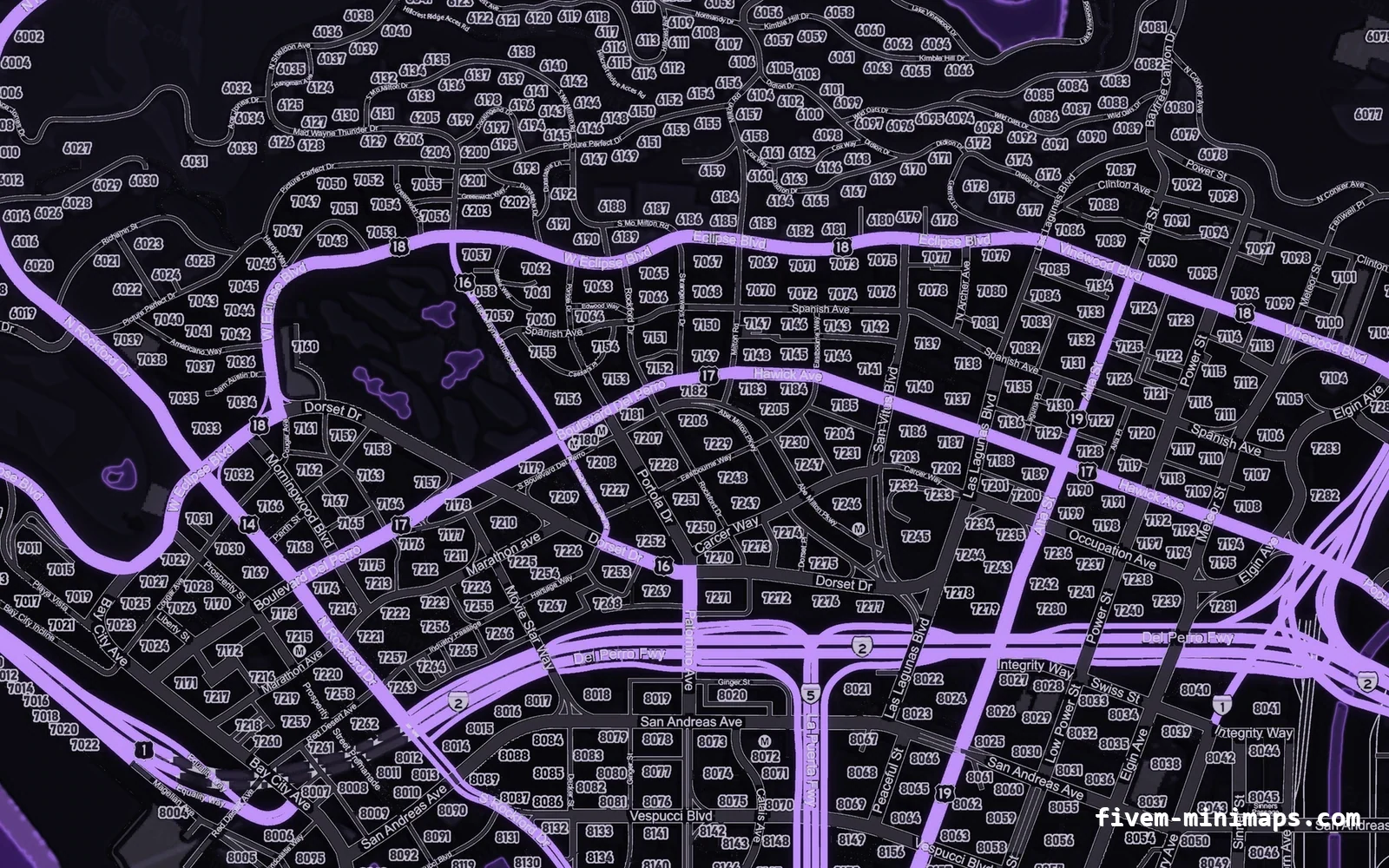
The radar in the bottom-left corner is two systems stacked on top of each other. The engine renders the map itself: the six minimap_* texture tiles, the sea, roads, the player arrow, blips, the GPS line and the interior floor plans. On top of that sits a Scaleform movie called minimap, a Flash file compiled into Rockstar's GFx format and stored as minimap.gfx. The movie draws everything that looks like a user interface element rather than a map.
Knowing which system owns what saves hours. A blip that renders wrong is an engine problem and no scaleform call will fix it. A health bar that refuses to disappear is a scaleform problem and no radar native will touch it. DisplayRadar(false) hides both layers together, which is why people assume they are one thing; they are not.
| Element | Drawn by | Controlled with |
|---|---|---|
| Map tiles, sea, roads | Radar engine | Streamed minimap_*.ytd files, zoom natives |
| Blips, GPS line, player arrow | Radar engine | Blip and GPS natives |
| Interior floor plans | Radar engine (per-interior .gfx) | SetRadarAsInteriorThisFrame |
| Health, armour, ability bars | minimap scaleform | SETUP_HEALTH_ARMOUR and bar methods |
| Satnav distance and turn arrow | minimap scaleform | SHOW_SATNAV, HIDE_SATNAV |
| Breath (air) meter underwater | minimap scaleform | SET_AIR_BAR |
| Aircraft yoke and stall warning | minimap scaleform | SHOW_YOKE, SHOW_STALL_WARNING |
Who draws which part of the GTA V radar
The original file lives in update.rpf\x64\patch\data\cdimages\scaleform_minimap.rpf. You can export it with OpenIV or CodeWalker and open it in the JPEXS Free Flash Decompiler to read the ActionScript, which is how everything below was worked out by the community in the first place.
#Getting a handle to the running movie
Scripts talk to the minimap movie through the ordinary scaleform natives. The game already has the movie loaded for the HUD, so requesting it by name gives your script a handle it can call methods on. You do not draw it yourself with DrawScaleformMovie; the game keeps drawing it as part of the radar.
local function getMinimap()
    local handle = RequestScaleformMovie('minimap')
    local timeout = GetGameTimer() + 5000
    while not HasScaleformMovieLoaded(handle) do
        if GetGameTimer() > timeout then return nil end
        Wait(0)
    end
    return handle
end
Every call follows the same three-step shape: BeginScaleformMovieMethod(handle, 'METHOD_NAME'), one ScaleformMovieMethodAddParam… call per argument in the order the ActionScript function declares them, then EndScaleformMovieMethod(). A wrong argument type is not an error; the Flash side simply receives undefined and usually does nothing, which makes typos in method names and parameter types silent.
#What SETUP_HEALTH_ARMOUR and the value 3 mean
SETUP_HEALTH_ARMOUR(healthType) is the method the game calls when it builds the radar's lower strip. It stores the type, removes whatever bar clip is attached, and attaches a new one from the movie's library depending on the value. The lower values give the familiar single-player and GTA Online layouts with health, armour and, in single player, the special-ability bar. The value 3 attaches the layout the golf minigame uses, and the golf layout simply has no health or armour bars in it.
That is the whole trick behind ScaleformMovieMethodAddParamInt(3): you are not deleting the bars, you are telling the movie to use a layout that never had them. It also explains the side effects people report. The golf layout is a different clip, so anything the standard clip also carried behaves differently while it is active.
CreateThread(function()
    local minimap = RequestScaleformMovie('minimap')
    while not HasScaleformMovieLoaded(minimap) do Wait(0) end

    while true do
        BeginScaleformMovieMethod(minimap, 'SETUP_HEALTH_ARMOUR')
        ScaleformMovieMethodAddParamInt(3) -- 3 = golf layout, no health/armour bars
        EndScaleformMovieMethod()
        Wait(500)
    end
end)
Searching for setup_health_armour scaleformmoviemethodaddparamint(3) usually means someone found this snippet inside a HUD and wants to know whether it is safe. It is: the method only swaps a clip inside a UI movie. It cannot crash the client, it has no network effect, and it costs almost nothing at a 500 ms interval.
#Why the bars come back
Servers that call the method once at resource start see the bars return at seemingly random moments. They are not random. The game rebuilds the minimap movie, or re-runs its own setup call with the default type, whenever the radar is reinitialised:
- Toggling the big map with
SetBigmapActive, or the player pressing the expand key in a vehicle. - The pause menu closing, particularly after a settings change that restarts the frontend.
- A resource calling
SetMinimapComponentPosition, which rebuilds the minimap layout. - Respawning or being resurrected, when frameworks call their own HUD setup.
- A resolution or aspect-ratio change.
Two strategies work. The simple one is the timer above: re-apply every 300 to 1000 ms and accept that the bars may flash for a fraction of a second after a reset. The tidier one re-applies on the events that matter and adds a slow safety timer on top.
local minimap

local function hideBars()
    if not minimap then
        minimap = RequestScaleformMovie('minimap')
        while not HasScaleformMovieLoaded(minimap) do Wait(0) end
    end
    BeginScaleformMovieMethod(minimap, 'SETUP_HEALTH_ARMOUR')
    ScaleformMovieMethodAddParamInt(3)
    EndScaleformMovieMethod()
end

local wasBig, wasPaused = false, false
CreateThread(function()
    hideBars()
    while true do
        local big, paused = IsBigmapActive(), IsPauseMenuActive()
        if big ~= wasBig or (wasPaused and not paused) then
            Wait(100)
            hideBars()
        end
        wasBig, wasPaused = big, paused
        Wait(250)
    end
end)

AddEventHandler('playerSpawned', function()
    Wait(500)
    hideBars()
end)#Other methods worth knowing
The same movie exposes more than the bar layout. These are the methods HUD authors actually use, with the parameter types the decompiled ActionScript expects:
| Method | Parameters | Effect |
|---|---|---|
SETUP_HEALTH_ARMOUR | int layout | Chooses the bar layout; 3 = golf, no bars |
SHOW_SATNAV / HIDE_SATNAV | none | Shows or hides the satnav panel |
SET_SATNAV_DIRECTION | int icon | Sets the turn arrow shown in the satnav panel |
SET_SATNAV_DISTANCE | int distance | Sets the distance readout |
SET_ABILITY_BAR_VISIBILITY_IN_MULTIPLAYER | bool | Shows the ability bar in the multiplayer layout |
SET_AIR_BAR | float | Sets the underwater breath meter |
SHOW_STALL_WARNING | bool | Aircraft stall warning |
SHOW_YOKE | float, float, bool, int | Aircraft yoke indicator |
The bar values themselves (SET_PLAYER_HEALTH, SET_PLAYER_ARMOUR) are pushed by the game every frame from the ped's real health, so overriding them from a script only lasts until the next frame. If you want a different visual for health, hide the bars and draw your own in NUI; do not try to fight the game's updates.
#The permanent route: an edited minimap.gfx
The alternative to a script is to edit the movie itself. Export minimap.gfx, open it in JPEXS, find the SETUP_HEALTH_ARMOUR(healthType) function in the ActionScript, and change it so that it always attaches an invisible clip whatever type the game asks for. Save, then stream the file from a resource by placing it in the stream folder. No manifest entry is needed beyond a normal fxmanifest.lua; FiveM streams everything in stream/.
- Export
minimap.gfxfromscaleform_minimap.rpffor the same game build your server enforces. - Open it in JPEXS Free Flash Decompiler and locate
SETUP_HEALTH_ARMOURin the scripts tree. - Edit the ActionScript so the attached bar clip is hidden, and keep the satnav clip untouched.
- Save the file and put it in
yourresource/stream/minimap.gfx. - Restart the resource, clear the client cache and test the satnav with an active waypoint.
The edit has two known pitfalls. Early versions of this edit attached only the golf clip and dropped the satnav clip that the standard layout also carries, so the distance-to-waypoint readout disappeared with the bars. Later edits keep the satnav attachment and only hide the health clip. The second pitfall is maintenance: Rockstar changes minimap.gfx in title updates, and an old copy streamed onto a newer build can lose features that the new build's scripts call.
| Lua method | Edited minimap.gfx | |
|---|---|---|
| Setup effort | Minutes | An hour with JPEXS the first time |
| Survives minimap restarts | Only if re-applied | Always |
| Game-build dependent | No | Yes, rebuild per enforced build |
| Conflicts | Another script calling the method with a different value | Any other resource streaming minimap.gfx |
| Client can undo it | Yes, with an injected call | No |
#Conflicts with other resources
Only one resource can provide a streamed file of a given name, and the last one loaded wins. Several HUD packs, minimap-shape resources and older map packs ship their own minimap.gfx. If you install two of them, one silently replaces the other and the symptoms look like bugs in the resource that lost: bars reappearing, the satnav missing, or a scaling fix no longer applying.
Search your resources folder for minimap.gfx before adding anything that touches the radar, and search for SETUP_HEALTH_ARMOUR too. Two scripts calling it with different values (one with 3, another restoring the default on respawn) will fight on every tick. The same rule applies to the map textures themselves, which is covered in how the minimap files are built. A texture-only minimap from the catalogue replaces minimap_*.ytd tiles and never touches minimap.gfx, so it combines with either method here.
#A quick checklist
- Decide whether the bars should be hidden everywhere or only while your own HUD is visible.
- Use the Lua method unless you have a reason to lock it down; it survives game updates.
- Re-apply on a 250–1000 ms timer or after big-map, pause-menu and spawn events.
- Keep exactly one resource responsible for the call.
- If you stream an edited minimap.gfx, keep the source file and note the game build it came from.
- Test with an active waypoint so you notice a missing satnav before your players do.
For hiding the whole radar rather than just the bars, see hiding the minimap; for moving the radar, see minimap position and anchors.
Questions
What does ScaleformMovieMethodAddParamInt(3) do on the minimap?
SETUP_HEALTH_ARMOUR method. Layout 3 is the golf minigame layout, which has no health or armour bars, so the bars disappear.Why do the health bars come back after respawning?
Does hiding the bars affect the player's real health?
Where is minimap.gfx stored?
update.rpf\x64\patch\data\cdimages\scaleform_minimap.rpf. Export it for the game build your server enforces before editing.Why did my satnav distance disappear?
Can two resources both hide the bars?
Ready to pick a map?
Twelve themes on three base map styles, $8 each, instant download.
Relevant to what you just read