Every file format in a FiveM minimap, explained
A minimap looks like one picture and is delivered as 78 files in four different formats. Most installation problems are really format problems: a texture in the wrong container, geometry that does not match the textures, or a metadata file that has no business being in a server resource at all. This is what each format is, what it holds, and what goes wrong when it is the wrong one.
Short answer: A complete minimap resource ships 13 .ytd texture dictionaries (six land tiles, six sea tiles and one LOD texture) and 65 .ydd drawable dictionaries holding the geometry the textures are drawn onto, for 78 stream files in total. .dds is the pixel format the artwork is authored in; it is packed into the .ytd and never shipped on its own. minimap.ymt is the game’s own minimap tuning metadata and does not belong in a server resource. mapzoomdata.meta is the single-player home of the radar zoom levels, which on FiveM are set at runtime with SetMapZoomDataLevel instead.
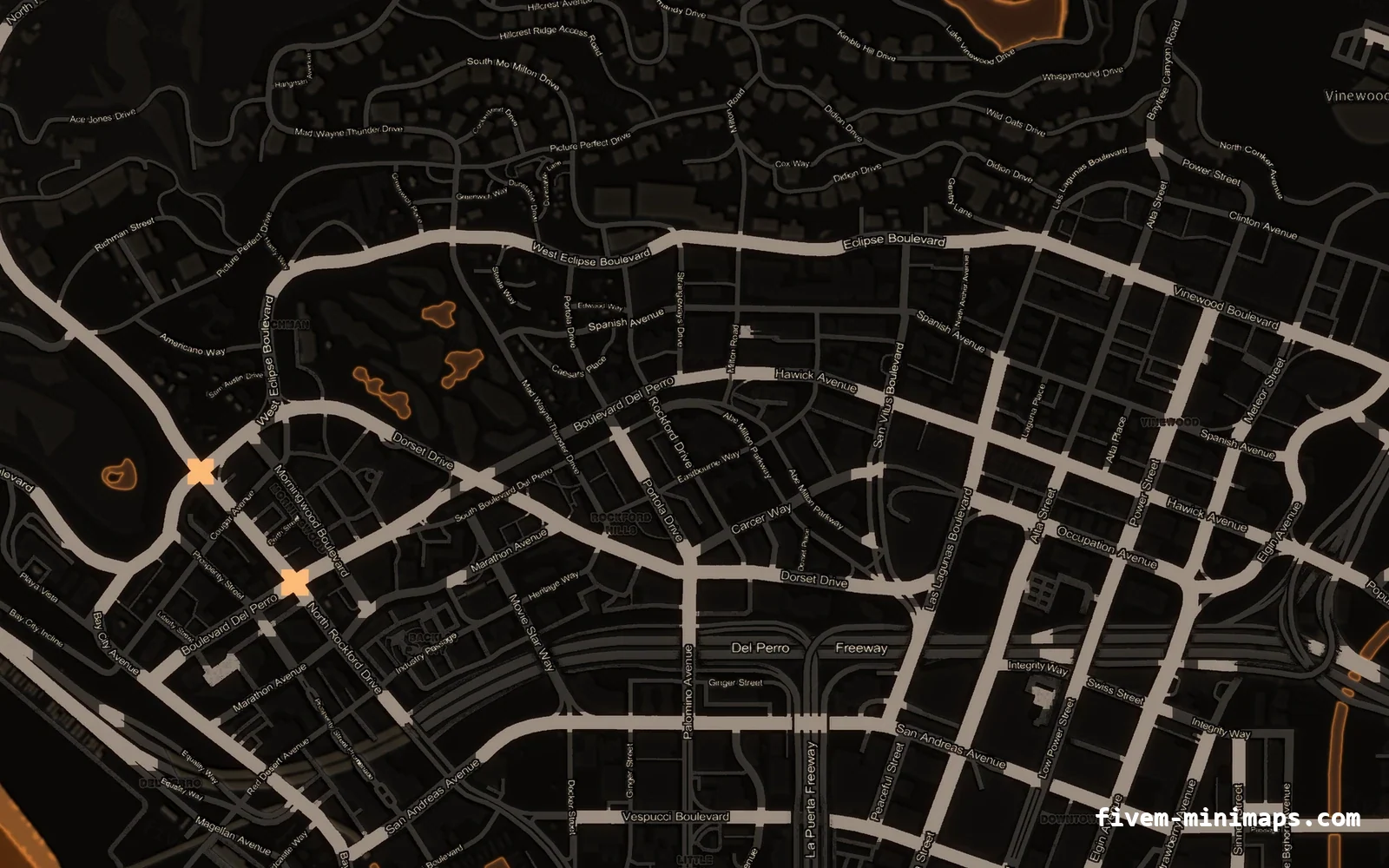
#The whole set in one table
Start with the inventory, because the counts explain the structure. A complete replacement is 78 files in a stream/ folder, and they fall into exactly three groups.
| Files | Count | Format | What it is |
|---|---|---|---|
minimap_0_0 … minimap_2_1 | 6 | .ytd | The land artwork, one dictionary per tile |
minimap_sea_0_0 … minimap_sea_2_1 | 6 | .ytd | The ocean layer, drawn under the land |
minimap_lod_128 | 1 | .ytd | The fully zoomed-out pause map |
minimap_0_2 … minimap_7_6 | 65 | .ydd | The geometry the textures are drawn onto |
78 files, around 22 MB on disk. The counts are the same in every correct replacement, because they are what the game asks for.
#.ytd — the texture dictionary
A .ytd is a dictionary of textures: a named collection, where each entry carries its own pixel data, dimensions, pixel format and mip count. The game asks the streamer for a dictionary by name, and shaders inside the drawables ask that dictionary for a texture by name. Nothing in the system refers to a file path.
Physically it is an RSC7 resource container: a 16-byte header followed by a compressed stream. The two flag words in that header describe the memory the game must allocate before it inflates the payload, which produces the single most important property of the format: the game never looks at the file size. It allocates what the header says and decompresses into it. Inside, pixel data is packed into memory pages, and a texture never straddles a page boundary.
- A few megabytes on disk can be tens of megabytes of physical memory in game. On-disk size is not a memory estimate.
- This is why the server console warns about physical memory per asset rather than about file size. See the oversized assets warning.
- It is also why a
.ytdhas to be written by a tool that recomputes the page layout and the header flags, rather than patched. - A dictionary can hold more than one texture. The minimap uses one per tile, but the format does not require it.
#.dds — the pixel format the art is authored in
DirectDraw Surface is a plain container for GPU-ready pixel data. It is a 128-byte header — a four-byte magic value plus a 124-byte header structure describing dimensions, pixel format and mip count — followed by the surface data itself, mip level after mip level. There is no compression of the file as a whole; what is compressed is the pixel data, by the block format you chose.
For a minimap that format is DXT5, also called BC3. Each 4 × 4 block of pixels becomes 16 bytes — eight for the alpha channel and eight for colour — which works out at exactly one byte per pixel. The arithmetic is easy to check by hand, and useful when you are sizing your own tiles.
| Tile | Base level, DXT5 | With a full mip chain |
|---|---|---|
| 3072 × 3072 | ≈ 9.0 MiB | ≈ 12.0 MiB |
| 4096 × 4096 | ≈ 16.0 MiB | ≈ 21.3 MiB |
| 2048 × 2048 | ≈ 4.0 MiB | ≈ 5.3 MiB |
DXT5 is one byte per pixel. A full mip chain adds about a third on top of the base level.
You author in .dds and you ship .ytd. The .dds files are the working source, which is why the better free packs publish them alongside the resource. oulsen_satmap ships its DDS sources specifically so people can edit the art in Paint.NET and rebuild. A .dds sitting loose in a stream/ folder does nothing at all.
#.ydd — the drawable dictionary
A .ydd holds drawables: meshes, with their vertex data, level-of-detail variants and the shader parameters that say which textures to paint on them. In the minimap’s case the meshes are flat pieces of the map surface, and the shader on each one names the texture dictionary it wants.
That naming is the reason every minimap on every server uses the same file names. The geometry does not know your server exists; it asks the streamer for minimap_1_1 and gets whichever resource loaded that name last. Rename your textures to something unique and the geometry finds nothing, which is an empty map rather than a clever way to avoid conflicts.
- The
.yddfiles are small. They are flat geometry, not models. - They are the same in almost every pack, because there is no reason to change them.
- A pack that ships textures and no geometry relies on the base game’s. That works, but it cannot be mixed with a pack that ships its own.
- Missing geometry shows as a map that is present in the pause menu and absent on the radar, or vice versa.
#minimap.ymt — the game’s own tuning data
.ymt is a binary metadata format. The game uses it for a great many things — scenarios, ped variations, tuning tables — and CodeWalker can convert one to XML so you can read it. minimap.ymt lives with the game’s tuning data, under update.rpf in x64/data/tune, and holds the minimap’s own configuration rather than any artwork.
The practical point for a server owner is short: a minimap resource should not contain one. Everything a texture replacement needs to change is either in the textures themselves or set at runtime from a client script. If a download does ship a minimap.ymt, it is trying to override game tuning data, and you want to know why before you start it. The same goes for anything that declares a data_file entry in its manifest.
If you genuinely need to inspect one, open it in CodeWalker and export the XML. Reading the real file takes a minute and beats every second-hand description of it, including this one.
#mapzoomdata.meta — and its runtime replacement
In single-player modding, the radar and pause-map zoom levels live in mapzoomdata.meta, in the game’s UI data. Every "map is zoomed in too far" mod for GTA V edits this file. On a FiveM server you cannot ship it usefully, because it would have to be installed on every player’s machine, and that is the opposite of what a server-side resource is for.
FiveM solves this with a native that writes the same values at runtime. The mapping is one to one, which makes the meta file the best documentation for the native.
| `SetMapZoomDataLevel` argument | Field in `mapzoomdata.meta` |
|---|---|
| index | The ZOOM_LEVEL entry, 0 to 4 |
| zoomScale | fZoomScale |
| zoomSpeed | fZoomSpeed |
| scrollSpeed | fScrollSpeed |
| tilesX | vTiles x |
| tilesY | vTiles y |
CreateThread(function()
    SetMapZoomDataLevel(0, 0.96, 0.9, 0.08, 0.0, 0.0)
    SetMapZoomDataLevel(1, 1.6,  0.9, 0.08, 0.0, 0.0)
    SetMapZoomDataLevel(2, 8.6,  0.9, 0.08, 0.0, 0.0)
    SetMapZoomDataLevel(3, 12.3, 0.9, 0.08, 0.0, 0.0)
    SetMapZoomDataLevel(4, 22.3, 0.9, 0.08, 0.0, 0.0)
end)
Because this is a runtime call rather than a file, two resources can both make it, and the last one wins. That is why neen-atlasmap tells you in its README to search your other resources for SetMapZoomDataLevel, SetRadarZoom and SetRadarAsInteriorThisFrame and remove the duplicates. The symptom of a duplicate is a map at the wrong scale with nothing in the console. Radar zoom settings covers the values themselves.
#How they are packaged
The packaging is unusually simple, which is worth saying because people expect it to be complicated. A minimap is a map resource with a stream folder and four lines of manifest.
my_minimap/
├─ fxmanifest.lua
├─ client.lua
└─ stream/
   ├─ minimap_0_0.ytd   … minimap_2_1.ytd     (6 land)
   ├─ minimap_sea_0_0.ytd … minimap_sea_2_1.ytd (6 sea)
   ├─ minimap_lod_128.ytd                       (1 LOD)
└─ minimap_0_2.ydd … minimap_7_6.ydd (65 geometry)fx_version 'cerulean'
game 'gta5'
this_is_a_map 'yes'
client_script 'client.lua'- Anything inside
stream/is streamed automatically. There is nofilesblock and nodata_fileline. this_is_a_mapmarks the resource as a map resource.- The folder name is yours; the file names inside
stream/are not. - One
ensureline inserver.cfgand it runs. Full steps in installing a custom FiveM minimap.
#What the wrong format actually does
Format mistakes fail in specific ways, and the symptom usually identifies the cause without any further investigation.
| What you did | What you see |
|---|---|
Renamed a .dds to .ytd | Checkerboard tiles, or nothing at all |
Rebuilt a .ytd without recomputing the header flags | Checkerboard, or the resource fails to load |
| Used DXT1 instead of DXT5 | Hard edges where the map should fade over the world |
| Left textures uncompressed | Oversized-asset warnings, slow first joins, stutter |
| Omitted the mipmap chain | Shimmering and crawling detail on the radar while driving |
| Shipped land tiles and no sea tiles | New island floating on the old ocean |
| Omitted the LOD texture | Pause map goes blank when fully zoomed out |
| Renamed a texture dictionary | Empty map — the geometry asked for a name nobody provides |
Shipped no .ydd while another pack ships its own | Half of one map and half of another |
Shipped a minimap.ymt | Unpredictable. Find out what it is overriding. |
Two of these deserve a note. The checkerboard is the game’s missing-texture pattern, so it always means the streamer could not give the shader a texture, whatever the reason. And the "new island on an old ocean" case is so common in home-made packs that it is worth checking the sea set before anything else when a map looks subtly wrong at the coast.
#Why the names are the whole contract
FiveM streams assets into a flat namespace. There are no folders as far as the streamer is concerned; there is a name and the asset that most recently claimed it. Two resources shipping minimap_1_1.ytd are not coexisting, they are competing, and the winner is decided by load order rather than by anything you configured.
# Linux / Git Bash
find resources -iname 'minimap*.ytd' -o -iname 'minimap*.ydd'

# Windows PowerShell
Get-ChildItem .\resources -Recurse -Include 'minimap*.ytd','minimap*.ydd' | Select-Object FullName
Run that before you buy or build anything. Large map add-ons and prebuilt server bases bundle minimap textures far more often than their descriptions suggest, and the resulting mixture of two maps is usually blamed on the newest resource rather than the oldest. Minimap not showing works through the rest of the diagnosis.
#Inspecting your own files
You do not have to take a pack’s word for what is inside it, and for anything you are about to put on a live server it is worth five minutes.
- Open a
.ytdin CodeWalker and list its textures. Note the dimensions, the pixel format and the mip count of each. - Confirm the format reads as DXT5 or BC3, and that the mip count is a full chain rather than 1.
- Count the files. Thirteen
.ytdand sixty-five.yddis a complete set; far fewer means the pack is relying on the base game for the rest. - Check the total folder size. Around 22 MB is normal for a complete map. Several times that means uncompressed or oversized textures.
- Open
client.luaand read it. It should be a handful ofSetMapZoomDataLevelcalls and nothing else. - Start the server and read the console for oversized-asset lines naming the resource.
The formats behave the same whatever produced them, which is why a map from this shop, a free MIT pack and a commissioned one all install identically and fail identically. Our own exports are the set described above: 78 stream files at 6144 × 9216, DXT5 with mips, around 22 MB, with no framework dependency, so they behave the same on ESX, QBCore, Qbox, vMenu and standalone. The catalogue is at all 36 minimaps, and the branding side is described in custom FiveM minimaps.
Questions
What is a .ytd file in FiveM?
What is the difference between .ytd and .ydd?
.ytd holds textures, .ydd holds geometry. In a minimap the .ydd files are flat pieces of map surface whose shaders name the .ytd dictionaries they want painted onto them.Can I just put .dds files in the stream folder?
.dds is the authoring format. It has to be packed into a .ytd by a tool that writes the container correctly. A loose .dds in a stream folder is ignored, and a .dds renamed to .ytd gives you a checkerboard.Do I need minimap.ymt for a FiveM minimap?
What replaces mapzoomdata.meta on a FiveM server?
SetMapZoomDataLevel native, called once from a client script. Its arguments map field for field onto the meta file: zoom scale, zoom speed, scroll speed and the two tile values, per zoom level.How many files should a complete minimap have?
.ytd dictionaries, six sea ones, one LOD texture and 65 .ydd geometry files, totalling about 22 MB on disk.Ready to pick a map?
Twelve themes on three base map styles, $8 each, instant download.