Blip categories, display modes and indicators in FiveM
Adding a blip takes three lines. Making fifty blips read well on the pause map takes rather more thought. Big roleplay servers end up with garages, shops, job centres, gang turf and player houses all competing for the same space, and the legend on the right side of the pause map turns into a long, unsorted list. GTA V has the tools to fix this: legend categories you can name yourself, display modes that decide where a blip appears, draw priority, and a set of indicators Rockstar built for GTA Online. This guide goes through all of them with the values you actually need.
Short answer: SetBlipCategory(blip, index) groups blips in the pause-map legend: 1 and 2 are ordinary blips without and with distance, 7 is Other Players, 10 and 11 are Property and Owned Property, and 12 to 133 are custom named categories whose headings you set with AddTextEntry('BLIP_CAT_' .. index, 'Name'). SetBlipDisplay decides where a blip is visible (2 for both maps, 3 for the pause map only, 5 for the minimap only, 8 for both but not selectable). Indicators such as ShowHeadingIndicatorOnBlip and SetBlipAsFriendly add GTA Online styling.
#How the legend groups blips
The legend on the pause map lists every blip on the map, grouped. By default the grouping is by sprite and name: all blips called "Garage" with the same icon collapse into one legend entry, and highlighting it highlights all of them. That is why naming matters more than people expect; ten garages with ten slightly different names produce ten legend lines.
Categories override that default. A blip with a category from 7 upwards is listed under that category's heading regardless of its sprite or name. Categories below 7 do not create headings, but category 2 also shows the distance to the blip in the legend, which is handy for job destinations.
| Index | Legend behaviour | Heading label |
|---|---|---|
| 1 | Ordinary blip, no distance in the legend | none |
| 2 | Ordinary blip, distance shown in the legend | none |
| 7 | "Other Players" heading, with distance | BLIP_OTHPLYR |
| 10 | "Property" heading | BLIP_PROPCAT |
| 11 | "Owned Property" heading | BLIP_APARTCAT |
| 12–133 | Custom named categories | BLIP_CAT_ + index |
| 134–254 | Custom unnamed categories | none |
SetBlipCategory values (the index wraps after 255)
#Custom named categories
For categories 12 to 133 the heading shown in the legend is a text label named BLIP_CAT_ followed by the number. FiveM's AddTextEntry creates or overrides labels at runtime, so naming a category is a single call per category.
local CATEGORIES = {
    [12] = 'Garages',
    [13] = 'Shops',
    [14] = 'Jobs',
    [15] = 'Government',
}

for index, name in pairs(CATEGORIES) do
    AddTextEntry('BLIP_CAT_' .. index, name)
end

local function addCategorisedBlip(coords, sprite, colour, name, category)
    local blip = AddBlipForCoord(coords.x, coords.y, coords.z)
    SetBlipSprite(blip, sprite)
    SetBlipColour(blip, colour)
    SetBlipScale(blip, 0.8)
    SetBlipAsShortRange(blip, true)
    SetBlipCategory(blip, category)
    BeginTextCommandSetBlipName('STRING')
    AddTextComponentSubstringPlayerName(name)
    EndTextCommandSetBlipName(blip)
    return blip
end

addCategorisedBlip(vector3(215.8, -810.1, 30.7), 357, 3, 'Legion Square Garage', 12)
Call AddTextEntry before the pause map is opened; it is cheap, so doing it at resource start is fine. Two resources using the same category number will share a heading, and the last AddTextEntry wins the name, so reserve number ranges per resource if several teams write blip scripts for your server.
#Display modes: where a blip appears
SetBlipDisplay(blip, displayId) controls whether a blip shows on the minimap, the pause map, or both, and whether it can be selected on the pause map. Rockstar's own scripts use only a handful of values; the rest are duplicates or hide the blip entirely.
| Value | Behaviour |
|---|---|
| 0, 1, 7 | Hidden everywhere |
| 2 | Pause map and minimap, selectable (normal) |
| 3, 4 | Pause map only, selectable |
| 5, 9 | Minimap only |
| 6 | Pause map and minimap, selectable |
| 8, 10 | Pause map and minimap, not selectable |
Pause-map-only blips (3) suit things players look up but do not need while driving: dealerships, city hall, clothing shops. Minimap-only blips (5) suit transient markers such as the next checkpoint. Non-selectable blips (8) are good for decorative or area markers the cursor should not snap to.
#Priority, scale and brightness
When blips overlap, SetBlipPriority(blip, priority) decides which one draws on top; a higher value wins. Give job destinations and player blips a higher priority than static shops so the important icon is never hidden behind a clothing store.
SetBlipScale(blip, scale): uniform size. 0.7–0.9 for ordinary locations, 1.0 for landmarks.SetBlipScaleTransformation(blip, xScale, yScale): non-uniform scale, added in game build 1734.SetBlipShrink(blip, true): the blip shrinks when it is clamped to the edge of the minimap.SetBlipBright(blip, true): a brighter shade of the blip colour, useful to lift one blip out of a group.SetBlipHiddenOnLegend(blip, true): keeps the blip on the map but removes it from the legend.
#GTA Online indicators
Rockstar built a set of small overlays for player blips in GTA Online. They all work on any blip you create, which makes them useful for job and faction markers.
| Native | Effect |
|---|---|
SetBlipAsFriendly(blip, true/false) | Switches colours that have a friendly/enemy variant to blue or red |
ShowHeadingIndicatorOnBlip(blip, true) | Adds the heading cone used on player blips |
ShowOutlineIndicatorOnBlip(blip, true) | Adds a coloured ring; colour set with SetBlipSecondaryColour |
ShowCrewIndicatorOnBlip(blip, true) | Left half ring, the crew marker |
ShowFriendIndicatorOnBlip(blip, true) | Right half ring, the friend marker |
ShowTickOnBlip(blip, true) | Green check mark on the blip |
ShowNumberOnBlip(blip, n) / HideNumberOnBlip(blip) | Small number on the blip |
SetBlipSecondaryColour(blip, r, g, b) takes an RGB colour, unlike SetBlipColour, so outlines can match your server's colours exactly. The outline overrides the crew and friend half rings when both are on.
local stops = {}

local function markStops(points)
    for i, p in ipairs(points) do
        local blip = AddBlipForCoord(p.x, p.y, p.z)
        SetBlipSprite(blip, 1)
        SetBlipColour(blip, 5)
        ShowNumberOnBlip(blip, i)
        SetBlipCategory(blip, 2)
        stops[i] = blip
    end
end

local function completeStop(i)
    local blip = stops[i]
    if not blip then return end
    HideNumberOnBlip(blip)
    ShowTickOnBlip(blip, true)
    SetBlipColour(blip, 2)
end#Flashing, fading and alpha
For a blip that needs attention, such as a panic button or a new call, flash it for a few seconds instead of leaving it flashing forever. Permanent flashing trains players to ignore it.
SetBlipFlashes(blip, true)
SetBlipFlashInterval(blip, 250)
SetBlipFlashTimer(blip, 8000)

SetBlipAlpha(blip, 128)
SetBlipFade(blip, 0, 3000)
SetBlipFlashTimer flashes for the given number of milliseconds and stops; SetBlipFlashInterval sets the flash speed. SetBlipAlpha takes 0–255, and SetBlipFade(blip, opacity, duration) animates towards a target opacity, which is a tidy way to let an old dispatch call fade out before you remove it.
#Common mistakes
| Mistake | What players see | Fix |
|---|---|---|
| Unique names per location | Dozens of legend lines for one kind of place | Same name for same kind, or a shared category |
| Custom category without a label | Blank heading in the legend | AddTextEntry('BLIP_CAT_' .. index, name) |
| Everything long range | Minimap covered in icons | SetBlipAsShortRange(blip, true) for static places |
| Display 0 used to "hide for now" | Blip gone, still counted and kept in memory | Remove the blip and recreate it later |
| Flashing left on | Players stop noticing flashes | SetBlipFlashTimer so it stops by itself |
| Two resources, one category number | Heading renamed by whichever loaded last | Reserve category ranges per resource |
A final practical point: the legend only shows blips that exist on the client. If your framework creates job blips only after the player loads, a player who opens the map in the first seconds sees a shorter legend. That is normal and resolves itself, but it is worth knowing before you debug a "missing" category.
Categories are also the cleanest way to make big server maps searchable. Players scroll the legend to find "Garages" far more often than they pan the map looking for an icon, so a short list of well-named headings does more for navigation than any number of extra blips.
#A category scheme for a roleplay server
| Category | Contents | Display | Short range |
|---|---|---|---|
| 12 Garages | Public garages, impounds | 2 | Yes |
| 13 Shops | Stores, clothing, barbers | 2 | Yes |
| 14 Jobs | Job centres, job start points | 2 | Yes |
| 15 Government | Police, hospital, city hall | 2 | No |
| 16 Services | Mechanics, dealerships | 3 | n/a |
| 2 | Current job destination | 2 | No |
| 7 | Colleagues' player blips | 2 | No |
Keep sprites and colours consistent inside each category; the sprite and colour reference has the ids. Blip basics, including job-only blips and clean-up on resource stop, are in the blips guide, and live colleague positions are covered in player blips on OneSync.
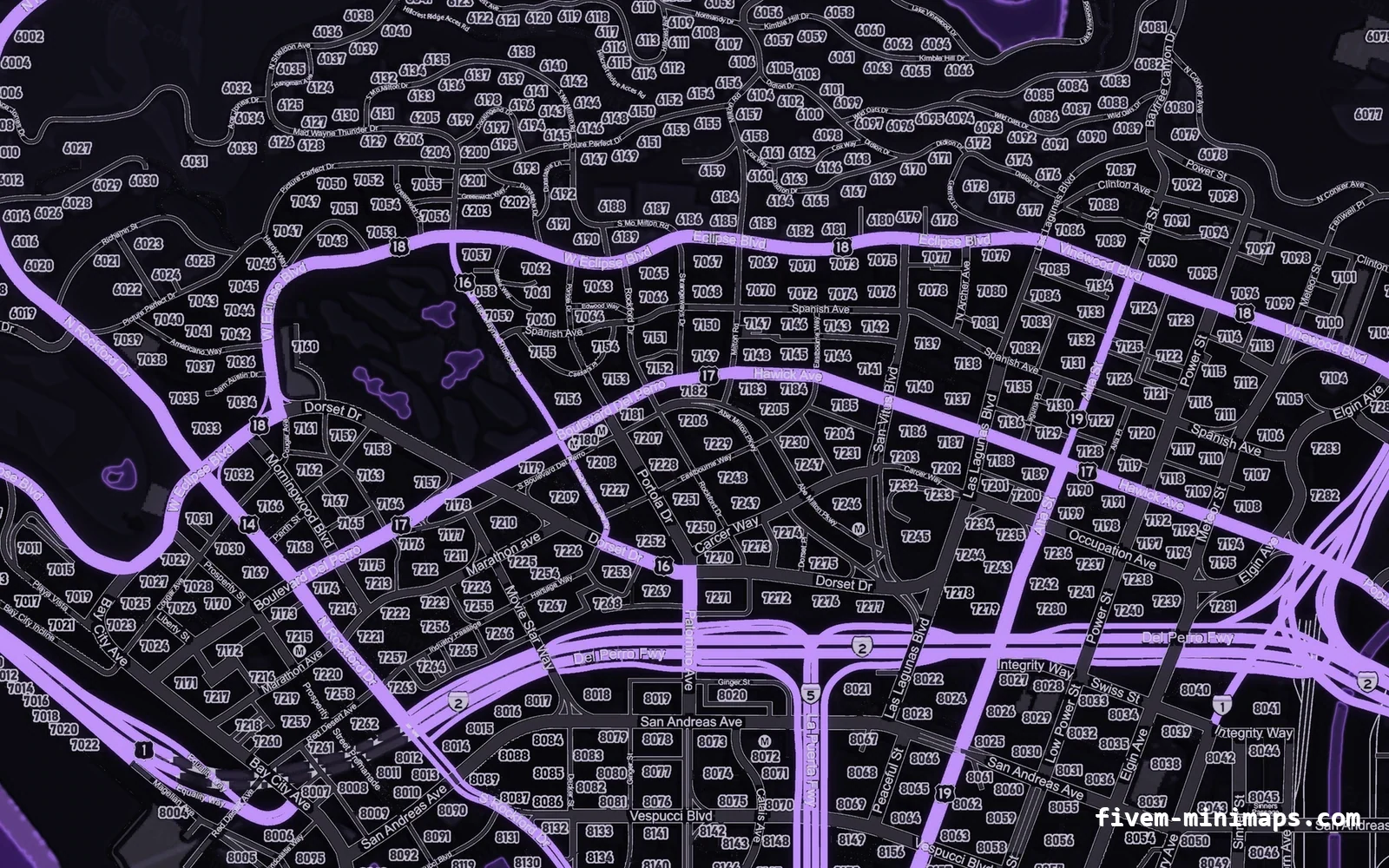
A readable map also depends on what is under the icons. On a busy vanilla satellite map, small blips blur into the terrain; a flatter, high-contrast minimap gives the same icons far more separation.
Questions
How do I name a blip category in FiveM?
SetBlipCategory, then call AddTextEntry('BLIP_CAT_' .. index, 'Your name') for that index.How do I show a blip only on the pause map?
SetBlipDisplay(blip, 3). Use 5 for minimap only and 2 for both.How do I add the heading arrow to a blip?
ShowHeadingIndicatorOnBlip(blip, true) adds the GTA Online heading cone.Why do my blips all appear as separate legend lines?
How do I make a blip flash for a few seconds?
SetBlipFlashes(blip, true) and SetBlipFlashTimer(blip, ms); it stops by itself when the timer runs out.Ready to pick a map?
Twelve themes on three base map styles, $8 each, instant download.
Relevant to what you just read