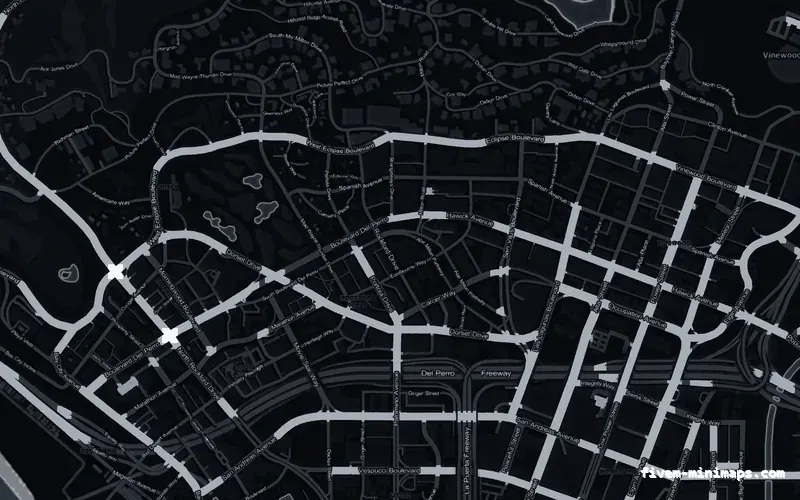
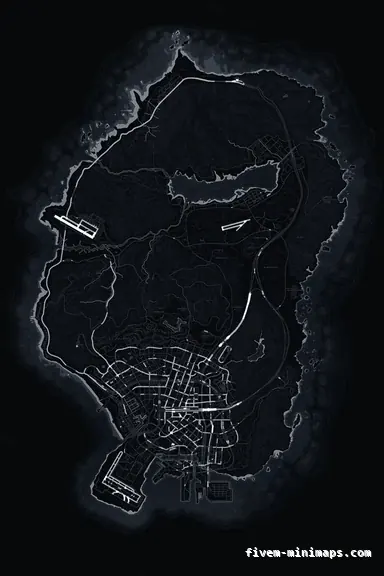
 No postals — Black
BlackOBSIDIAN
Neutral under the blue and green qb-hud accents.
6144 × 9216 px · 78 files · without postal codes$8.00+ $1 / elementView the Black no postals minimap
QBCore servers already run a long resource list, and the last thing a map should do is add another thing that can break on restart. Every map in this shop is a stream-only resource: it replaces the twelve texture dictionaries the base game already loads and sets the radar zoom levels, and that is the whole of it. qb-core, qb-hud, qb-inventory and everything else keep working exactly as before.
Three concrete recommendations rather than a shrug — with the reason attached.
No postals — BlackNeutral under the blue and green qb-hud accents.
6144 × 9216 px · 78 files · without postal codes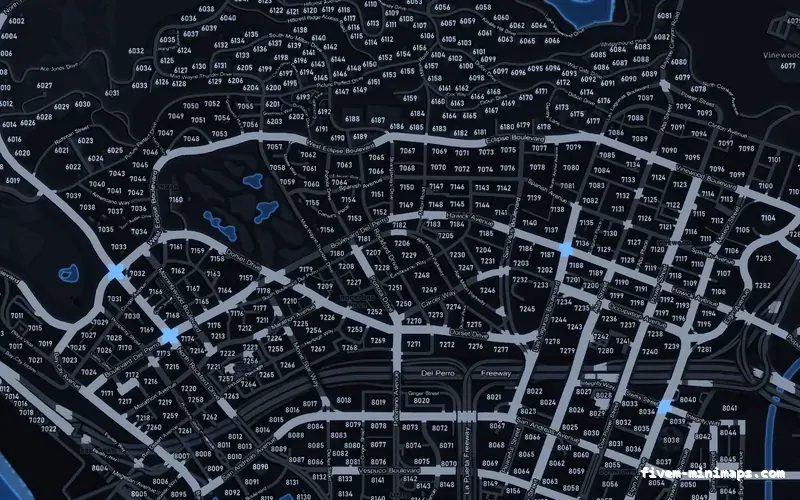
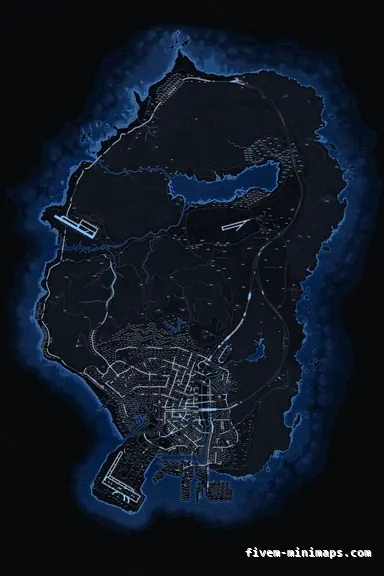 Postal codes — Blue
Matches the default QBCore palette without shouting.
6144 × 9216 px · 78 files · with postal codes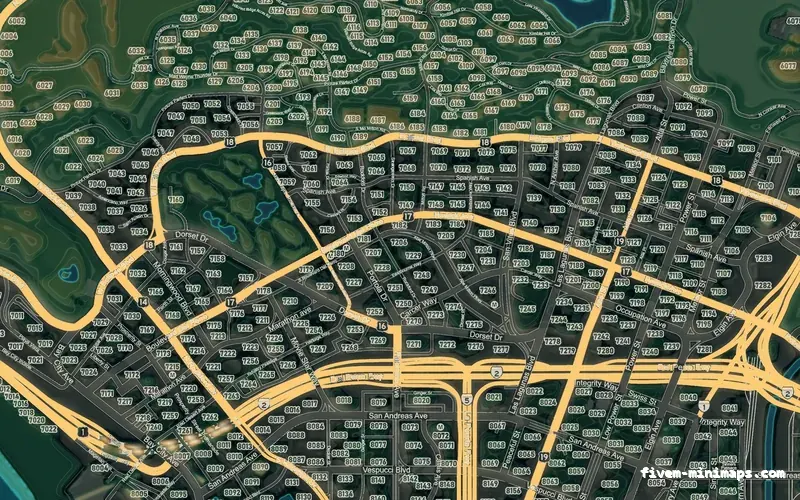
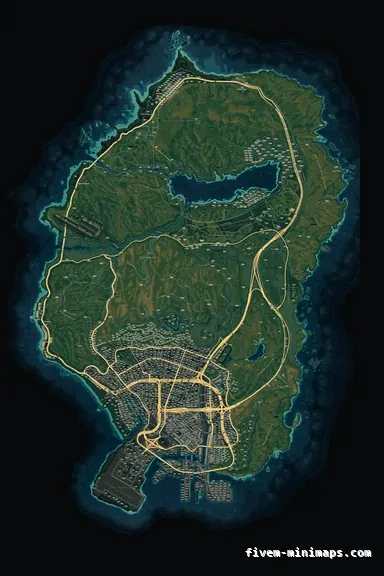 Google style — Mixed dark
For servers that have rebuilt the HUD and want the map to match.
6144 × 9216 px · 78 files · google styleDrop the folder into [standalone] or any resources subfolder and add it to server.cfg. Load order does not matter against qb-core because there is nothing to depend on — the resource has no server file, no shared file and no exports.
The only client code in the download sets the radar zoom levels so the new textures line up with the game world. It runs once, on resource start, and then does nothing for the rest of the session.
qb-hud draws the radar frame, the compass and the status rings; the map is what shows through underneath. Because the two never touch the same file, changing the map never breaks the HUD and updating the HUD never breaks the map.
If your HUD already carries strong colour, the monochrome and grey palettes stay out of the way. If the HUD is deliberately plain, the colour themes are what people notice first.
A lot of QBCore servers run a postal resource that draws codes as text on the map. If yours does, take the no postals base map so the two do not print numbers on top of each other. If you do not run one, the postal codes base map bakes the grid straight into the texture and you need no extra resource at all.
Open the live preview and look at any street on any theme before you spend a cent.